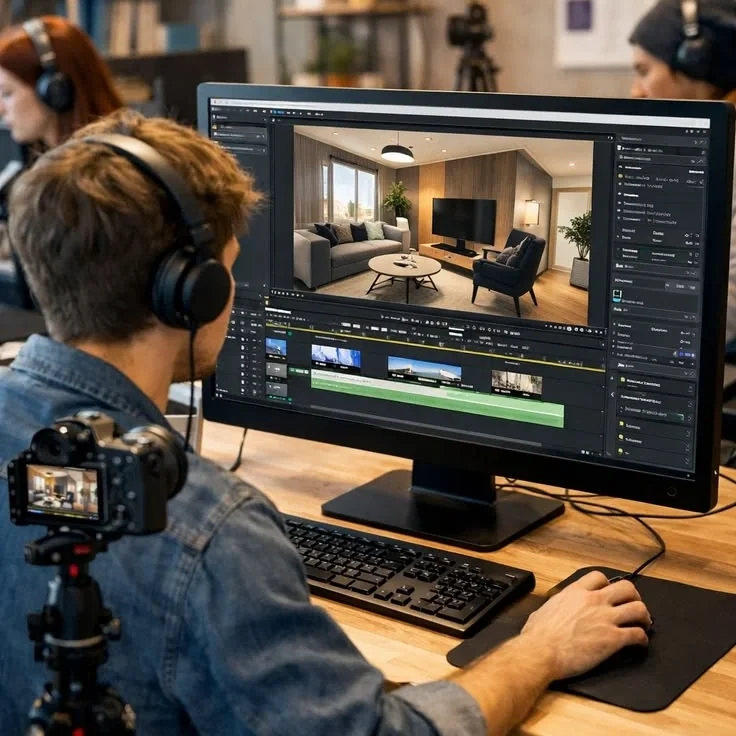
AI Filmmakers and Previz Directors
Directors who build scene reels in Flow need producers watching the shot, not the logo. FlowChartAI turns watermarked previz into a cleaner cut you can screen in a review without apology.
Upload a video and automatically remove watermarks or subtitles with AI
Click or drag video here
Supports MP4/MOV format, max 20MB, up to 10 minutes
FlowChartAI clears the visible sparkle or Veo wordmark from clips you already exported in Google Flow. Upload the MP4, let the AI restore the corner frame by frame, and download a client-ready file with native audio and resolution intact. Try it free in your browser — Google Flow AI watermark remover is a watermark cleaner, not another video generator.
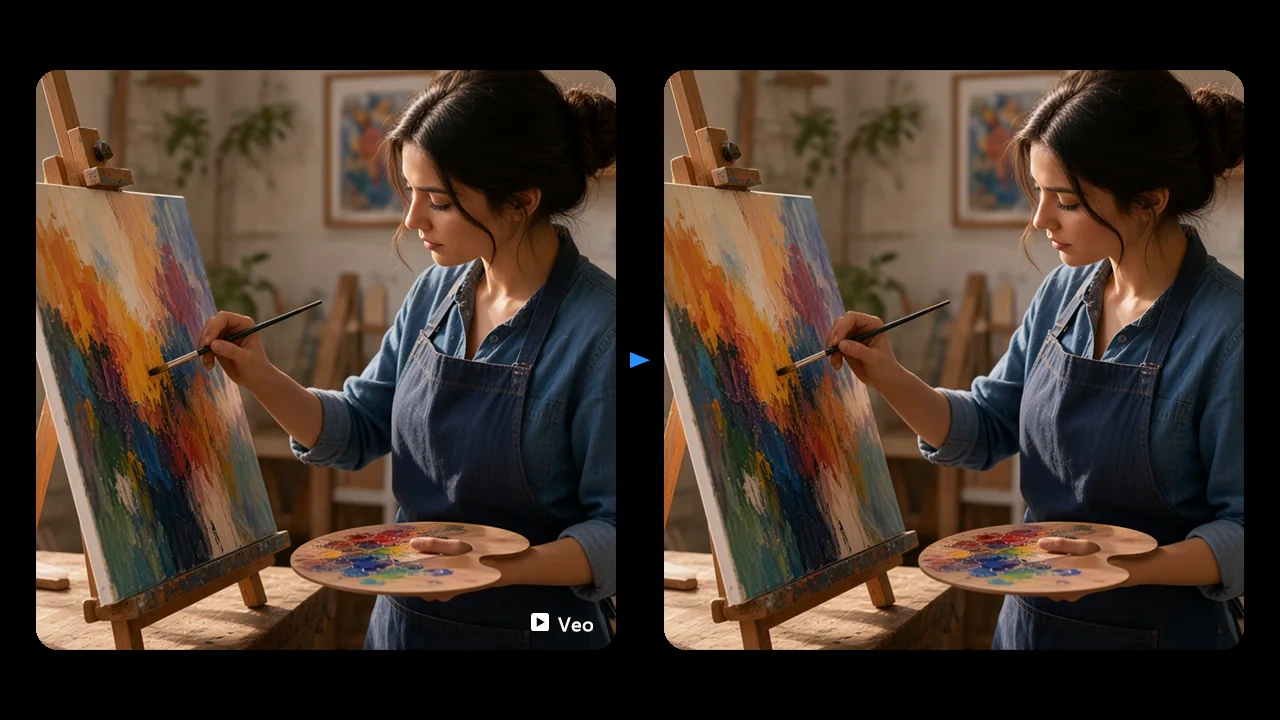
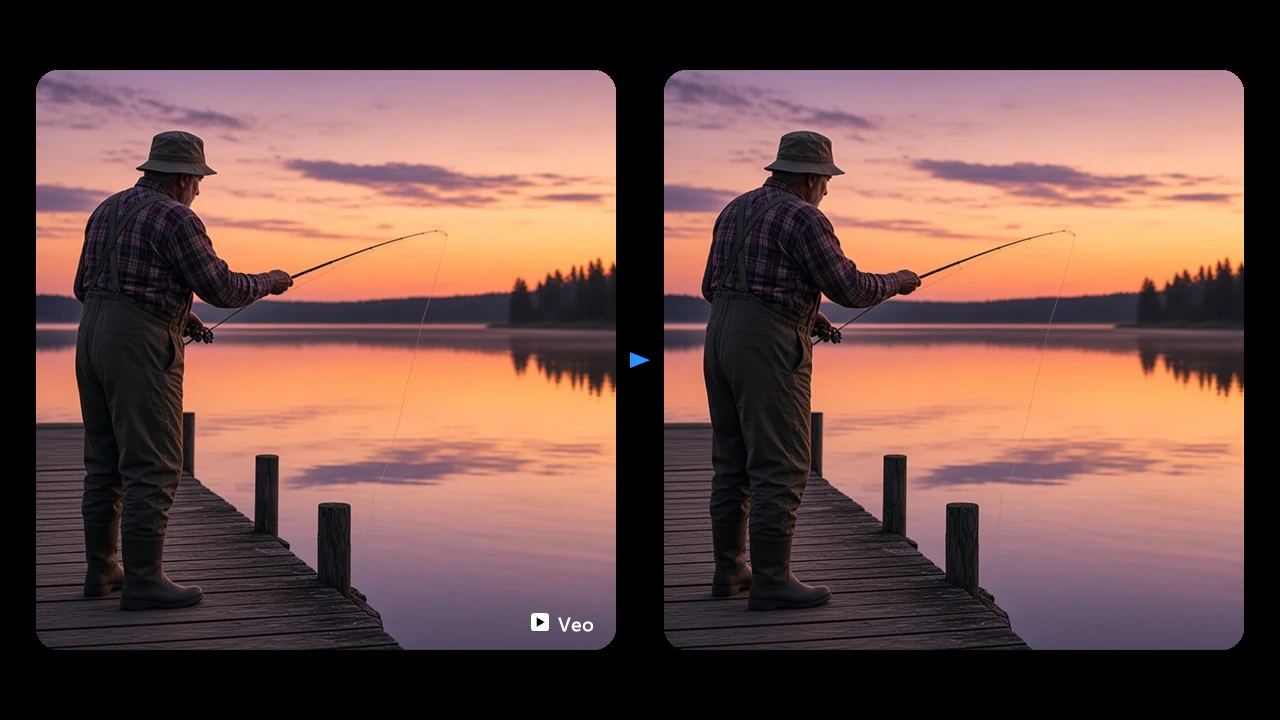
FlowChartAI's Google Flow watermark remover is an online cleanup tool for videos generated in Google Flow, Google's AI filmmaking workspace powered by Veo and Gemini Omni. It does not create new shots — it takes the file you already exported and removes the visible logo stamped in the corner. The engine tracks that overlay across every frame, rebuilds the pixels underneath, and leaves dialogue, sound design, and resolution untouched. Whether the clip came from a text prompt, a first-and-last-frame transition, or an ingredients-to-video pass, the job stays the same: a clean Flow export you can drop into an edit or a campaign without the mark competing with the picture.
Finish the shot in Flow as you normally would — text to video, frames to video or a reference-driven clip — then download the MP4. FlowChartAI works on that exported file, so you keep the original generation credits and timeline inside Flow.
Drop the video into FlowChartAI. The model locates the Flow AI logo or Veo wordmark, follows it through landscape or vertical frames, and reconstructs the corner instead of blurring or cropping the shot.
Check the restored region at native quality, then save the result. Audio stays synced, and the export is ready for a cut, a storyboard deck, or a social upload.
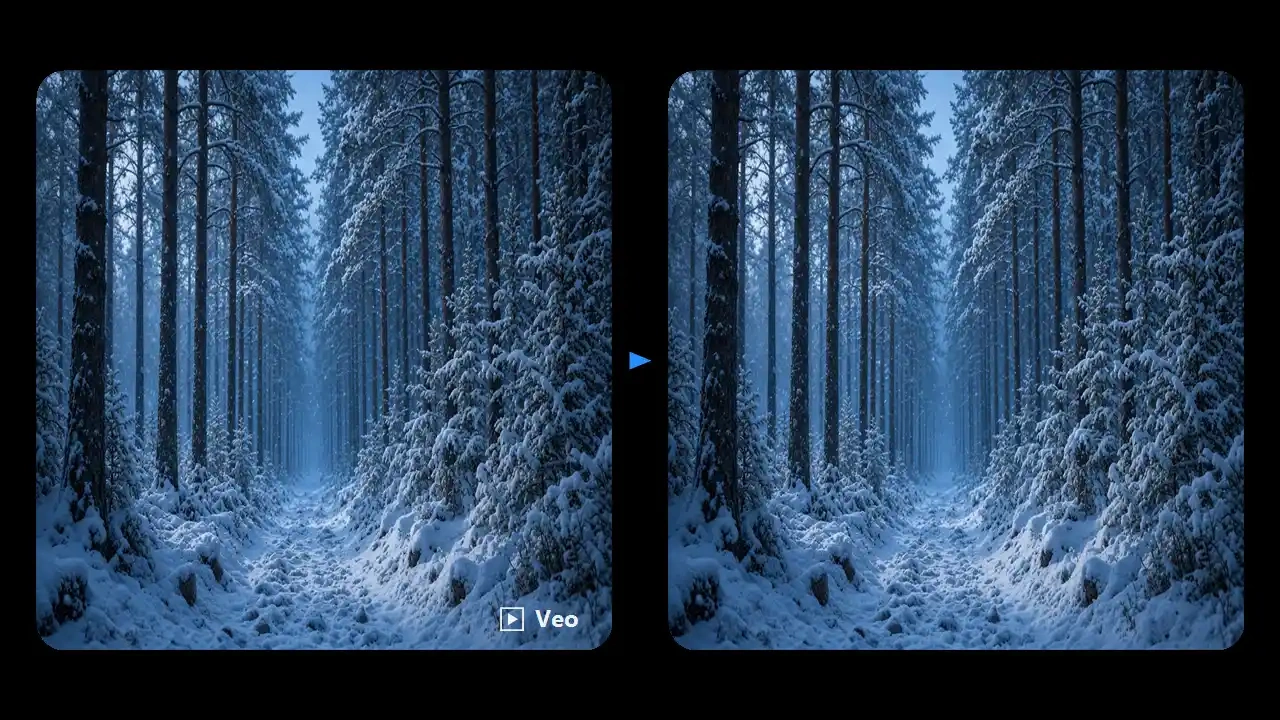
Veo 3.1 Quality clips in Flow are built for texture, camera motion, and prompt-accurate lighting — which makes a corner watermark especially distracting in a pitch reel. FlowChartAI's google flow AI video watermark remover tracks that overlay through moving backgrounds instead of painting a static patch. You keep the cinematic grade you already paid credits for, and the restored corner holds up when a producer scrubs the timeline.
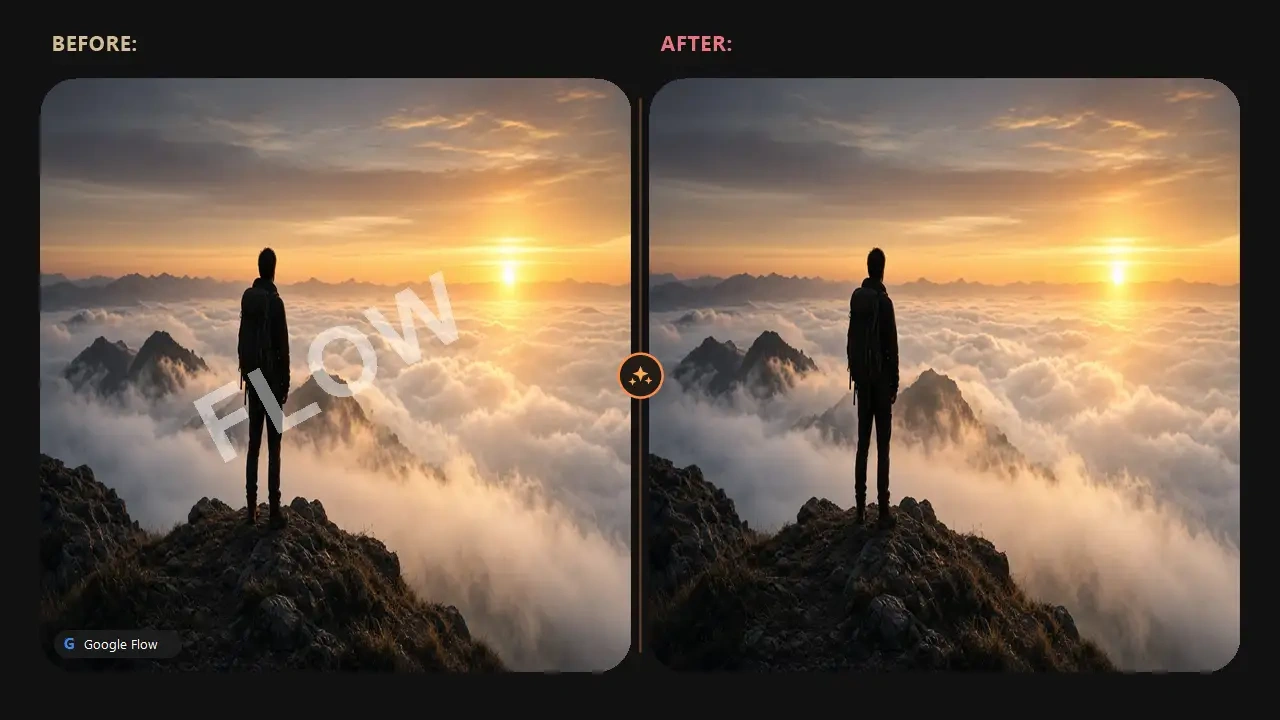
Gemini Omni Flash is the fast path in Flow for 9:16 drafts and 10-second social cuts. Those portrait exports still carry a visible mark that reads poorly on Reels or Shorts. FlowChartAI treats the vertical frame as a first-class input, so the logo is lifted without chopping the lower third or shrinking the subject. The result is a Flow AI logo remove pass that looks native to the phone screen, not cropped from a landscape master.
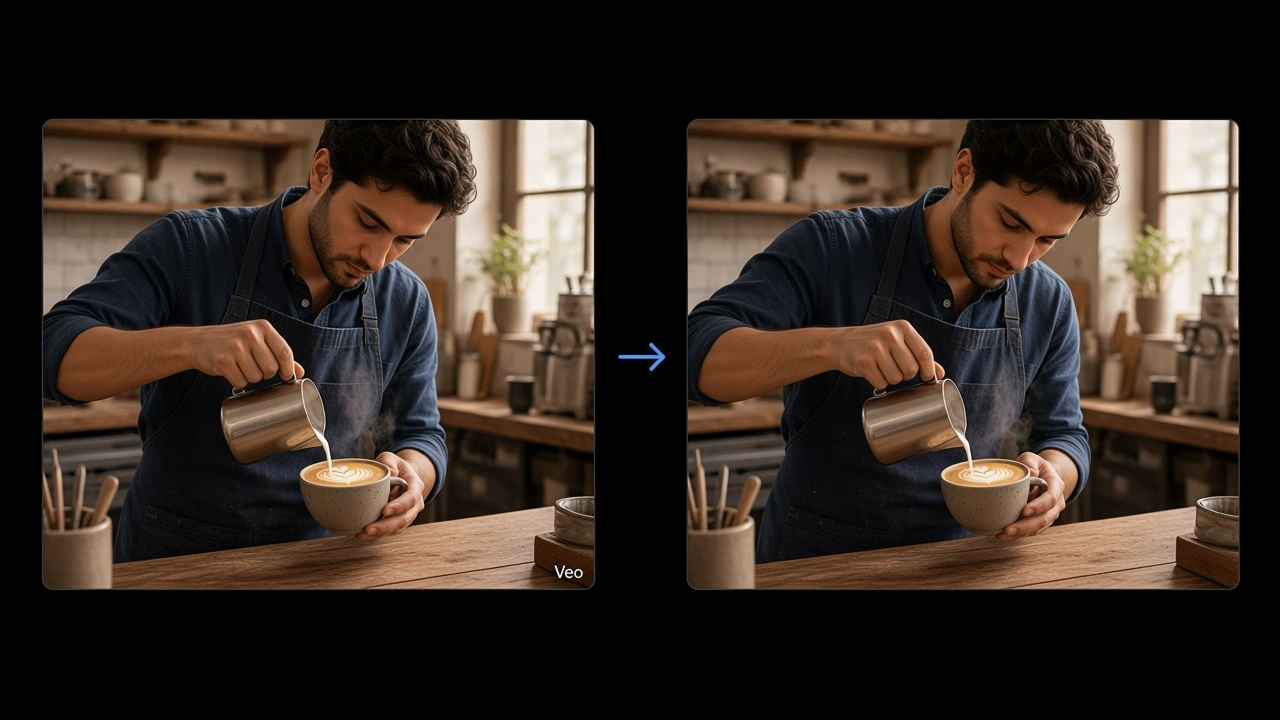
Ingredients-to-video and frames-to-video are why teams use Flow: the same character, wardrobe, and set can hold across a short sequence. A watermark on every shot breaks that continuity in an edit. FlowChartAI processes each exported beat independently, then returns files that still match each other in color and framing. That is the practical way to remove watermark from Google Flow video when the story already exists and you only need the mark gone.
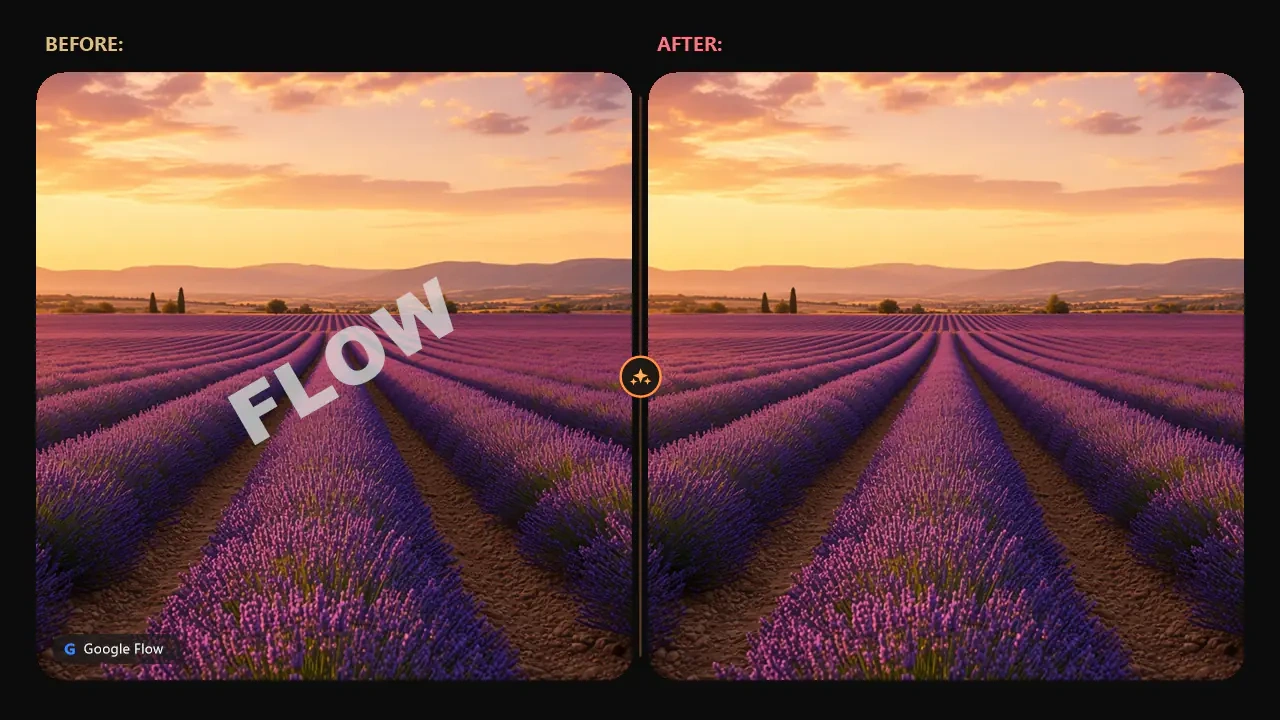
Flow now carries dialogue, ambience, and effects with the picture, and Extend can grow an 8-second Veo shot without rebuilding the story from scratch. Generic removers often re-encode the whole file and smear the soundtrack. FlowChartAI isolates the video stream, restores the watermarked region, and remuxes the original audio so lip sync and room tone stay locked. Use it when the clip is already long enough and you refuse to lose the sound pass you liked.
Directors who build scene reels in Flow need producers watching the shot, not the logo. FlowChartAI turns watermarked previz into a cleaner cut you can screen in a review without apology.

Paid social and brand teams often generate first-pass ads in Flow, then hit platform review with a visible AI mark. Cleaning the export before upload keeps the creative focused on the offer.

Creators who draft in Omni Flash and finish in a phone editor want a watermark-free master. FlowChartAI gives them that file online, without installing a desktop suite for a five-second clip.
A general video watermark remover treats every overlay like a random sticker. FlowChartAI is tuned for the sparkle and Veo wordmark that appear on Flow exports, so the corner is reconstructed instead of smeared. That difference shows up on busy textures — water, fabric, night streets — where blur tools fail first.
Flow credits are expensive enough that you should not downscale a 1080p or 4K export just to hide a logo. The remover works at source resolution and keeps the original audio mux, which matters for clips that already have native speech or effects.
You do not need to regenerate the shot or wait for a desktop CLI. Upload the file you already downloaded from Flow, run the pass in the browser, and move on. The three-month free trial on FlowChartAI makes it easy to test on real exports before you commit a whole batch.