
Finance & Accounting Professionals
Ideal for converting invoices, expense screenshots, and scanned financial statements. Easily convert JPG to Excel or extract a picture to Excel table for faster reconciliation and reporting.
Upload your files and start AI-powered conversion with one click.
Click or drag files here
Supports JPG, JPEG, PNG, BMP, GIF format, max 10MB per file, up to 5 files
Upload an image with clear text
Conversion may fail due to file content or format; results may vary
Quickly convert image-based tables into editable Excel sheets. FlowChartAI helps you transform JPG or PNG files into structured Excel tables online, extracting data accurately for analysis, reporting and reuse.
FlowChartAI’s image to Excel converter is an AI-powered workflow tool designed to convert images into editable Excel tables with speed and accuracy. It allows you to convert JPG or PNG files to Excel format, automatically detecting rows, columns and table structures. Whether you need to convert a picture to Excel, transform a table image into an XLS sheet, or use an image to Excel converter online free, FlowChartAI helps extract data cleanly and reliably—turning visual information into structured spreadsheets ready for analysis and reuse.
Upload a JPG, PNG, or photo to the image to Excel converter online. Whether you want to convert JPG to Excel, convert a picture to Excel, or process a table screenshot, simply drag and drop your file to get started.
Our AI automatically scans the image, recognizes rows and columns, and converts the image to an Excel table. It supports conversion from JPG to XLS or PNG to Excel format while preserving structure and numeric accuracy.
Preview the extracted data, then download your image to Excel sheet as an editable XLSX file. You can instantly analyze, calculate, and reuse the spreadsheet without manual retyping.
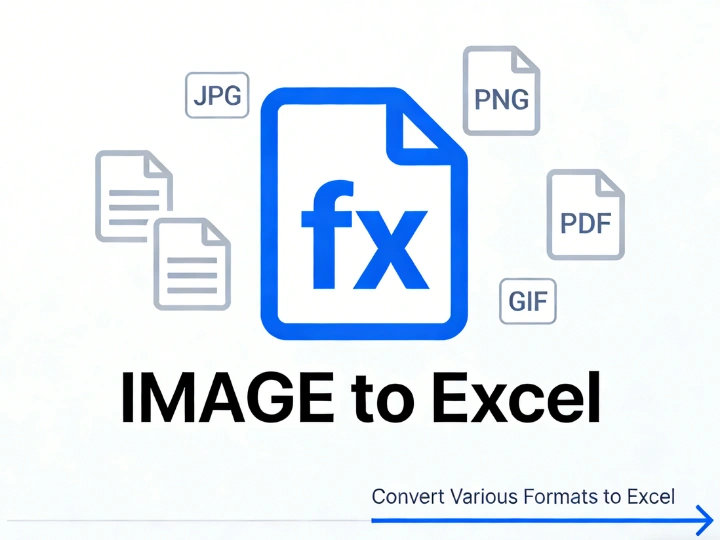
Quickly convert image to Excel table when working with photographed invoices, printed reports, or screenshots of data. Instead of manually retyping numbers, you can convert a picture to Excel and receive a structured Excel sheet with properly recognized rows and columns ready for calculations.

Easily convert JPG to Excel format or convert PNG to XLS when dealing with exported charts, scanned documents, or shared image files. The image to XLS converter online detects table layouts and transforms them into clean, editable spreadsheets without breaking formatting.

When you need to convert table image to Excel for reporting or budgeting, FlowChartAI accurately extracts numerical data and preserves alignment. Whether performing a conversion of JPG to Excel or using an online JPG to XLS converter, the output remains analysis-ready.

Capture data using your phone and convert photo to Excel in seconds. The image to Excel converter online free allows you to upload images directly and generate an organized Excel sheet, making photo-to-spreadsheet workflows simple and efficient across devices.
Ideal for converting invoices, expense screenshots, and scanned financial statements. Easily convert JPG to Excel or extract a picture to Excel table for faster reconciliation and reporting.

Perfect for transforming printed reports, order lists, or logistics sheets. Use the image to XLS converter online to convert table images to Excel without manual data entry.

Designed for extracting structured data from charts, survey images, or archived documents. Convert PNG to Excel or transform a photo to Excel sheet for clean datasets ready for analysis.
Unlike basic tools that only perform simple image parsing, FlowChartAI uses advanced table detection to accurately convert an image to Excel with preserved structure and numeric alignment. Whether you need to convert PNG to Excel or complete a full conversion of JPG to Excel format, our engine intelligently identifies rows, columns, and merged cells—reducing manual cleanup after export.
Our image to Excel converter online runs securely in your browser environment, eliminating risky file transfers or mandatory software downloads. You can convert JPG to XLS online or use the online image to XLS converter without complex setup, making it a reliable choice for teams handling sensitive operational or financial documents.
Many tools simply insert pictures in Excel, but FlowChartAI delivers fully editable spreadsheets. When you convert a picture to an Excel table or transform a photo to Excel sheet, the output is structured for sorting, filtering, and formulas—so you can move directly from image to actionable data without reformatting.