
Photographers and Clients Reviewing Proofs
When a proof stamp blocks a crop or a retouch test, a photo watermark remover lets you evaluate the actual image. Use it only on files you have permission to finalize.
Brush or describe what to remove, then generate a clean image
Upload Image
Upload an image, then brush over what you want to remove
FlowChartAI removes visible watermarks from still pictures and rebuilds the pixels underneath, so texture and color stay consistent. Upload a photo, let the AI isolate the stamp or logo, and download a clean image you can edit or deliver. Try it free online — AI watermark remover is for pictures only, not video files.
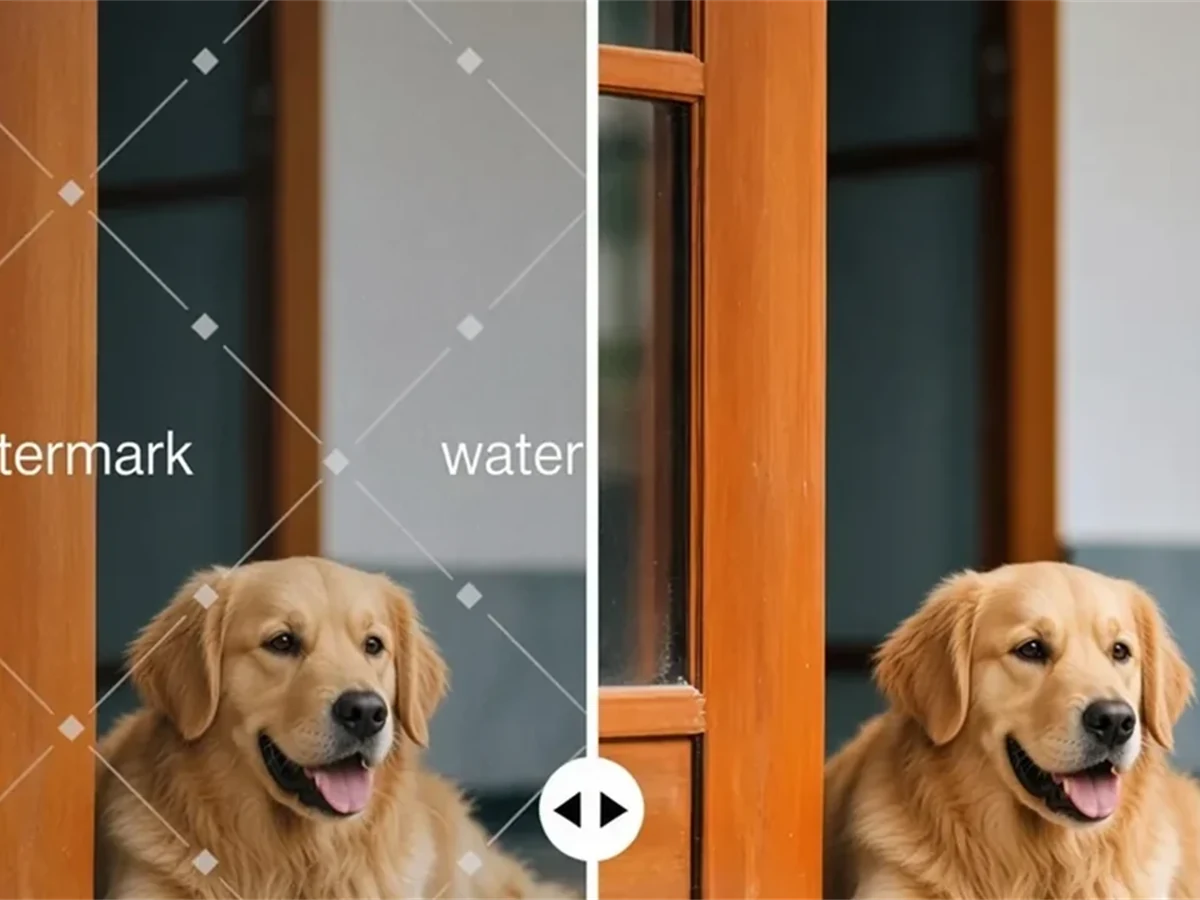
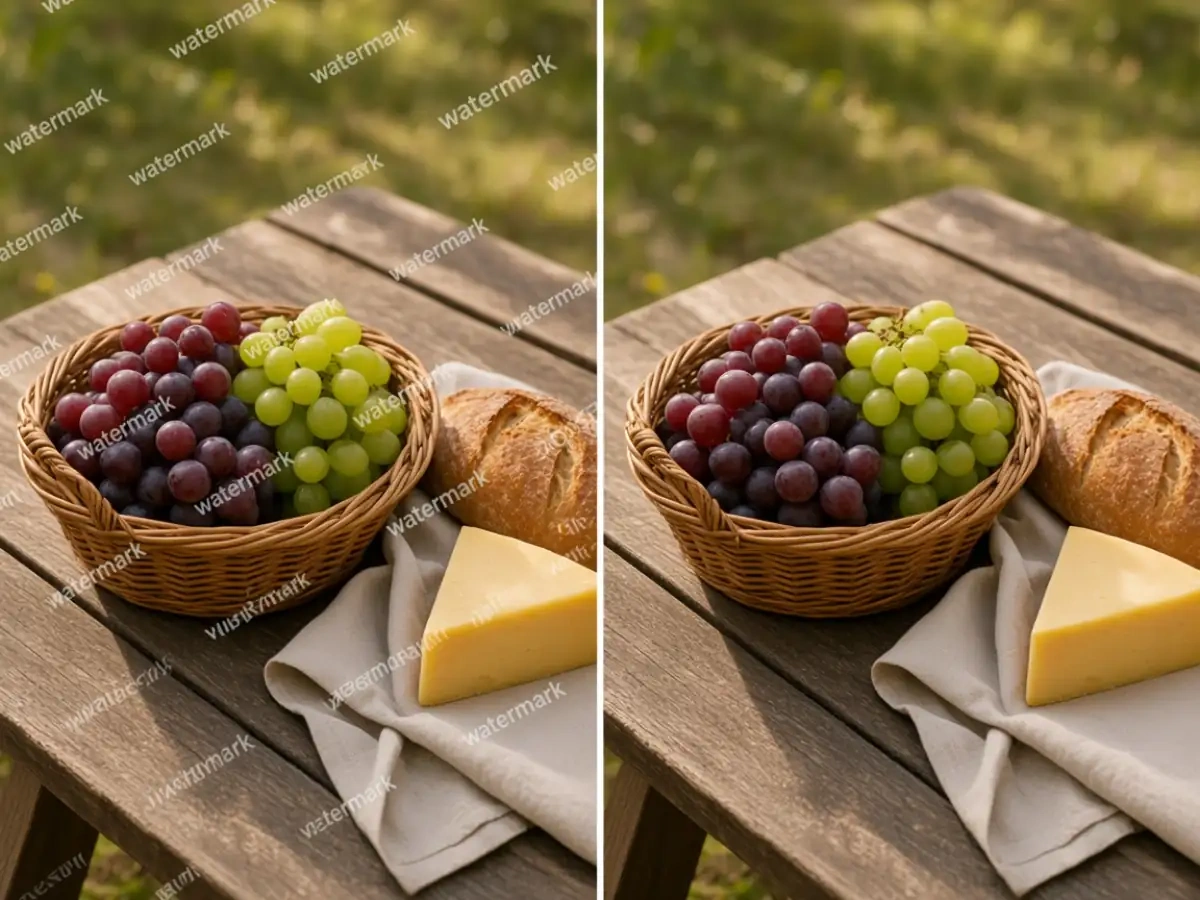
FlowChartAI's image watermark remover is an AI photo editor that deletes overlay marks from a still photo — photographer proof stamps, brand logos, and tiled text — then reconstructs the surface they covered. It is not an object eraser for people or clutter in the scene, and it is not a video cleaner. You upload a picture, the model maps the watermark region, and the fill follows local grain, skin, fabric, or sky so the result reads as one photograph. Use it when you already have the image file and only the stamp is standing between you and a usable master.
Add a JPG, PNG, or WEBP from your camera roll or downloads. FlowChartAI works on the still image you already saved, including proof files and logo-stamped exports.
The engine finds the watermark or logo overlay, then reconstructs the covered pixels using nearby texture and lighting. You do not need to clone-stamp the mark by hand.
Check the restored region at full size, then download. The rest of the photo stays untouched and ready for a layout, a listing, or a print.
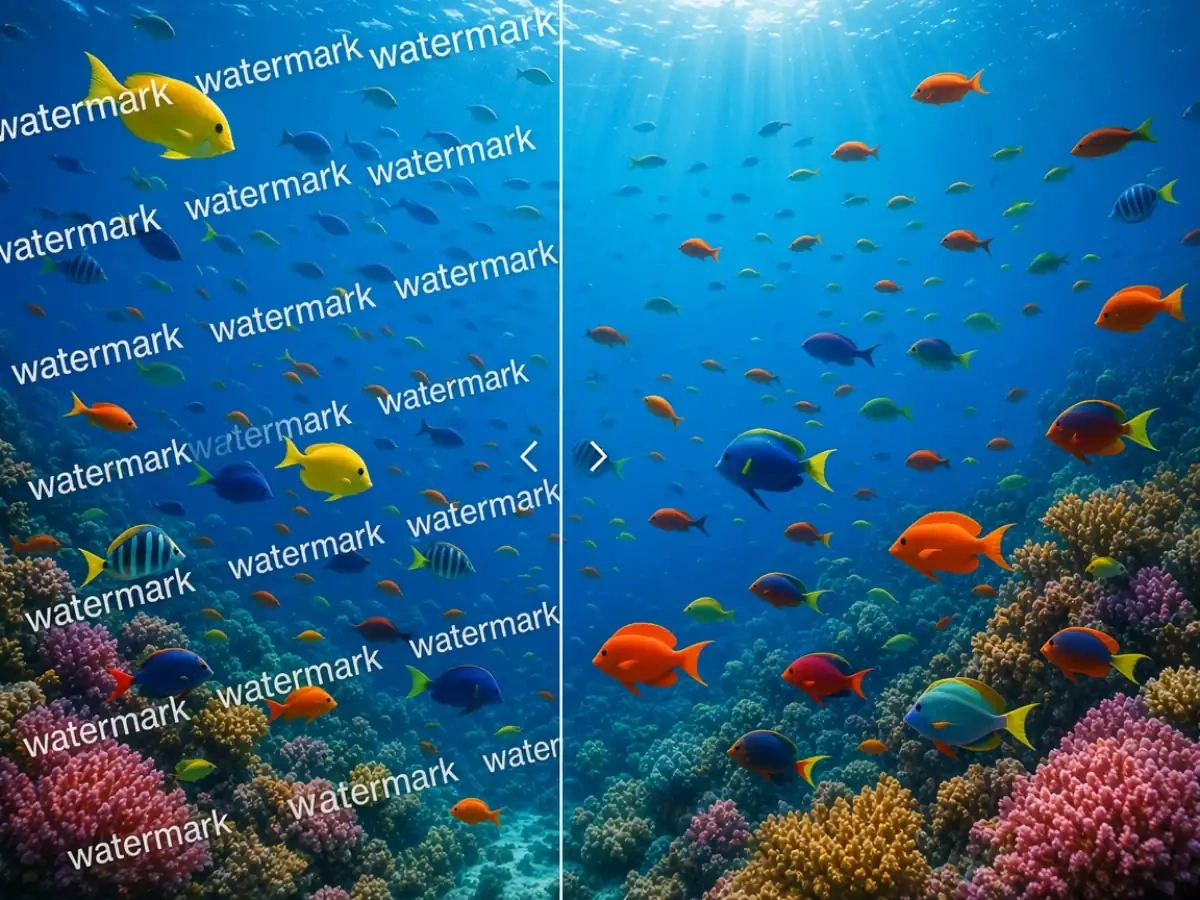
Studios often send watermarked proofs so clients can review poses before the final gallery. When you have rights to the file and only the stamp is in the way, FlowChartAI can remove proof from a photo online by rebuilding skin, fabric, and background under the text. That is faster than asking for a second export when the selection is already approved. Always confirm you are allowed to use the unmarked version before you publish or print.
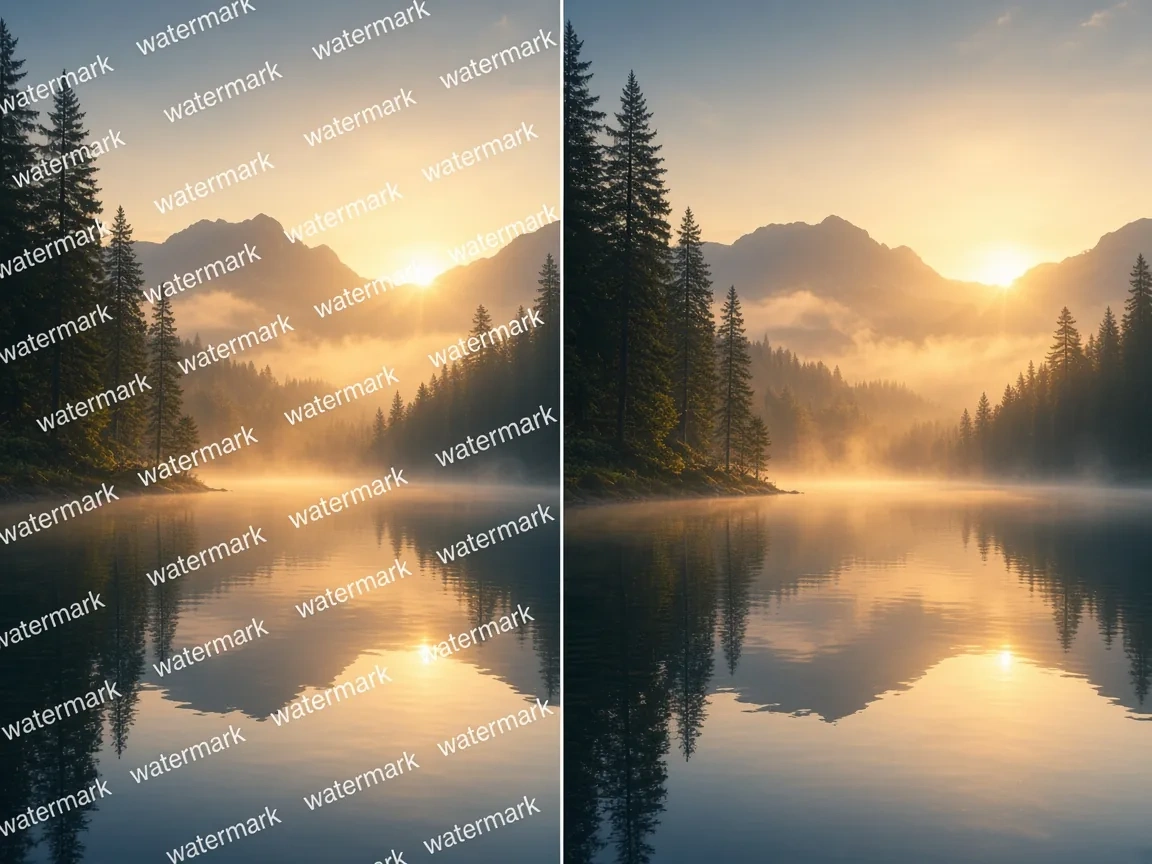
Campaign stills, stock previews, and partner exports frequently carry a logo in the corner or across the subject. A logo remover from photo should restore the underlying detail — hair, product edges, sky — instead of covering the mark with a white box. FlowChartAI treats the logo as an overlay, not as part of the scene, which keeps composition and color grade intact. Use it on assets you have licensed or created, then drop the clean file into a layout without the old mark competing with your type.
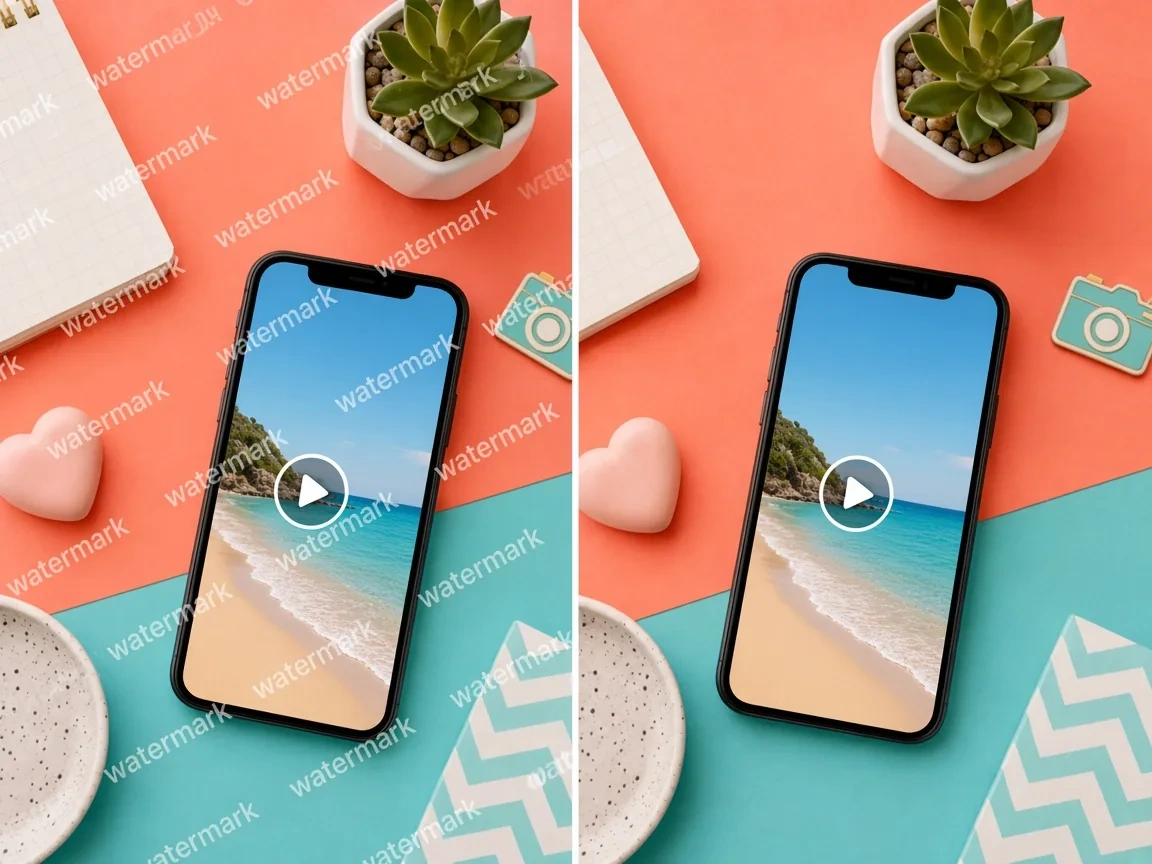
Repeating watermarks and translucent stamps are harder than a single corner icon because they sit on many different surfaces at once. FlowChartAI's AI watermark remover maps each instance and fills it with local texture, which avoids the gray haze generic blur tools leave behind. Portraits, interiors, and landscape stills all benefit when the grain of the original camera file stays consistent. Zoom the preview before you download if the stamp crossed a face or a fine pattern.
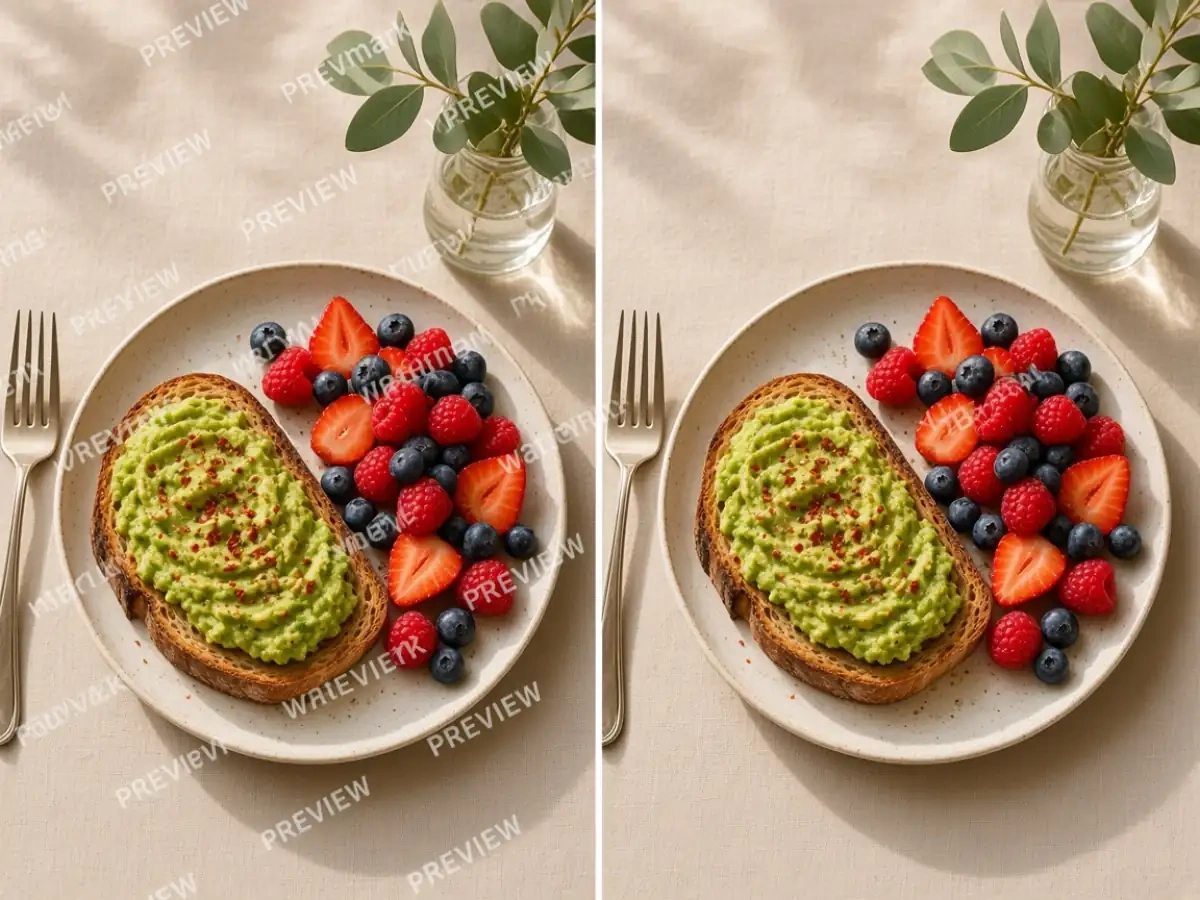
You should not need Photoshop and a healing-brush tutorial to remove a watermark from a picture online for free on a first pass. FlowChartAI runs in the browser, keeps the job on a still image, and returns a file at the resolution you uploaded. Designers, sellers, and coordinators can clean a proof or a logo-stamped JPG between meetings. Try the image watermark remover online free on a sample file before you run a full folder.
When a proof stamp blocks a crop or a retouch test, a photo watermark remover lets you evaluate the actual image. Use it only on files you have permission to finalize.
Catalog and campaign stills often arrive with a partner logo still visible. Cleaning the overlay keeps the product as the only mark on the frame before it goes live.
Layout work stalls when every still carries a tiled stamp. FlowChartAI gives you a clean picture to place in a deck, a landing page, or a print file without opening a full retouching suite.
Object-removal tools look for people, bins, and wires inside the photograph. This page targets stamps sitting on top of the image. That distinction keeps the edit focused on logos and proof text instead of rewriting the whole scene.
A white box or a blur disc is still a watermark by another name. FlowChartAI reconstructs grain and color under the mark so the photo can survive a zoom on a product page or a print proof.
No video upload, no timeline, no plugin. Remove a watermark from an image free on FlowChartAI's online tier, then decide whether a batch is worth running. Files are processed for the edit and are not posted to a public gallery.