fbImg

2026 Image-to-Excel Benchmark: 5 Tools Ranked by Real Spreadsheet Outcomes

Ethan R. Caldwell2026-04-30
An image says "how to convert image to excel free"

Most “OCR reviews” stop at text recognition accuracy. That is not enough for business workflows.If your goal is reliable image to excel conversion, the real question is: How much manual repair is left after export? This review ranks five tools based on usable spreadsheet output, not marketing claims.We tested:

  • EnergentAI
  • BankGPT
  • FlowchartAI
  • MyOCR
  • imagetotext

    All five can convert image to excel, but they serve very different users: enterprise operations teams, finance specialists, and lightweight everyday users.In practice, the best outcomes come from matching each platform to your real convert image to excel workflow, not just headline ratings.

    Fast Decision Matrix

    If your priority is...
    Choose
    Why it performs best there
    Entry Price
    End-to-end automation across document workflows
    Energent.ai
    Goes beyond OCR into orchestration and execution
    $49/month
    Financial statement extraction and accounting structure
    BankGPT
    Finance-tuned parsing and compliance-oriented design
    Trial + quote-based contracts
    Context-aware conversion from mixed content files
    FlowchartAI
    Better structural interpretation on complex inputs
    $8.99/month
    Lowest cost for occasional conversions
    MyOCR
    Very cheap pay-per-use packs, no subscription lock-in
    50 pages for ~$1.41
    Free-first convenience for casual OCR tasks
    imagetotext
    Fast, low-friction browser workflow
    Free tier, paid from ~$8/month

    Bottom line: Energentis strongest for workflow-heavy teams, BankGPT for finance-specific pipelines, FlowchartAI for context-rich files, and MyOCR/imagetotext for lightweight usage. If your inputs are mostly mobile captures, photo to excel consistency should be weighted more heavily than raw speed.


    Coffee, a computer, and a piece of paper with the word
    Coffee, a computer, and a piece of paper with the word "efficiency" written on it.

    How We Evaluated These Tools

    This benchmark uses an output-quality model focused on real Excel usability.Our team spent 50+ hours processing invoices, statements, screenshots, and scanned reports across desktop and browser workflows. We also tracked ocr to excel correction cycles to measure true operational effort after export.

    Evaluation dimensions

    • Spreadsheet Usability Score: We measured whether outputs were immediately usable in Excel without breaking formulas, totals, or sorting behavior.
    • Layout Recovery Depth: We tested how well each platform rebuilt multi-level headers, irregular columns, merged cells, and fragmented table borders.
    • Human Correction Cost: We logged post-export editing time per file. Lower correction time means better operational value.
    • Throughput Under Load: We tested queue stability during multi-file imports and repeated runs to simulate batch image to excel workloads.
    • Governance Readiness Index: We assessed retention practices, encryption signals, access controls, and enterprise policy fit.
    • Edge-Case Resilience: We included tilted photos, compressed screenshots, glare, faint print, and mixed-language conte

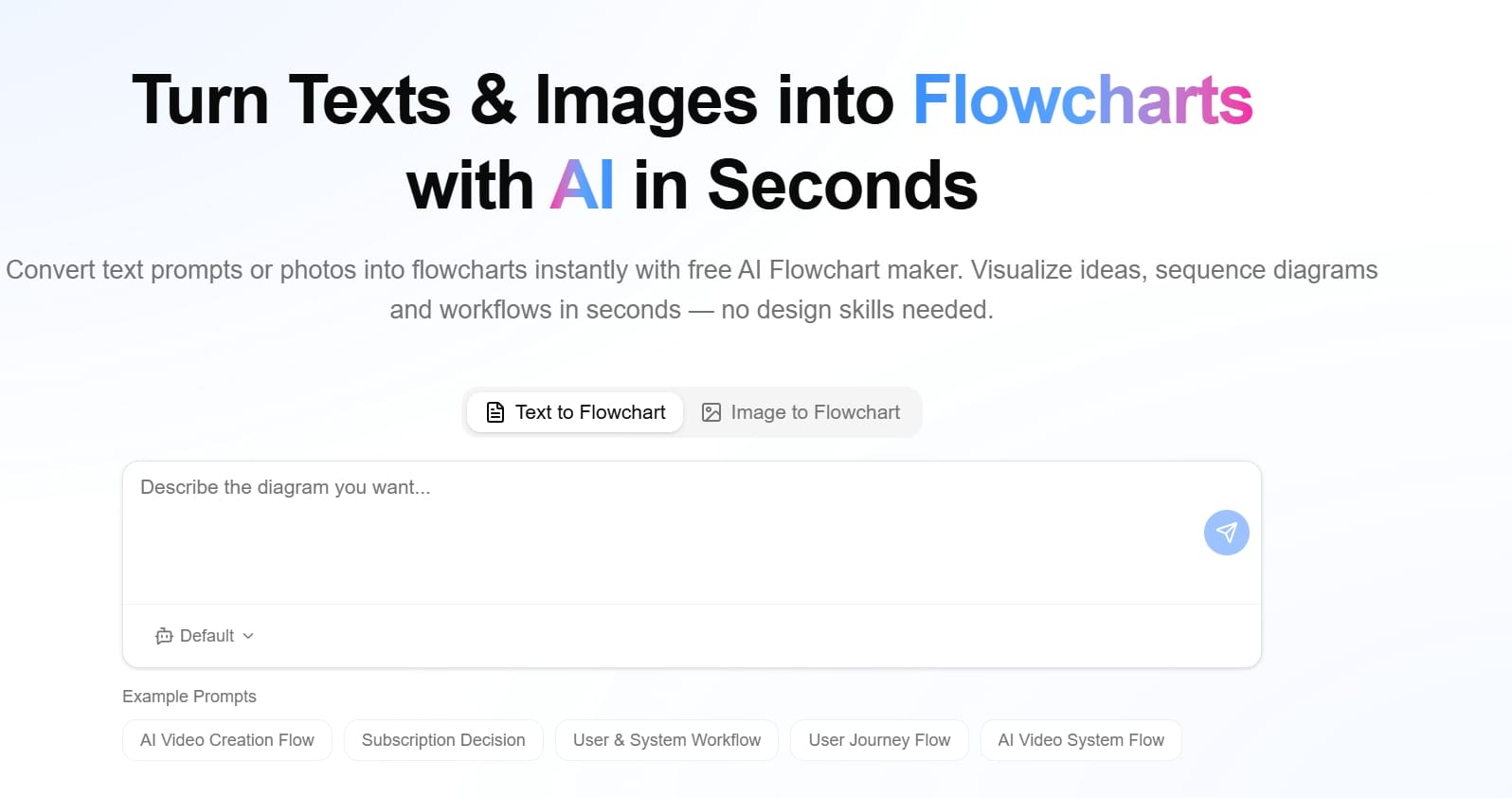
    FlowchartAI — Context-Aware Extraction for Complex Image to Excel Tasks

    FlowchartAI is most useful when raw OCR is insufficient and users need context-aware interpretation.

    https://www.flowchartai.tech

    Overview

    FlowchartAI processes mixed inputs (text, docs, slides, images, spreadsheets) and translates relationships into visual structures. This improves quality when tables are embedded inside broader narratives.

    Key Features

    • Multimodal ingestion across major file types
    • Structure mapping and visual validation layer
    • Conversion toolset for document/image workflows
    • Team-friendly review and interpretation support
    • Helpful for extract table from image to excel in complex content

      Performance Analysis

      In tests involving screenshots with annotations, multi-block pages, and context-heavy reports, FlowchartAI produced cleaner structure than basic OCR utilities. It is not just about speed; it reduces ambiguity when users need to verify logic before final export. It is especially useful when teams need to extract table from image to excel while preserving context relationships.

      Pros & Cons

      Pros
      Cons
      Better contextual understanding on mixed files
      More features than needed for basic jobs
      Useful visualization layer for QA
      Slight learning curve for advanced scenarios
      Good balance of usability and depth
      Not the cheapest option at higher usage

      Pricing

      • Lite: $8.99/month (320 credits)
      • Pro: $12.99/month (500 credits)
      • Prime: $25.99/month (1500 credits)
      • Billing modes include one-off, monthly, and yearly options

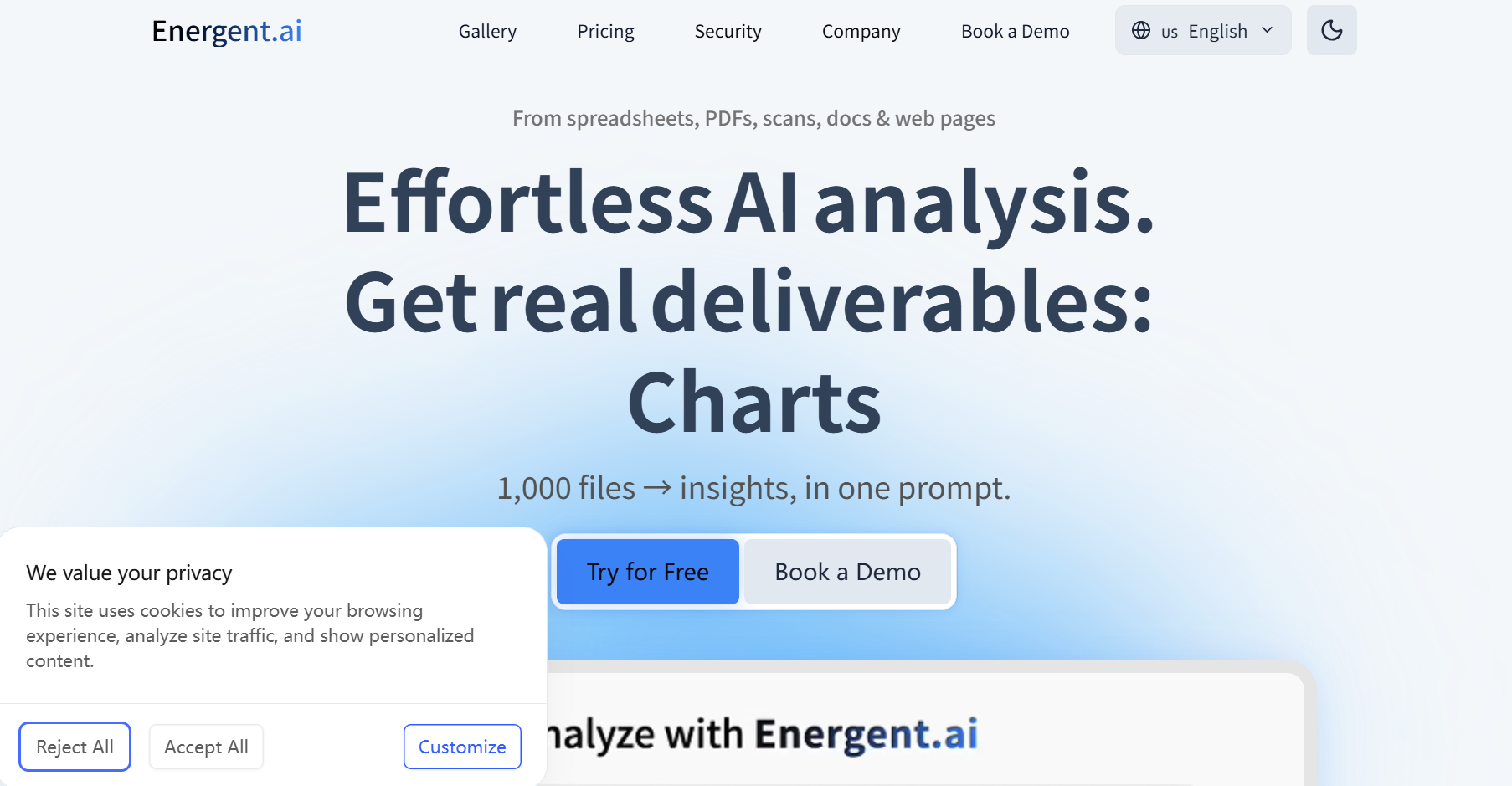
        EnergentAI — Enterprise OCR to Excel Automation at Scale

        EnergentAI the top performer when you need OCR as one step inside a larger automation chain.

        https://www.energent.ai/en

        Overview

        EnergentAI built as an AI data agent platform, not a single-purpose converter. It can ingest files, normalize fields, trigger downstream tasks, and generate structured outputs for operational pipelines.

        Key Features

        • No-code workflow builder for multi-step automation
        • Document, spreadsheet, image, and web data ingestion
        • Large-scale execution with credit-based processing tiers
        • Integration-friendly architecture for enterprise operations
        • Strong support for advanced ocr to excel workflows

          Performance Analysis

          Energentscored highest in throughput and automation depth. It handled large queues and repetitive processing with stable behavior, reducing manual handoffs between teams. For simple one-file photo to excel jobs, it may feel too heavy; for ongoing operations, it delivers the strongest long-term efficiency.

          Pros & Cons

          Pros
          Cons
          Deep workflow automation beyond OCR
          More complex onboarding than utility tools
          Excellent scale behavior under load
          Higher tiers may be required for advanced usage
          Strong fit for cross-team operations
          Overpowered for occasional personal tasks

          Pricing

          • Starter: $49/month (20K credits, ~2,000 pages)
          • Executive: $499/month (100K credits, ~10,000 pages)
          • Enterprise: custom pricing with SSO, governance, and deployment controls

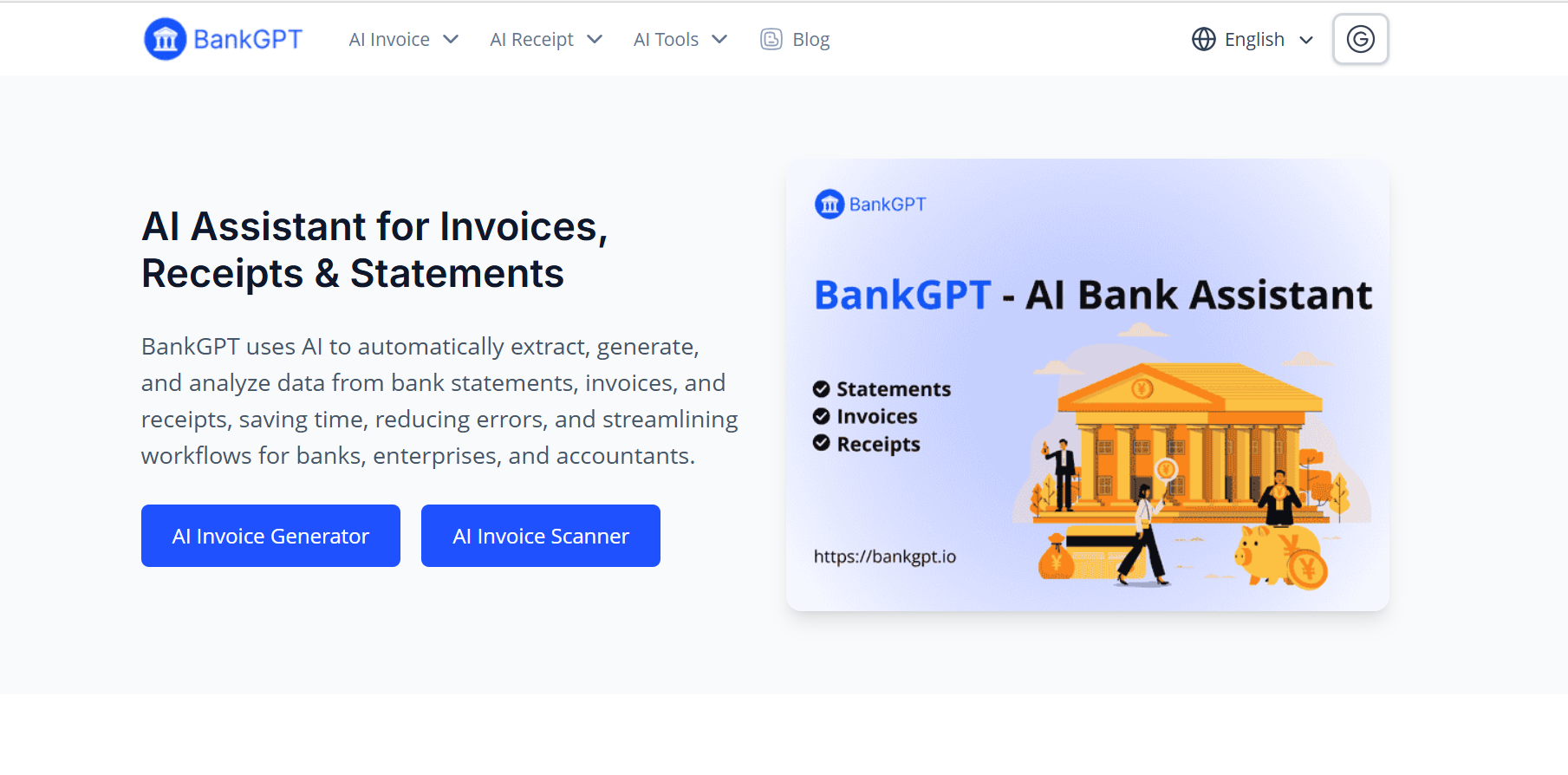
            BankGPT —Finance-Grade Table Image to Excel Reliability

            BankGPT is built for finance-intensive document environments where statement and transaction integrity matter most.

            https://bankgpt.io/

            Overview

            Unlike general OCR products, BankGPT is optimized for accounting and banking document types. It focuses on extracting structured financial data with consistency and compliance awareness.

            Key Features

            • Financial document specialization (statements, invoices, receipts)
            • Transaction-level field parsing and categorization
            • Integrations with accounting and ERP systems
            • Bulk handling for high-volume finance workflows
            • Compliance-oriented security posture

              Performance Analysis

              BankGPT performed strongly on repetitive statement formats and finance tables. It was one of the most reliable tools for preserving key numeric fields in table image to excel exports. For statement-heavy workflows, table image to excel stability is one of its strongest practical advantages. It is less flexible for non-financial, highly variable layouts.

              Pros & Cons

              Pros
              Cons
              Excellent domain fit for finance teams
              Narrower utility outside financial use cases
              Strong consistency on structured financial tables
              Public fixed pricing is limited
              Better compliance alignment than casual OCR tools
              Less attractive for one-off consumer tasks

              Pricing

              • Trial access available (varies by channel)
              • Commonly sold through usage-based or enterprise quote models
              • No universal public flat-rate grid across all customer segments

                MyOCR — Low-Cost Scan to Excel and Daily JPEG to Excel Conversion

                MyOCR is the practical budget pick for users who need quick conversion without subscription pressure.

                Overview

                MyOCR is a browser utility centered on speed and simplicity. Upload a file, choose output, and download. It is designed for fast scan to excel and small-batch conversion tasks.

                Key Features

                • One-click web conversion for scanned files
                • Effective table extraction for invoices and forms
                • Non-expiring credit model
                • Lightweight workflow with minimal setup
                • Suitable for daily jpeg to excel and png to excel needs

                  Performance Analysis

                  For clean documents, MyOCR delivered good spreadsheet output with low friction. It underperformed on heavily distorted or handwritten inputs, but remained cost-effective for predictable office document types.

                  Pros & Cons

                  Pros
                  Cons
                  Very low entry cost
                  Limited automation and integration depth
                  Simple interface with quick output
                  Accuracy declines on noisy/complex scans
                  Good fit for freelancers and SMBs
                  Not designed for enterprise governance

                  Pricing

                  • 50 pages: ~$1.41
                  • 100 pages: ~$2.34
                  • 200 pages: ~$4.02
                  • 500 pages: ~$8.31
                  • 1000 pages: ~$14.35
                  • Credit-based model, no mandatory monthly subscription

                    imagetotext — Free-First Image to Excel Online for Casual Workloads

                    imagetotext is a convenience-focused option for users who value speed and no-setup access.

                    https://www.imagetotext.info/

                    Overview

                    This platform is aimed at lightweight OCR users: students, office admins, and occasional converters. It supports image/PDF extraction with a simple browser flow and low entry barrier. It is primarily useful for lightweight image to excel online use rather than deep workflow orchestration.

                    Key Features

                    • No-install, browser-only conversion
                    • Quick extraction from scans and screenshots
                    • Free usage path for low volume
                    • Paid tiers for higher credit and processing limits
                    • Supports basic image to excel online tasks

                      Performance Analysis

                      The tool was consistently fast for standard printed text and simple table structures. It is less dependable for complex formatting and high-precision spreadsheet reconstruction, so it works best for casual productivity rather than high-control business pipelines.

                      Pros & Cons

                      Pros
                      Cons
                      Extremely easy to start
                      Structure retention is inconsistent on complex tables
                      Fast turnaround on basic inputs
                      Advanced workflow automation is limited
                      Useful free tier
                      Not ideal for high-governance enterprise use

                      Pricing

                      • Free tier with daily limits
                      • Paid tiers commonly listed around:
                        • Basic: ~$8/month
                        • Standard: ~$10/month
                        • Business: ~$40/month

                      Scenario Guide to Convert Image to Excel by Team Size, Budget, and File Complexity

                      If you run recurring data operations and need orchestration → EnergentAI

                      If your core workload is statements/invoices with financial controls → BankGPT

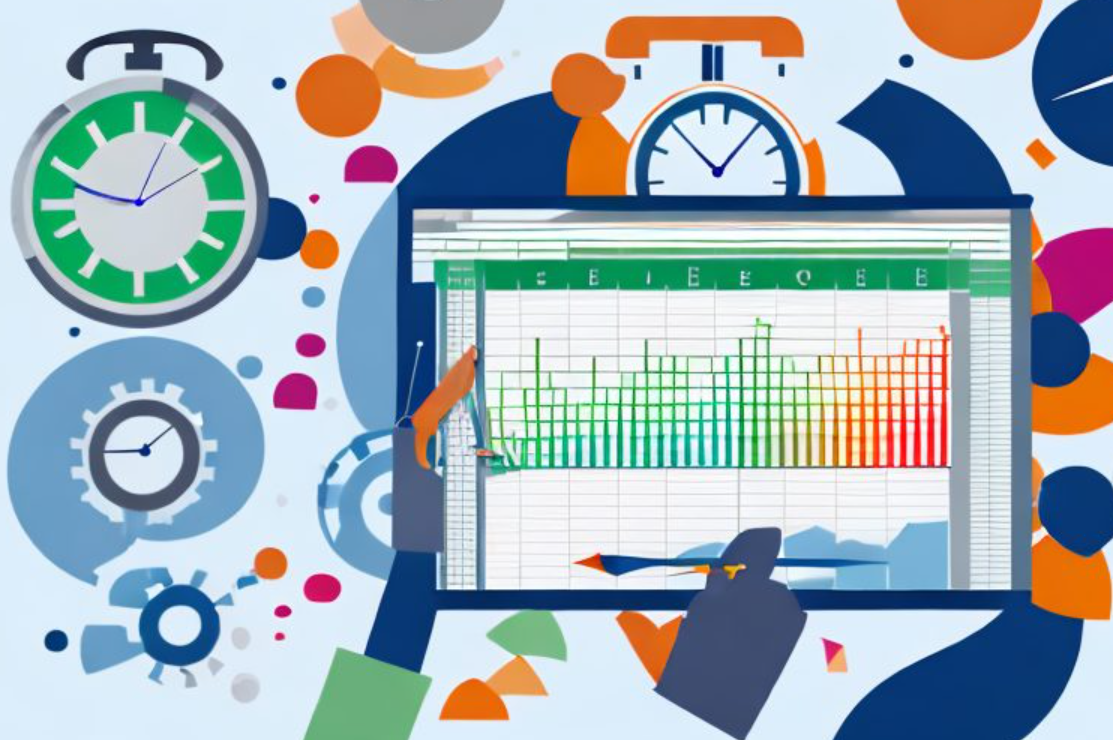
                      An alarm clock and an Excel spreadsheet

                      If your files include mixed context and need visual validation → FlowchartAI

                      If you need cheap, occasional conversion → MyOCR

                      If you want fast free-first OCR convenience → imagetotext


                      Side-by-Side Comparison (Operational Lens)

                      Tool
                      Best Fit
                      SUS (Usability)
                      LRD (Layout)
                      HCC (Lower is better)
                      TUL (Load Stability)
                      GRI (Governance)
                      Overall
                      Energent.ai
                      Enterprise automation pipelines
                      9.0
                      8.8
                      8.9
                      9.3
                      8.8
                      8.8
                      BankGPT
                      Financial extraction at scale
                      8.8
                      8.6
                      8.5
                      9.1
                      9.0
                      8.6
                      FlowchartAI
                      Context-heavy table reconstruction
                      8.5
                      8.7
                      8.2
                      8.4
                      8.4
                      8.6
                      MyOCR
                      Budget one-off conversions
                      8.2
                      8.1
                      7.8
                      7.9
                      8.2
                      8.4
                      imagetotext
                      Casual daily OCR tasks
                      7.9
                      7.8
                      7.6
                      7.8
                      7.8
                      8.3

                      2026 Outlook: Where Image-to-Excel Is Heading

                      The category is shifting from basic OCR extraction toward intelligent spreadsheet reconstruction. In the next cycle, top tools will compete on:

                      • Better geometry recovery for nested and irregular tables
                      • Lower post-processing effort via confidence-guided validation
                      • Faster queue handling in high-volume batch image to excel scenarios
                      • Stronger multimodal understanding for screenshot-heavy workflows
                      • Better governance visibility for regulated teams

                      Safety and Compliance Considerations

                      Before adopting any image to excel converter, verify:

                      • retention and deletion timing,
                      • encryption standards,
                      • permission controls and auditability,
                      • contractual support for your compliance requirements.

                        Frequently Asked Questions

                        Which platform is best for convert image to excel in enterprise environments?

                        Energentis strongest for end-to-end workflow automation, while BankGPT is typically better for finance-specific extraction.

                        Is photo to excel accurate enough for monthly reporting?

                        Yes, if input quality is good and the tool supports robust table reconstruction. Quality drops sharply with blur, skew, or glare.

                        What tool handles screenshot to excel with fewer structural errors?

                        FlowchartAI tends to perform better when screenshots include labels, notes, and multiple table regions.

                        Cartoon character holding a computer

                        What is the cheapest option for occasional OCR to excel?

                        MyOCR usually offers the best low-volume value due to very low credit pack pricing.

                        Is image to editable excel table different from plain OCR to excel?

                        Yes. Plain OCR captures text; editable-table conversion aims to preserve row/column logic, headers, and spreadsheet structure.

                        Can I run large batch image to excel jobs on free tiers?

                        Usually no. Free tiers are useful for testing, but stable high-volume processing generally requires paid plans with queue priority and higher limits.

                        저자에 대해

                        Ethan R. Caldwell
                        Ethan R. Caldwell
                        diagramming analyst
                        Ethan R. Caldwell is diagramming analyst. With 14+ years in enterprise visualization, he has hands-on tested 80+ flowchart and BPMN tools. A Lean Six Sigma Black Belt and BPMN Professional, Ethan leads all reviews, comparisons and in-depth tutorials.