
Business & Office Teams
Convert PDF to Word format online to edit contracts, reports, and proposals without rebuilding documents from scratch. Ideal for creating clean, editable Word files from PDFs.
Upload your files and start AI-powered conversion with one click.
Click or drag files here
Supports PDF format, max 10MB per file, up to 5 files
Conversion may fail due to file content or format; results may vary
Turn PDFs into fully editable Word files using advanced document recognition technology in seconds. FlowChartAI’s AI-powered PDF to Word converter preserves formatting, text structure and layout, ideal for professional editing, documentation reuse and workflow efficiency—no manual cleanup required.
FlowChartAI’s PDF to Word converter is an AI-powered tool that lets you convert PDF to editable Word documents online with high accuracy. It transforms PDF files into Word or Docx format while preserving text structure, layout, and formatting, so you can edit content instantly without manual rework. Whether you need to change PDF to Word for documents, reports, or forms, this online PDF to Word converter offers a fast, secure, and reliable way to convert PDF to Word format for everyday use.
Select or drag and drop your file into FlowChartAI’s PDF to Word converter online. The tool instantly prepares your PDF for conversion without any complex setup.
Click convert and let the AI process the file. The system automatically converts PDF to Word format or Docx, preserving text structure so you get an editable Word document.
Download the converted PDF to Word document and open it in Microsoft Word. You can now edit, copy, or reuse the content just like a native Word file.
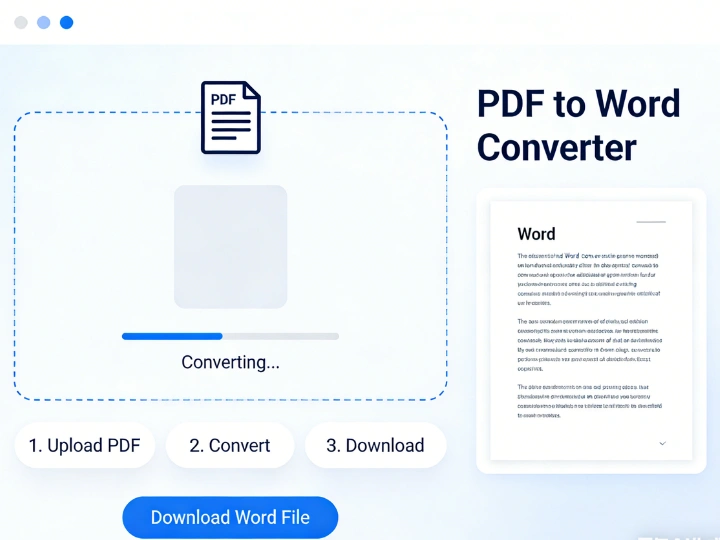
Turn static PDFs into editable Word documents when you need to revise contracts, reports, or written content. This PDF to Word converter accurately converts PDF to editable Word format, allowing text updates, paragraph edits, and content reuse without recreating documents from scratch.
When working with business files, resumes, or structured reports, maintaining formatting matters. FlowChartAI converts PDF to Word format while keeping headings, spacing, and document structure intact, making it ideal for converting PDF to Microsoft Word without layout breaks.
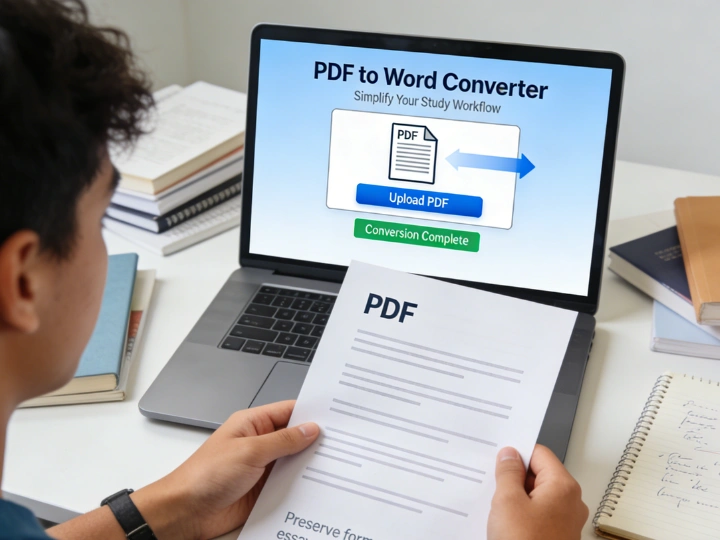
Use the tool to convert PDF to text-based Word documents for PDFs that contain dense paragraphs or complex content. By converting PDF files into Word or Docx format, you can search, copy, and edit content easily instead of manually retyping from the original PDF.
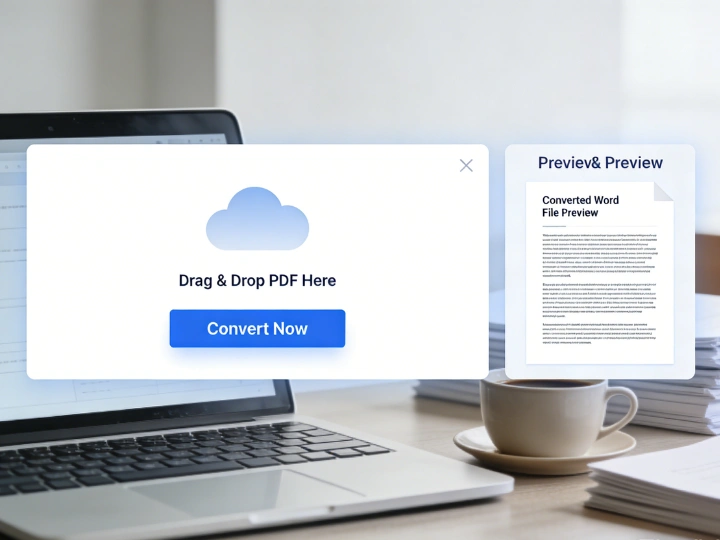
Quickly change PDF to Word online when you need to reuse content across proposals, templates, or internal documentation. This online PDF to Word converter supports fast document transfer from PDF to Docx, helping streamline editing, sharing, and collaboration workflows.
Convert PDF to Word format online to edit contracts, reports, and proposals without rebuilding documents from scratch. Ideal for creating clean, editable Word files from PDFs.

Easily change PDF to Word for assignments, research papers, and study materials. The converter helps turn PDFs into editable Word documents for quick revisions and content reuse.

Transfer PDF to Word free for content extraction, documentation updates, and text reuse. Perfect when you need a reliable PDF to Word converter online for daily document processing.
FlowChartAI focuses on accuracy first. This PDF to Word converter preserves layout, fonts, tables, and spacing, so you can convert PDF to Word format without broken paragraphs or misplaced content. The result is a truly editable Word document, not just extracted text.
Built as a modern PDF to Word converter online, FlowChartAI processes files quickly in the browser with encrypted handling. You can convert PDF to docx online without installing software, making it a reliable option for everyday document workflows and remote work scenarios.
Unlike complex tools, FlowChartAI offers a PDF to Word free experience that’s easy to start and easy to trust. Upload, convert, and download in seconds—ideal if you need to change PDF to Word free while maintaining professional document quality.