
Travel and Event Photographers
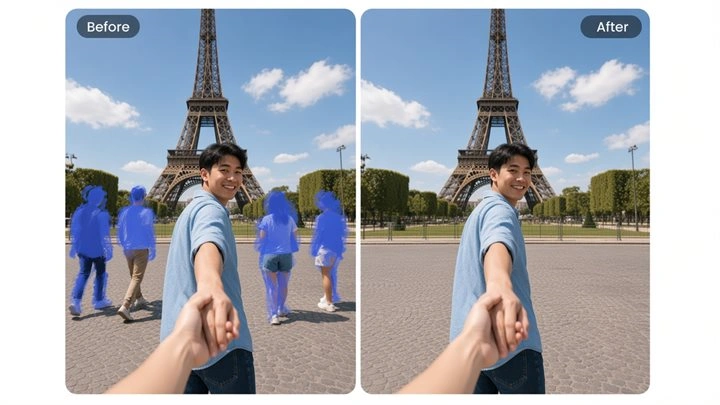
You cannot always wait for a crowd to clear. FlowChartAI helps you erase people from photos after the fact, so landmark and ceremony frames stay usable without a second shoot.
Brush or describe what to remove, then generate a clean image
Upload Image
Upload an image, then brush over what you want to remove
FlowChartAI's AI photo eraser clears unwanted items from a still image and rebuilds the pixels behind them, so the original setting stays intact. Upload a picture, mark the object or person you want gone, and download a clean result you can publish or edit further. Try it free in the browser — Remove objects from photo is object removal, not a full-frame background cutout.
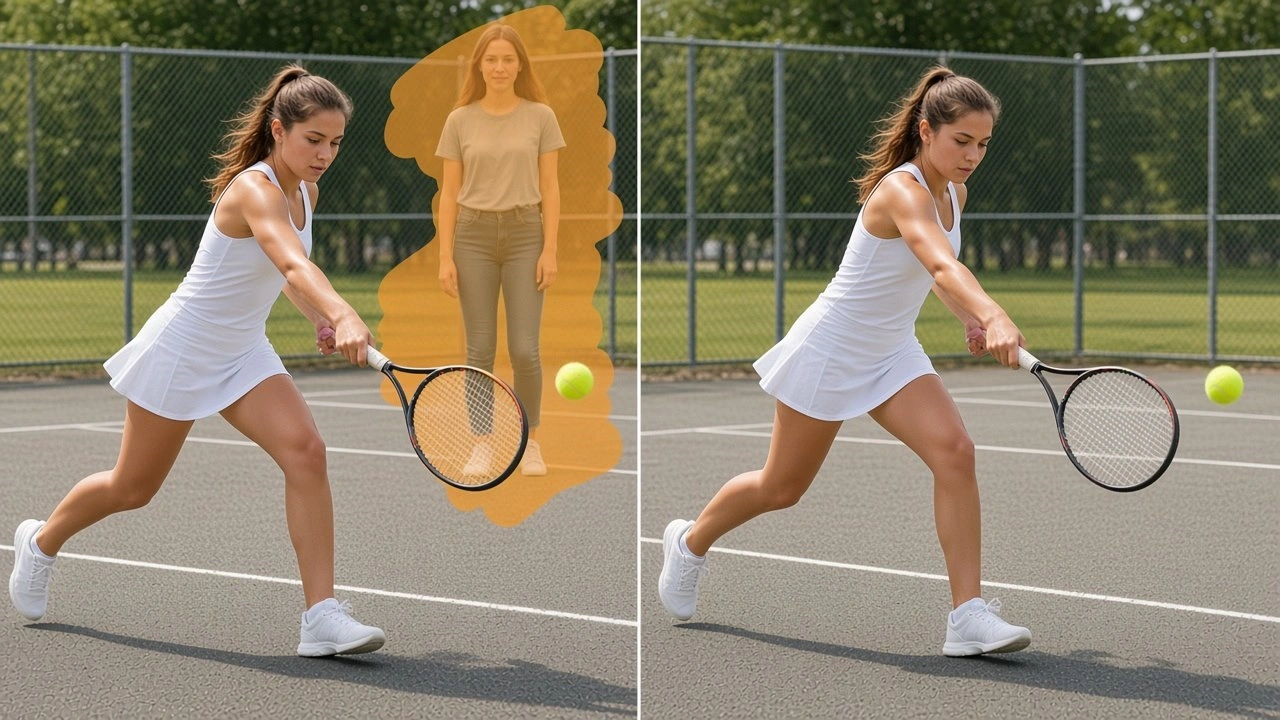
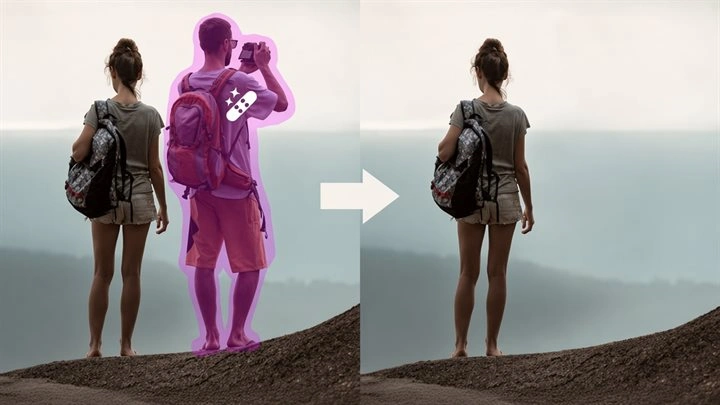
FlowChartAI's remove objects from photo tool is an AI editor that deletes selected items from a picture and reconstructs the hidden surface underneath. It is built for still photos — travel snapshots, product shots, family portraits, listing images — where one person, sign, wire, or leftover prop ruins an otherwise usable frame. The model reads edges, lighting, and nearby texture so the filled area matches the rest of the photo instead of leaving a blur patch. You stay in control of what disappears: mark the object, run the pass, and keep the background, composition, and color grade you already captured.
Add a JPG, PNG, or WEBP from your camera roll or desktop. FlowChartAI works on the still image you already have, so there is no need to reshoot the scene.
Brush or tap the item you want gone. The AI object remover reads the selection, separates it from the surrounding scene, and prepares a fill that follows local color and texture.
Review the reconstructed area at full size, then save the result. The rest of the photo stays untouched, ready for a listing, a post, or a print.
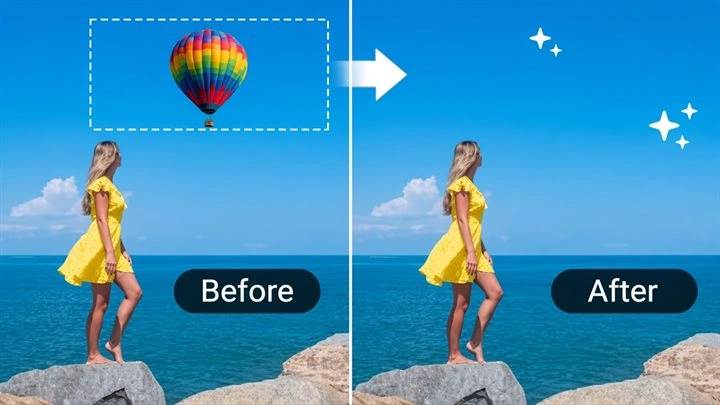
A strong photo often fails because of one leftover: a trash bin, a power line, a logo on a wall, or a stranger walking through the edge of the frame. FlowChartAI lets you remove unwanted objects from photos by reconstructing the surface behind them — pavement, foliage, sky, or fabric — instead of stretching nearby pixels into a smear. That is the difference between an AI photo eraser and a simple clone stamp when the background has repeating texture or a gradient. The rest of the composition, including people you want to keep, stays exactly where you framed it.
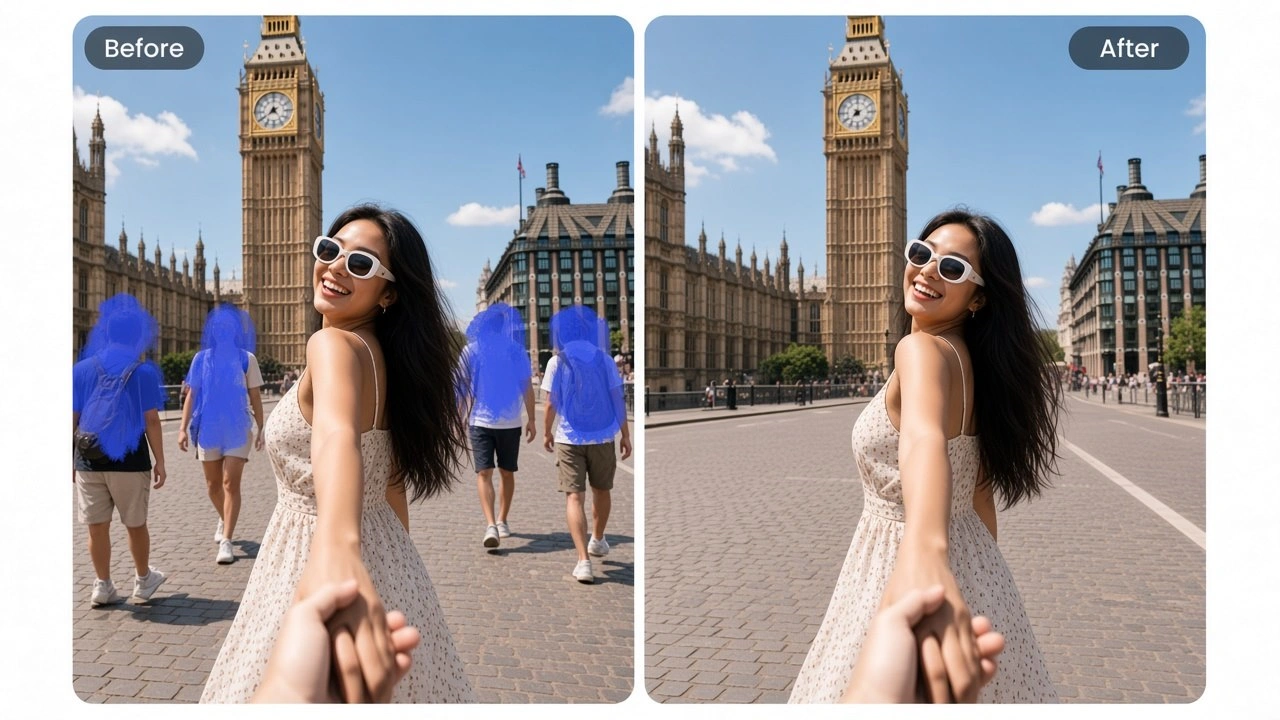
Travel, wedding, and street photos regularly include someone who does not belong in the story you want to tell. FlowChartAI can remove a person from a photo by filling the space they occupied with a believable continuation of the scene — cobblestones, a beach, a hallway — rather than leaving a soft hole. You do not need to crop the group tighter or lose the architecture you traveled to capture. Use it when the lighting is already right and reshooting is not an option.
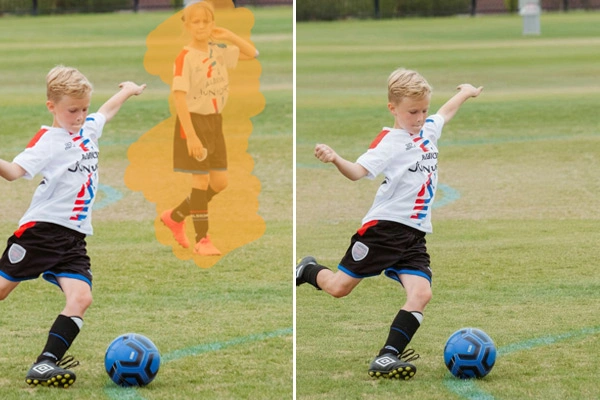
Marketplace and catalog shots pick up dust, tape, price tags, and studio marks that buyers notice immediately. An unwanted object remover that keeps the tabletop, wall, and product edges intact is faster than setting up lights again. FlowChartAI treats the item as the hero and only edits the selected clutter, which helps real-estate rooms, apparel flats, and gadget close-ups look finished without a full retouching suite. Sellers can publish the same day instead of waiting on a designer.
Many people search for an AI background remover when they actually need a smaller edit: delete one sign, one chair, or one passerby and keep the location. FlowChartAI is built for that object-level job. The fill follows shadows and perspective so the reconstructed patch sits in the same space as the original photo, which matters more than cutting the subject onto a blank canvas. If you later need a full cutout, that is a separate background-removal pass — this page stays focused on erasing something from a photo while the scene remains.
You cannot always wait for a crowd to clear. FlowChartAI helps you erase people from photos after the fact, so landmark and ceremony frames stay usable without a second shoot.

Product photos sell better when stray tape, hangers, and packaging debris are gone. The object remover from image workflow is a same-day cleanup before you list.
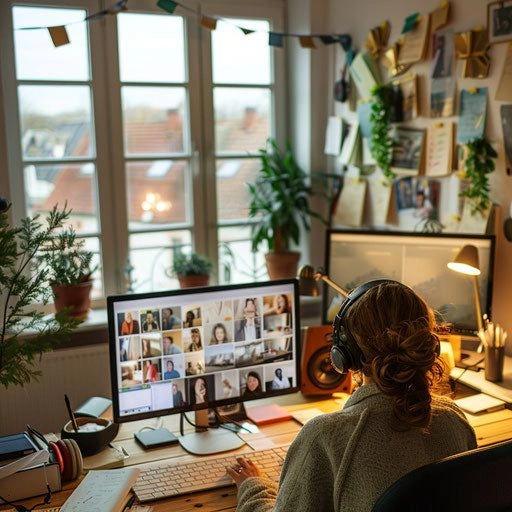
Listing rooms, campaign stills, and office shots often include furniture or signage that no longer belongs. Removing objects from a picture is faster than booking another photographer.
Healing brushes and cheap erasers often leave a smudge that draws more attention than the original object. FlowChartAI fills the selection with scene-aware texture so the edit reads as part of the photograph, not a retouch stamp.
You should not need a separate person remover for a stranger in the background and another tool for a trash bag in the foreground. Mark either target and run the same AI remove object from photo pass. The model adapts to hard edges on products and softer edges on clothing.
This page is built for still images, not video. Upload, erase, and download without installing Photoshop or learning a timeline. Try it free on FlowChartAI and keep the files you process private after the job completes.