
Content Creators & Podcasters
Easily convert video to audio and extract clean soundtracks from recorded interviews, livestreams, or tutorials. Use the mp4 to mp3 converter online to repurpose video content into podcast-ready audio files.
Upload your files and start AI-powered conversion with one click.
Click or drag files here
Supports MP4, MOV, MKV, WEBM, AVI format, max 1024MB per file, up to 5 files
Conversion may fail due to file content or format; results may vary
FlowChartAI’s video to audio converter lets you extract audio from video files in seconds. Easily convert MP4 to MP3, convert MP4 to WAV, or transform MOV, MKV, AVI and WEBM into high-quality audio files directly in your browser. No software installation required—fast, secure, and accurate audio extraction for podcasts, music clips, interviews and more.
FlowChartAI’s video to audio tool is a fast browser-based video to audio converter online that lets you extract clear sound from local video files in seconds. You can convert MP4 to MP3, convert MP4 to WAV or transform MOV, MKV, AVI and WEBM into high-quality audio without installing software. Designed for reliable extracting audio from video, this secure audio extractor helps you get audio from video for podcasts, interviews, music clips and presentations. Whether you need an MP4 to MP3 converter online free or a simple way to convert video to audio file formats, FlowChartAI delivers accurate high-speed processing with professional results.
Open the video to audio converter online and upload your file (MP4, MOV, MKV, WEBM, AVI). The system instantly detects the format for smooth extracting audio from video.
Select your preferred output, such as MP3 or WAV. You can convert MP4 to MP3, convert MP4 to WAV, or transform MOV to MP3 with one click.
Click convert to process the file. The audio extractor will quickly convert video to audio file and provide a high-quality download ready for podcasts, music clips, or editing.
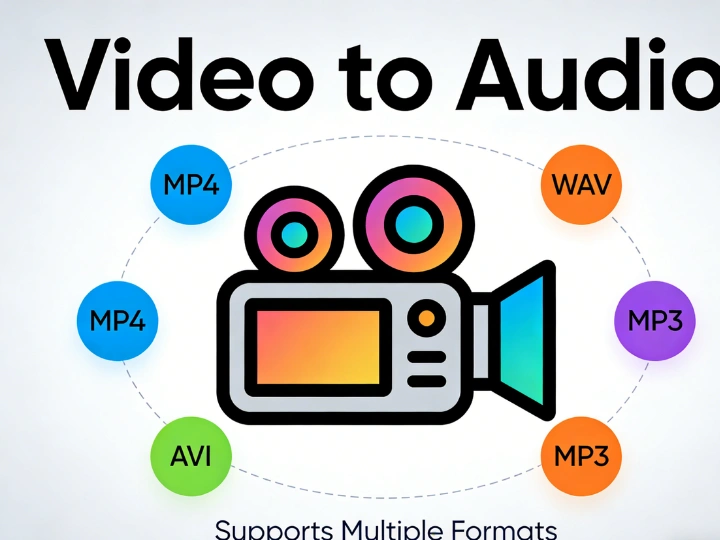
Easily convert MP4 to MP3 when you need clean audio from interviews, webinars, or recorded meetings. This video to audio converter online helps you extract soundtracks for podcast publishing, background music editing, or offline listening without keeping the full video file.
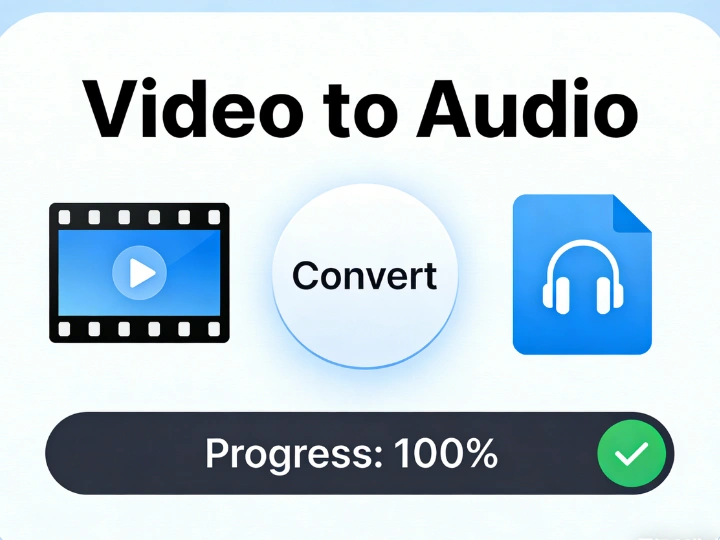
When lossless quality matters, use video to WAV or convert MP4 to WAV for professional audio workflows. Ideal for post-production, voice-over refinement, and studio editing, the audio extractor preserves clarity during extracting audio from video.
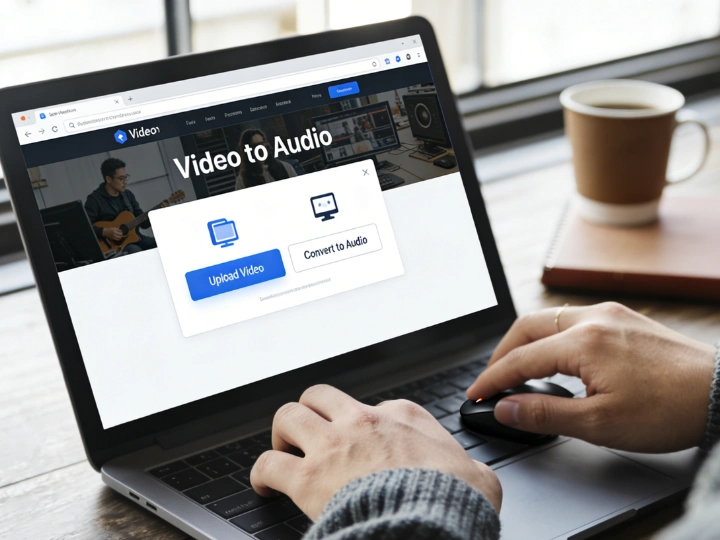
Turn large video files into compact audio formats using mp4 to mp3 online processing. Whether you need to convert MOV to MP3, MKV to MP3, or WEBM to MP3, you can quickly generate shareable audio files for email, cloud storage, or presentations.
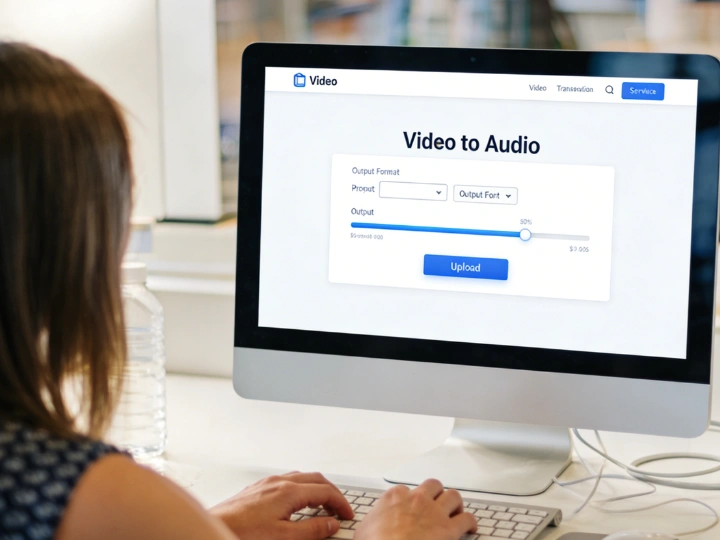
Use the video to audio file converter to get audio from video tutorials, lectures, or product demos. Converting video to audio file formats allows you to reuse content as training materials, voice clips, or on-the-go learning resources without re-recording.
Easily convert video to audio and extract clean soundtracks from recorded interviews, livestreams, or tutorials. Use the mp4 to mp3 converter online to repurpose video content into podcast-ready audio files.

Quickly get audio from video lectures or course materials. Convert MP4 to WAV for high-quality voice clarity or generate compact video to MP3 files for students who prefer audio learning.

Use the video to audio converter online free to extract audio clips from product demos, webinars, or ads. Whether you need to convert MOV to MP3 or process MKV to MP3, it simplifies extracting audio from video for multi-channel distribution.
FlowChartAI ensures clean, distortion-free results when you convert video to audio. Whether you convert MP4 to MP3 audio or generate video to WAV files, our optimized audio extractor preserves voice clarity and balanced sound quality for professional use.
Unlike limited tools, our video to audio converter online supports MP4, MOV, MKV, WEBM, and AVI formats. You can convert MOV to MP3, process MKV to MP3, or use the mp4 to WAV converter free—without worrying about compatibility issues.
The entire process runs securely in your browser with no downloads required. From mp4 to mp3 online conversion to full video to audio file export, files are processed quickly and not stored permanently, ensuring both speed and privacy.