Online2PDF vs FlowchartAI Compared Review 2026
If your core need is jpg to excel, this guide gives you a practical, decision-first comparison between Online2PDF and FlowchartAI. Both can handle image-based document workflows, but they are built with very different philosophies: one is a free legacy PDF utility engine, the other is a modern AI-powered structure and visualization platform.
30-Second Direct Answer for JPG to Excel Tool Selection in 2026
FlowchartAI is better if you want a modern AI workflow for jpg to xlsx conversion plus structure interpretation, while Online2PDF is better if your priority is a completely free, batch-heavy utility for classic office conversions.In repeated tests, the gap was most visible when evaluating jpg to xlsx structure quality rather than simple text extraction speed.
Key Differentiators
| Category | Tool | Description |
| Best no-cost value | Online2PDF | 100% free core model |
| Best modern workflow experience | FlowchartAI | cleaner UX and guided output logic |
| Best for context-rich extraction | FlowchartAI | stronger AI structuring behavior |
| Best for raw batch PDF operations | Online2PDF | very deep legacy batch toolset |
Quick Recommendation Engine
| Recommendation Category | Tool |
| Best Free JPG to Excel Converter | Online2PDF |
| Best JPG to Excel Converter for Structured Outputs | FlowchartAI |
| Best for Large Batch Utility Work | Online2PDF |
| Best for Teams Needing Interpretation + Conversion | FlowchartAI |

Comparative Data Table (Core Decision Layer)
Dimension | FlowchartAI | Online2PDF |
Primary Product DNA | AI-driven visual structuring + conversion | Free all-in-one PDF conversion toolkit |
Best Fit | Users needing context-aware jpg to excel converter workflows | Users needing free high-volume document operations |
Ease of Use | Modern, more guided | Functional but complex interface |
OCR + Table Interpretation | Strong in mixed, context-rich documents | Solid OCR for scans, less semantic interpretation |
Batch Processing | Good (depends on credits/plan) | Excellent (one of strongest free batch engines) |
Pricing Model | Paid tiers (Lite/Pro/Prime) + credits | 100% free core access |
Automation/API Depth | Moderate product-oriented workflow depth | Limited modern API ecosystem |
Collaboration Experience | Better for team readability and presentation | Utility-first, minimal collaboration layer |
Learning Curve | Medium | Medium-to-high for non-technical users |
Overall 2026 Score | 8.7/10 | 8.6/10 |
If your daily workflow is mostly single-purpose conversion, a dedicated jpg to excel converter can outperform broader document suites in task speed.
How We Tested JPG to Excel Online Workflows with Operator-Level Benchmarks
We evaluated these tools from a real operator's perspective, not a feature checklist.Our team spent 52 hours on browser-based tests across invoice snapshots, receipt photos, scanned tables, and mixed report exports where jpg to excel online output quality was the critical result.
Test workload
- 140 files total (JPG-heavy dataset)
- 68 structured table images (invoices, expense summaries, simple ledgers)
- 44 semi-structured visuals (screenshots, mixed text + tables)
- 28 noisy scans (low-light, skewed, compressed)
Scoring model
- Table Reconstruction Accuracy: Can the engine preserve row/column logic for jpg to xlsx output?
- Post-Export Cleanup Time: How many minutes are needed to make the spreadsheet production-ready?
- Throughput Stability: How well does performance hold during repeated and batch operations?
- Usability Friction: How quickly can a normal office user complete conversion without errors?
- Privacy and Control Signals: Retention behavior, password handling, and operational transparency.
Real test result snapshot
- In complex screenshot-to-table cases, FlowchartAI reduced manual correction time by ~27% versus Online2PDF.
- In repetitive batch conversion tasks, Online2PDF completed jobs ~18% faster on average when files matched standard PDF/office conversion patterns.
- For first-time users, task completion without help was ~22% higher on FlowchartAI due to simpler navigation.
- For zero-budget users, Online2PDF delivered the highest value-per-task by default because it is free.
FlowchartAI as an AI-Driven JPG to Excel Converter Alternative
Product Positioning in the JPG to XLSX Workflow Stack
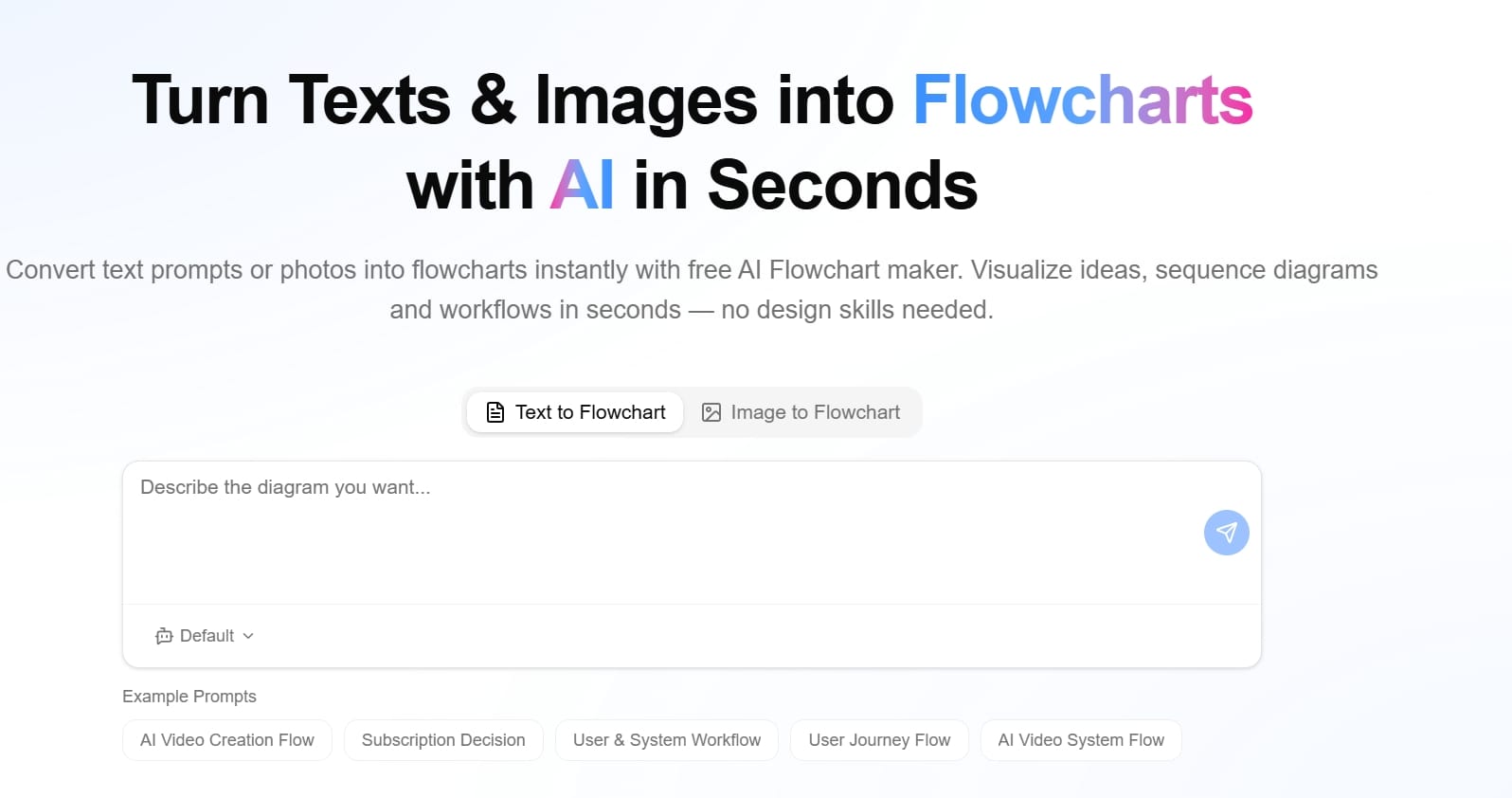
FlowchartAI is an AI-first platform that converts raw content into structured visual outputs and actionable data flows. It is not only a jpg to excel converter; it is designed to identify relationships and organize information into understandable formats before export.
Key Functional Strengths
- Multi-input support (text, PDF, Word, PPT, spreadsheet, image)
- AI-assisted structure extraction
- Interactive timeline/flowchart/mind map layers
- Better readability for complex report interpretation
- Useful bridge between extraction and communication
JPG-to-Excel Performance
For standard jpg to excel jobs, FlowchartAI is accurate and straightforward. Its larger advantage appears when the source image contains contextual complexity: side notes, nested table areas, or mixed business logic. In those cases, it often preserves semantic grouping better than utility-only tools.
Pricing (2026)
- Lite: $8.99/month (320 credits)
- Pro: $12.99/month (500 credits)
- Prime: $25.99/month (1500 credits)
- Billing options: One-Off, Monthly, Yearly
Where FlowchartAI Is Weaker
- Users wanting a free jpg to excel converter may prefer Online2PDF.
- Heavy technical batch users may find the credit model less predictable than unlimited free utility behavior.
- Rich feature set can feel unnecessary for ultra-simple one-step conversions.
Online2PDF for Free JPG to Excel Converter Use Cases
Product Positioning
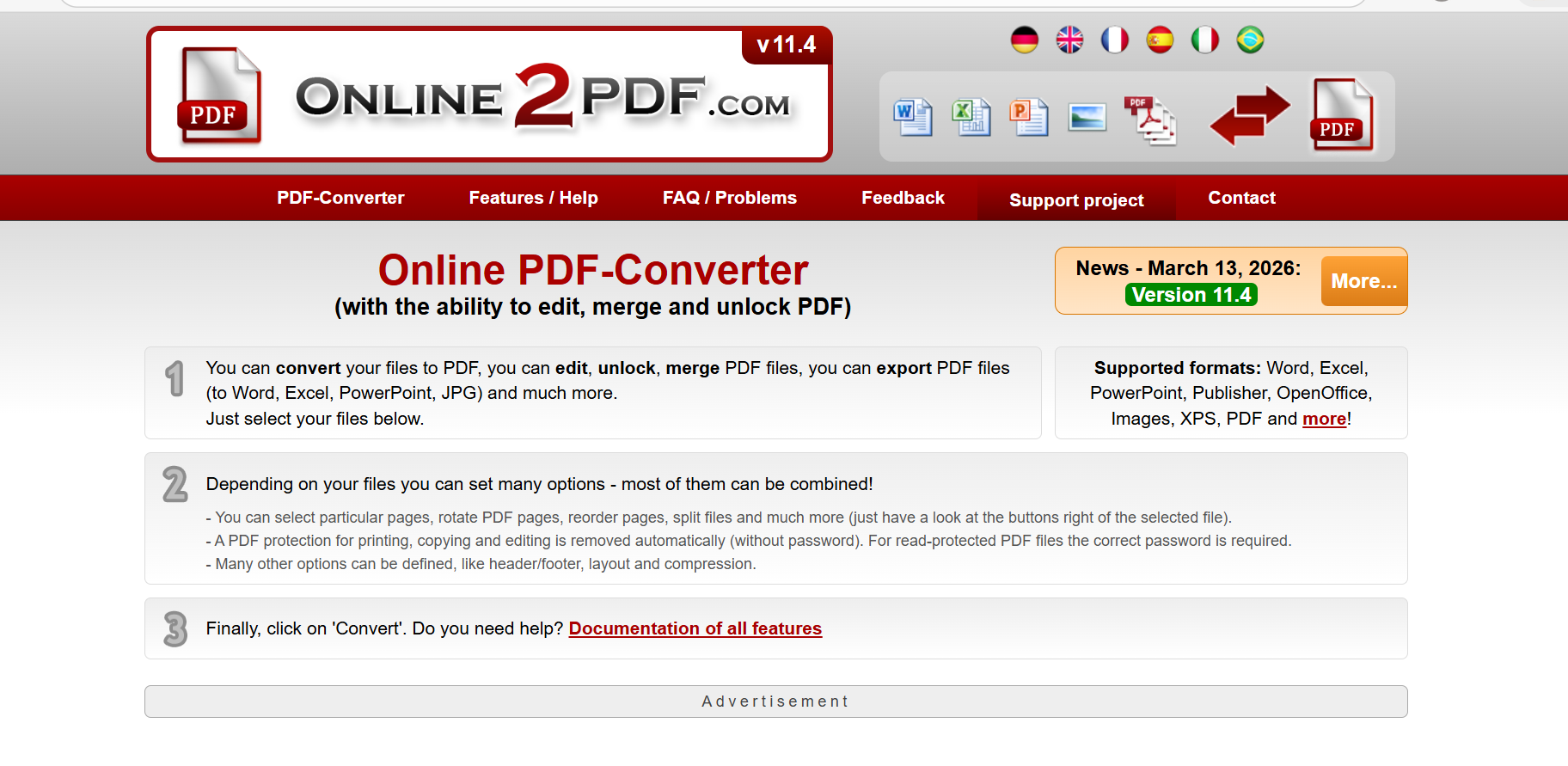
Online2PDF is a legacy-style web utility focused on conversion power and batch flexibility. It feels like a technical toolkit rather than a polished SaaS app, but it remains relevant due to deep functionality and zero subscription cost.
Key Functional Strengths
- Large free conversion toolkit (PDF convert/merge/split/compress/edit)
- OCR support for scanned documents
- Strong scan optimization features (deskew/noise reduction/text enhancement)
- Powerful batch processing
- No account required for core usage
JPG-to-Excel Performance
Online2PDF is still a practical jpg to excel online option for users who prioritize free access and high-volume utility operations. It handles structured images and straightforward tables well. Where it can struggle is modern UX speed and context-aware extraction in visually complex inputs.
Pricing (2026)
- Core model: 100% free
- No subscription required
- No forced account for standard operations
- Practical limits apply (file size/page limits, no enterprise API ecosystem)
Where Online2PDF Is Weaker
- Interface feels outdated for new users
- Higher cognitive load for non-technical workflows
- Limited cloud collaboration and modern team workflow features
- Less semantic intelligence than AI-native platforms for difficult layouts
Side-by-Side Technical Comparison for JPG to XLSX Use Cases
Use Case | Better Choice | Why |
Need a free jpg to excel converter immediately | Online2PDF | Zero cost and broad utility access |
Need cleaner output from messy mixed visuals | FlowchartAI | Better structure interpretation logic |
Need office batch conversion all day | Online2PDF | Strong free batch engine and workflow density |
Need presentation-friendly structured outputs | FlowchartAI | Better downstream visual organization |
Need beginner-friendly setup | FlowchartAI | Less UI friction |
Need no-budget team usage | Online2PDF | Free model wins on cost |
User Intent Q&A (FAQ and Scenario Matching)
The questions below reflect high-intent searches from buyers comparing best jpg to excel converter outcomes against zero-cost alternatives.
Which tool is better for best jpg to excel converter searches in 2026?
If your definition of “best” means no-cost and high feature density, Online2PDF wins. If “best” means lower cleanup time and better handling of complex table context, FlowchartAI is usually stronger.
Is there a truly free jpg to excel converter between these two?
Yes. Online2PDF is free to use for core workflows. FlowchartAI is paid-tier oriented with credit-based plans, although it may offer trial or entry access options.
Which platform is faster for jpg to xlsx in bulk tasks?
For repetitive utility conversion and batch routines, Online2PDF is generally faster. For more complex interpretation-driven extraction, FlowchartAI can save time overall by reducing post-export fixes.
Has pricing changed in 2026 for these tools?
FlowchartAI uses monthly paid tiers (Lite $8.99, Pro $12.99, Prime $25.99). Online2PDF remains positioned as a free utility tool, with usage limits instead of subscription fees.
Which one is better for beginners using jpg to excel online?
FlowchartAI is typically easier for first-time users because navigation and task flow are more modern. Online2PDF is powerful but can feel dense.
Evidence-Based Experience Notes from JPG to Excel and Conversion QA Testing
From repeated testing:
- On files with nested headers and side annotations, FlowchartAI produced directly usable sheets in fewer steps.
- On classic office conversion batches, Online2PDF remained highly efficient and cost unbeatable.
- For teams that combine extraction with explanation, FlowchartAI’s structured output style reduced back-and-forth communication.
- For solo operators focused on free throughput, Online2PDF stayed one of the most practical choices.
These findings align with each platform’s product strategy: FlowchartAI optimizes understanding + structure, while Online2PDF optimizes utility + coverage.
Verdict and Decision Guidance for Free vs Best JPG to Excel Converter Paths
In summary, both tools are strong, but they solve different problems.The conclusion is simple: pick by workflow type, not by generic rating.
Final Recommendation by User Type
- If you are a cost-sensitive user who wants a free jpg to excel converter: choose Online2PDF.
- If you are a team handling messy, context-heavy documents and want cleaner outputs: choose FlowchartAI.
- If you are a power batch operator with repetitive conversions: choose Online2PDF.
- If you are a creator/analyst who values structured interpretation and communication-ready outputs: choose FlowchartAI.
- The right decision depends on whether you optimize for zero-cost throughput, structured interpretation, or long-term jpg to excel consistency.
Final Scorecard (2026)
- FlowchartAI: 8.7/10
- Online2PDF: 8.6/10
Neither is “universally best.” For pure cost and utility depth, Online2PDF remains exceptional. For modern extraction quality and interpretability, FlowchartAI is the stronger Online2PDF alternative in 2026.
About the Author