Come salvare i video di YouTube in 4K MP4 (guida per browser, senza app)
Stai pianificando un lungo volo o modifica di un archivio personale? Se hai bisogno diSalvare i film di YouTube in 4KCome veri file MP4-non solo la riproduzione offline temporanea all'interno dell'app-il flusso di lavoro dovrebbe rimanere semplice, veloce e sicuro. Questa guida confronta gli approcci principali, spiega quando ognuno vince e ti guida attraverso unMetodo del browser senza installazioneUtilizzandoYouTube Downloader di FlowChartAI.Nota del redattore:FlowChartAI crea strumenti video basati su browser utilizzati da creatori, educatori e archivisti. Testiamo i flussi di lavoro di download su Windows, macOS e Safari mobile prima di pubblicare guide come questa.
A colpo d'occhio: quattro modi per mantenere i film di YouTube offline
Approccio | Caso d'uso ideale | Costo | Tempo di installazione |
FlowChartAI (online) | Risparmi una tantum o giornalieri; MP4/MOV su qualsiasi dispositivo | Livello libero (5 compiti/giorno) | Meno di 1 minuto |
Squartatore desktop | Playlist di grandi dimensioni; Wi-Fi instabile | Licenza gratuita o a pagamento | 10-20 minuti |
YouTube Premium | Solo visualizzazione legale in-app | ~ $13,99/mo (regione varia) | Installazione dell'app |
Add-on del browser | Utenti esperti che modificano Chrome/Firefox | Libero (con attrito di setup) | 15-30 minuti |
Per la maggior parte dei lettori che vogliono unMP4 portatileSenza installare software, il percorso online è il percorso più veloce. Gli utenti esperti che archiviano dozzine di titoli durante la notte potrebbero ancora preferire gli strumenti desktop.
Opzione 1: Salva film online con FlowChartAI (Consigliato)
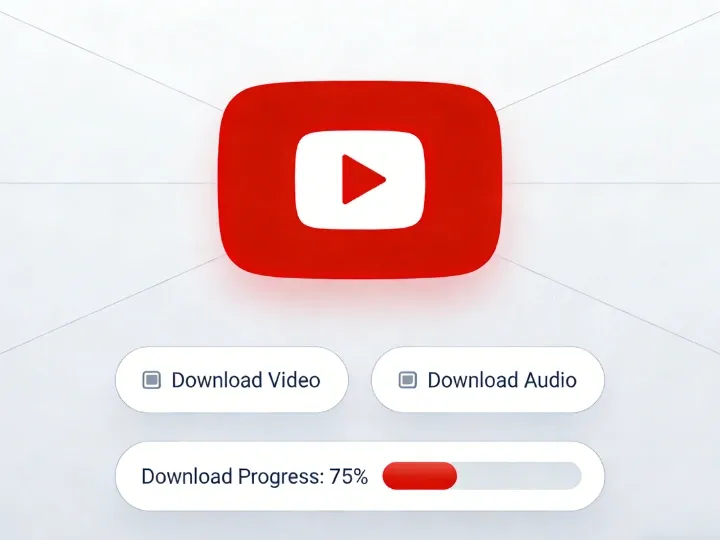
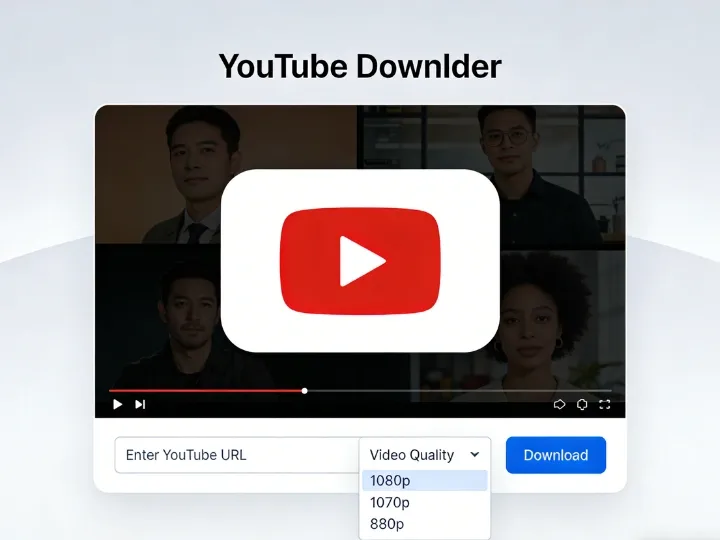
Didascalia: il downloader YouTube di FlowChartAI accetta un singolo URL di video o playlist e restituisce le opzioni di esportazione HD, 1080p o 4K nel browser. I convertitori basati sul Web evitano. Installatori exe, registrazione account su domini loschi e falsi pulsanti Download.DiagrammaDiFlussoAIEsegue il parsing nel cloud in modo che la macchina riceva solo il file finito.
Perché i creatori scelgono un browser downloader
- Vera proprietà del file:Si ottiene MP4 o MOV è possibile passare a un'unità USB, TV o editor.
- 4K quando la sorgente lo consente:Molti siti legacy limitano gli utenti gratuiti a 720p; FlowChartAI si rivolge fino a4KQuando YouTube serve quel flusso.
- Cortometraggi, playlist e caricamenti standard: One link per task—paste a film, documentary, or playlist URL.
- Cross-platform:Funziona in Chrome, Edge, Firefox e Safari su desktop e telefono.
Flusso di lavoro in cinque fasi
- Apri il film su YouTubeE copiare l'URL completo dalla barra degli indirizzi (includere? V = o parametri playlist se pertinenti).
- Visita:Flowchartai. tech/youtube-downloader.
- Incolla il linkNella casella di input (un URL per attività).
- Scegli il formato e la risoluzione-In genereMP4alle1080poppure4KPer i contenuti cinematografici.
- Fai clic su Parse e ScaricaE salvare il file quando viene visualizzato il prompt del browser.
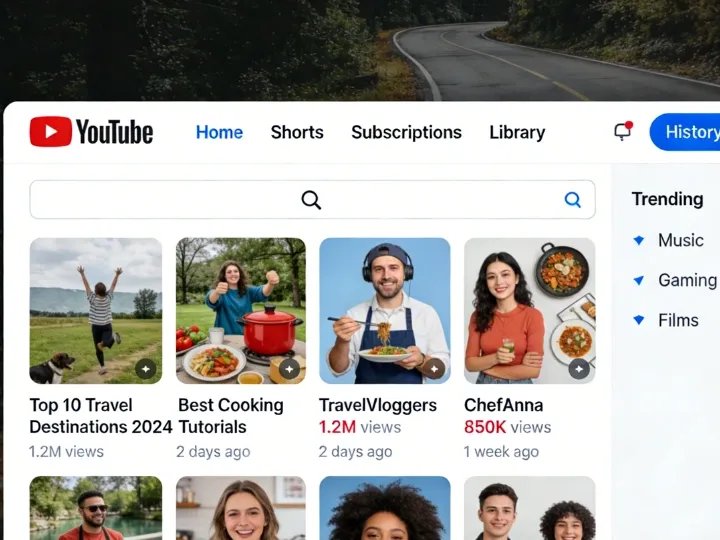
Didascalia: Dopo l'analisi, scegli MP4 o MOV e il livello di qualità più alta disponibile per il caricamento.Su iPhone:Usa Safari, scarica tramite il download manager integrato (freccia blu nella barra degli indirizzi), quindiCondividi → Salva videoPer spostare la clip in foto o file.
Livello gratuito e aggiornamenti
Offerte FlowChartAICinque generazioni libere al giornoSul downloader. Gli archivisti pesanti possono eseguire l'aggiornamento per attività più quotidiane e priorità di coda più veloce-controlla ilPrezziPagina per i limiti attuali.
Opzione 2: Software desktop per l'archiviazione di massa
Didascalia: le app desktop brillano quando metti in coda dozzine di titoli completi durante la notte. Quando ne hai bisogno50 video, Tracce di sottotitoli o download che sopravvivono a connessioni traballanti, i ripper installati contano ancora. I nomi del settore includonoDownloader Video 4KE open-sourceYt-dlp(Vedi la nostra guida complementare sui video registrati).Flusso tipico del desktop:
- Installare dalSito ufficiale del venditoreSolo.
- Copia l'URL di YouTube →Incolla LinkNell'app.
- SelezionaMP4, Risoluzione (4K/8K se offerto) e cartella di output.
- Lascia correre la coda; verifica che l'audio sia muxato (gli strumenti moderni uniscono automaticamente l'audio video).
Trade-off:Spazio su disco, manutenzione degli aggiornamenti e rotture occasionali quando YouTube cambia il suo lettore. Per un singolo film prima di un viaggio, FlowChartAI è solitamente più veloce.
Opzione 3: YouTube Premium (ufficiale, solo in-app)
Premium ti consente di scaricare all'interno dell'app mobile YouTube per la visualizzazione offline. Questo è ilPiù conformeRoute se non hai bisogno di un file standalone.
Beneficio | Limitazione |
Legale, a sostegno del creatore | I file rimangono crittografati all'interno dell'app |
Nessun rischio di terze parti | Non è possibile trascinare MP4 su Premiere o una porta USB Smart TV |
Semplice tap-to-download | I download scadono se l'abbonamento viene meno |
Scegli Premium quando la convenienza batte la proprietà. Scegli unMP4 flusso di lavoroQuando modifichi, presenti offline o memorizzi per sempre.
Opzione 4: estensioni e pulsanti "One-Click"
Google limita le estensioni del Chrome Web Store che strappano direttamente YouTube. Esistono Workarounds (estensioni helper, script utente, ponti Firefox) ma aggiungonoTempo di configurazione e revisione della sicurezza. Se salvi un film solo occasionalmente, salta la modifica del browserDownloader YouTube onlineInvece.
Fianco a fianco: Scegliere lo strumento giusto
Funzionalità | FlowChartAI (browser) | App desktop | YouTube Premium | Siti a specchio generici |
Risoluzione max | Fino a 4K (dipendente dalla fonte) | Spesso 4K/8K | Fino a 1080p sul cellulare | Spesso senza 720p |
Installazione | Nessuno | Obbligatorio | Solo app | Nessuno |
Formato file | MP4 / MOV | MP4 / MKV | Cache crittografata | MP4 (variabile) |
Annunci/sicurezza | Interfaccia utente del prodotto, nessun labirinto pop-up | Sicuro se ufficiale | Il più sicuro | Alto rischio di malvertiizzazione |
Playlist e shorts | Supportato (un link per attività) | Modalità batch forte | Solo in-app | Incoerente |
Controllo della realtà della risoluzione
YouTube memorizza flussi audio e video separati per risoluzioni elevate. Strumenti obsoleti possono fornire video 4K silenzioso. FlowChartAI e app desktop affidabiliMuxFlussi in modo che la riproduzione rimanga sincronizzata: controlla sempre a campione il primo minuto dopo il download.
Note sulla sicurezza, sul copyright e sulla E-E-A-T
Il nostro team pubblica queste guide in modo che gli utenti faccianoInformato, lecitoScelte-non incoraggiare la pirateria.
Diritto d'autore e uso personale
I Termini di servizio di YouTube limitano il download tranne quando Premium o i titolari dei diritti lo consentono. In molte giurisdizioni,Backup offline personaleDi contenuti che hai già il permesso di guardare è una pratica comune, maRicarica, vendita o ridistribuzione pubblicaSi trasforma in infrazione.Regola pratica:Salva solo ciò che puoi guardare; mantenere i file privati; rispettare Creative Commons e le licenze in studio.
Igiene del malware
- Evita i siti che richiedono un "acceleratore" desktop o una barra degli strumenti del browser.
- PreferireAnalisi cloud(Nessun sconosciuto. Exe sul tuo PC).
- Mantenere aggiornati il sistema operativo e il browser; scansionare i download da mirror non attendibili.
FlowChartAI elabora i collegamenti su HTTPS nel browser; non si concede l'accesso desktop remoto alla macchina.
Domande frequenti
Posso salvare un film completo da YouTube in 4K gratuitamente?
Sì, quando il caricamento è disponibile in 4K e lo strumento accede allo streaming combinato. Incolla l'URL inDownloader di FlowChartAI, Selezionare MP4 e scegliere la risoluzione massima elencata.
Perché il mio file salvato è audio enorme o mancante?
I file 4K di grandi dimensioni sono normali. Il suono mancante di solito significa che lo strumento non è riuscito a unire audio e video: riprova con un convertitore moderno o scegliere MP4 1080p, che è più ampiamente supportato.
Funziona per YouTube Shorts e playlist?
Supporta FlowChartAIPantaloncini, video standard e playlist(Un link per attività). Per canali massicci, considera gli strumenti di coda desktop dopo aver testato un singolo URL.
IPhone vs Android?
Entrambi possono utilizzare il browser mobile. Gli utenti iOS dovrebbero rimanere inSafariPer istruzioni di download affidabili; Gli utenti Android possono utilizzare Chrome o Firefox in modo simile.
In che modo questo è diverso dai download di YouTube Premium?
Premium mantiene le copie crittografate offline all'interno dell'app. UnDownload MP4Ti dà un file che puoi modificare, eseguire il mirror su una TV o archiviare nel backup cloud che controlli.
Conclusione: accesso vs proprietà
Accesso(Premium) è senza attriti e ufficiale.Proprietà(MP4 sul tuo disco) si adatta a editor, viaggiatori ed educatori che hanno bisogno di un file che sopravviva a un'app. Per la maggior parte delle persone che salvano un film questo fine settimana, inizia con il browser: apriDownloader YouTube FlowChartAI, Incolla il tuo link, scegli 4K o MP4 1080p e scarica-nessuna installazione richiesta.
Strumenti correlati:Compressore video · Video su testo · Blog
Sull'autore