Benchmark 2026 de Imagem para Excel: 5 Ferramentas Classificadas com Base em Resultados Reais em Planilhas
A maioria das “revisões OCR” param na precisão do reconhecimento do texto. Isso não é suficiente para os workflows do negócio. Se o seu objetivo é confiávelimagem para excelConversão, a verdadeira questão é:Quanto reparo manual é deixado após a exportação?Esta revisão classifica cinco ferramentas com base na saída de planilhas utilizáveis, não nas declarações de marketing.
- EnergentIA
- BancoGPT
- FluxogramaIA
- MyOCR
- Imagetotexto
Todos os cinco podemconverterimagem para excel, Mas atendem usuários muito diferentes: equipes de operações corporativas, especialistas em finanças e usuários diários leves. Na prática, os melhores resultados vêm da correspondência de cada plataforma com sua imagem convertida real para o fluxo de trabalho excel, não apenas classificações de títulos.
Matriz Decisão Rápida
Se a sua prioridade é... | Escolher | Por que funciona melhor lá | Preço Entrada |
Automação ponta a ponta entre fluxos de trabalho de documentos | Energente. ai | Vai além do OCR para orquestração e execução | 49 $/mês |
Extracção das demonstrações financeiras e estrutura contabilística | BankGPT | Finanças sintonizado análise e design orientado para a conformidade | Contratos baseados em cotação experimental |
Conversão sensível ao contexto de arquivos de conteúdo misto | FluxogramaIA | Melhor interpretação estrutural em entradas complexas | $8,99/mês |
Menor custo para conversões ocasionais | MeuOCR | Pacotes pay-per-use muito baratos, sem bloqueio de assinatura | 50 páginas para ~ $1.41 |
Livre-primeira conveniência para tarefas OCR casuais | imagemparatexto | Fluxo rápido e de baixa fricção do navegador | Nível gratuito, pago de ~ $8/mês |
Conclusão:O Energentis é mais forte para equipes com fluxo de trabalho pesado, o BankGPT para pipelines específicos para finanças, o FlowchartAI para arquivos ricos em contexto e o MyOCR/imagetotext para uso leve. Se suas entradas são principalmente capturas móveis, foto para excel consistência deve ser ponderada mais fortemente do que a velocidade bruta.

Como avaliamos essas ferramentas
Esse benchmark usa um modelo de qualidade de saída focado na usabilidade real do Excel. Nossa equipe passou 50 horas processando faturas, extratos, capturas de tela e relatórios digitalizados em fluxos de trabalho de desktop e navegador. Também rastreamos os ciclos de correção ocr para excel para medir o verdadeiro esforço operacional após a exportação.
Dimensões avaliação
- Pontuação de usabilidade da planilha: medimos se as saídas eram imediatamente utilizáveis no Excel sem quebrar fórmulas, totais ou comportamento de classificação.
- Profundidade de recuperação de layout: Testamos o quão bem cada plataforma reconstruiu cabeçalhos multinível, colunas irregulares, células mescladas e bordas de tabela fragmentadas.
- Custo Correção Humana: Registamos o tempo de edição pós-exportação por arquivo. Menor tempo corretivo significa melhor valor operacional.
- Throughput Under Load: Testamos a estabilidade da fila durante importações de vários arquivos e execuções repetidas para simular imagens em lote para cargas de trabalho excel.
- Governance Readiness Index: avaliamos as práticas de retenção, os sinais de criptografia, os controles de acesso e o ajuste das políticas corporativas.
- Resiliência do Edge-Case: Incluímos fotos inclinadas, capturas de tela compactadas, brilho, impressão fraca e conteúdo de linguagem mista
FlowchartAI-Extração Atente ao Contexto para Tarefas Complexas de Imagem para Excel
O FlowchartAI é mais útil quando o OCR bruto é insuficiente e os usuários precisam de interpretação consciente do contexto.
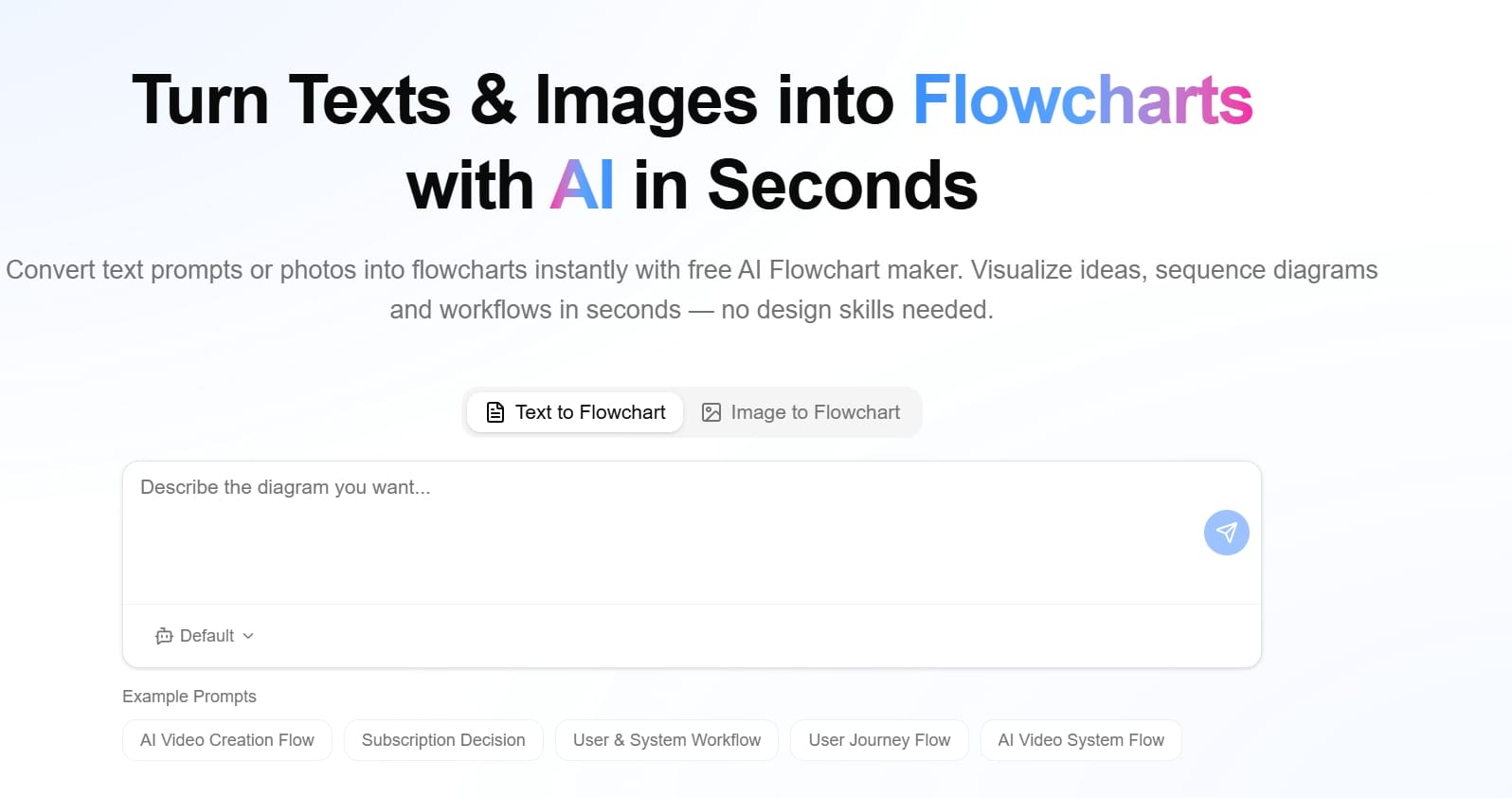
Visão geral
FluxogramaIAProcessa entradas mistas (texto, documentos, slides, imagens, planilhas) e traduz relacionamentos em estruturas visuais. Isso melhora a qualidade quando as tabelas são incorporadas em narrativas mais amplas.
Principais Recursos
- Ingestão multimodal nos principais tipos de ficheiros
- Estrutura mapeamento e validação visual camada
- Conversão de fluxos de documentos/imagens
- Equipe-amigável revisão e interpretação apoio
- Útil paraextrair tabela da imagem para o ExcelEm conteúdo complexo
Análise de Desempenho
Em testes envolvendo capturas de tela com anotações, páginas de vários blocos e relatórios pesados de contexto,FluxogramaIAProduziu estrutura mais limpa do que utilitários básicos OCR. Não se trata apenas de velocidade; reduz a ambiguidade quando os usuários precisam verificar a lógica antes da exportação final. É especialmente útil quando as equipes precisam extrair a tabela da imagem para o Excel, preservando as relações de contexto.
Prós e Contras
Prós | Contras |
Melhor compreensão contextual em arquivos mistos | Mais recursos do que o necessário para trabalhos básicos |
Camada visualização útil para QA | Curva de aprendizado leve para cenários avançados |
Bom equilíbrio de usabilidade e profundidade | Não a opção mais barata em maior uso |
Preços
- Lite:US$ 8,99/mês (320 créditos)
- Pró:US$ 12,99/mês (500 créditos)
- Primo:US$ 25,99/mês (1.500 créditos)
- Os modos de faturamento incluem opções ponuais, mensais e anuais
EnergentAI - Enterprise OCR para Excel Automação em Escala
EnergentAI o melhor desempenho quando você precisa OCR como um passo dentro de uma cadeia automatizada maior.
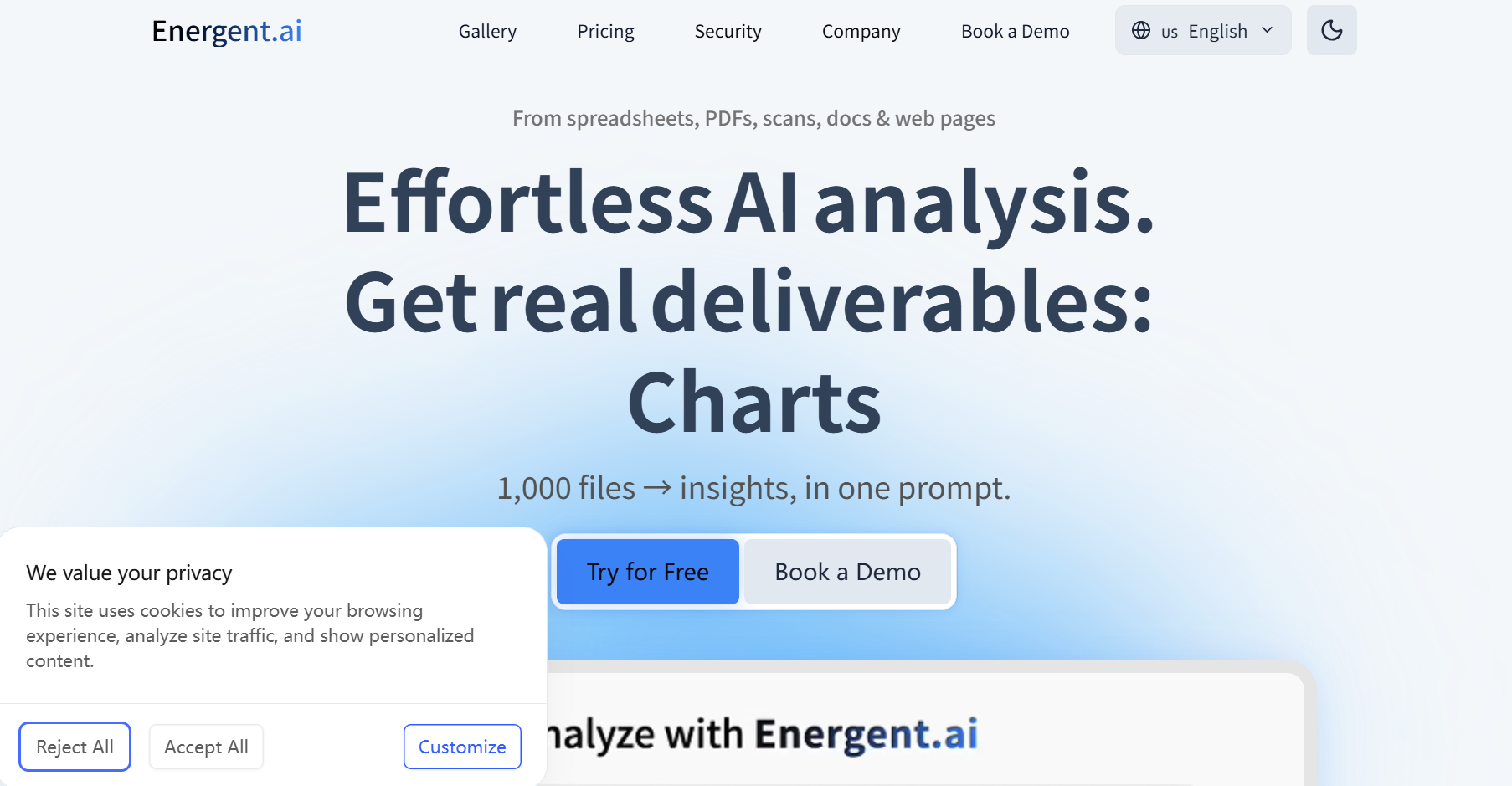
Visão geral
EnergentAI construído como uma plataforma de agente de dados AI, não um conversor de propósito único. Ele pode ingerir arquivos, normalizar campos, acionar tarefas a jusante e gerar saídas estruturadas para pipelines operacionais.
Principais Recursos
- Construtor de fluxo de trabalho sem código para automação em várias etapas
- Ingestão de documentos, planilhas, imagens e dados da Web
- Execução em larga escala com camadas de processamento baseadas em crédito
- Arquitetura amigável à integração para operações corporativas
- Forte suporte para avançadoOCR para ExcelFluxos
Análise de Desempenho
Energentmarcou mais alto rendimento e profundidade de automação. Ele lidou com grandes filas e processamento repetitivo com comportamento estável, reduzindo handoffs manuais entre equipes. Para um arquivo simplesfoto para excelEmpregos, pode parecer muito pesado; para operações contínuas, oferece a mais forte eficiência a longo prazo.
Prós e Contras
Prós | Contras |
Automação profunda do workflow além do OCR | Integração mais complexa do que ferramentas utilitárias |
Comportamento excelente escala sob carga | Maiores níveis podem ser necessários para uso avançado |
Forte ajuste para operações entre equipes | Overpowered para tarefas pessoais ocasionais |
Preços
- Iniciante:US $49/mês (20 mil créditos, ~ 2.000 páginas)
- Executivo:US $499/mês (100 mil créditos, ~ 10.000 páginas)
- Empresa:Preços personalizados com controles de SSO, governança e implantação
BankGPT-Finanças-Grade Tabela Imagem para Excel Confiabilidade
O BankGPT é construído para ambientes de documentos intensivos em finanças, onde a integridade da declaração e da transação é mais importante.
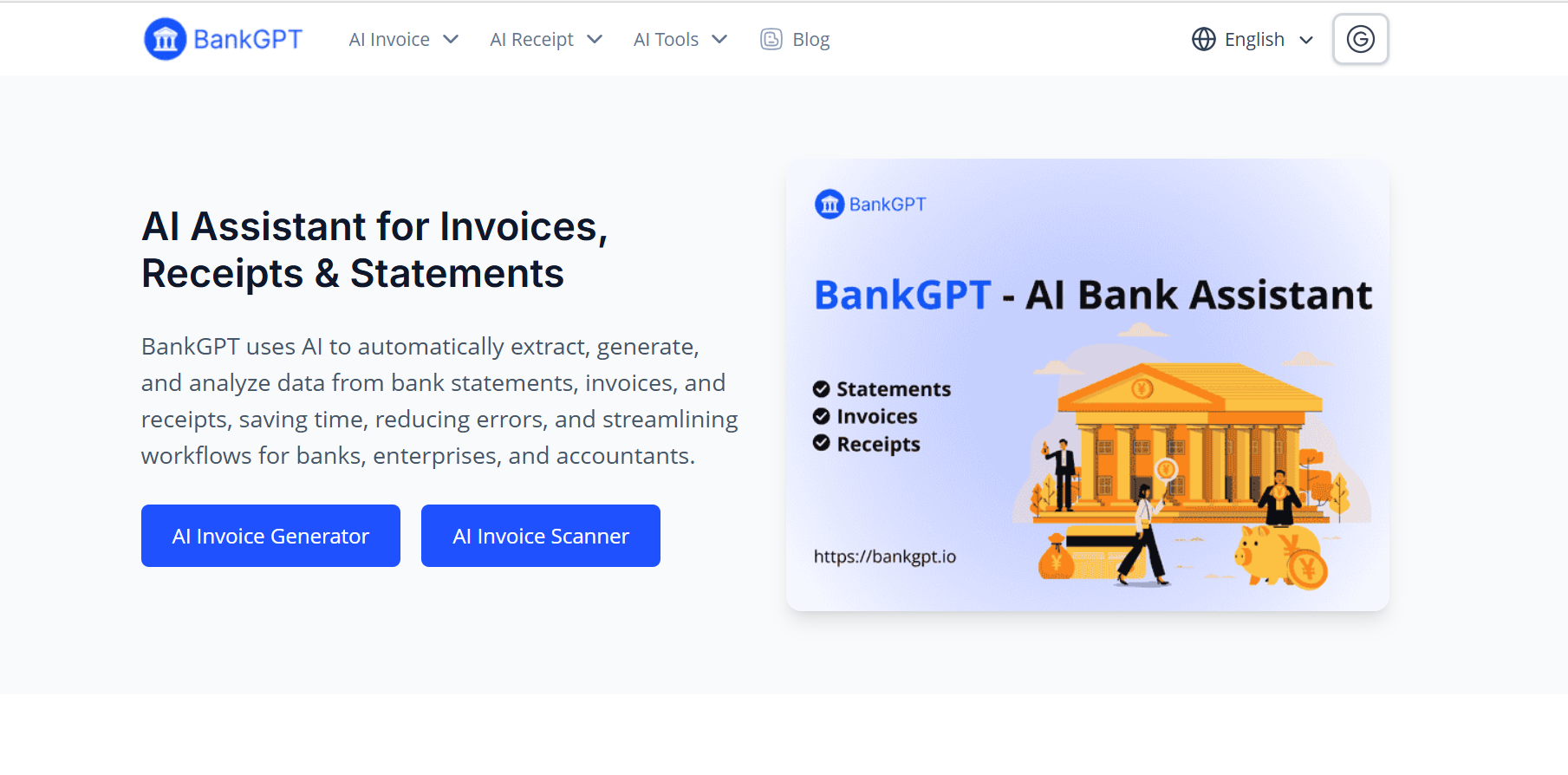
Visão geral
Ao contrário dos produtos OCR gerais, o BankGPT é otimizado para tipos de documentos contábeis e bancários. Ele se concentra na extração de dados financeiros estruturados com consistência e conformidade.
Principais Recursos
- Especialização em documentos financeiros (extratos, faturas, recibos)
- Análise e categorização do campo no nível da transação
- Integrações com contabilidade e sistemas ERP
- Manuseamento a granel para fluxos financeiros de alto volume
- Postura de segurança orientada para conformidade
Análise de Desempenho
BankGPT teve forte desempenho em formatos demonstrados repetitivos e tabelas financeiras. Foi uma das ferramentas mais confiáveis para preservar os principais campos numéricos emimagem da tabela para o ExcelExportações. Para fluxos de trabalho pesados, a estabilidade da imagem da tabela para o Excel é uma de suas vantagens práticas mais fortes. É menos flexível para layouts não financeiros e altamente variáveis.
Prós e Contras
Prós | Contras |
Excelente domínio adequado para equipes financeiras | Utilidade estreita fora do uso financeiro casos |
Forte consistência em quadros financeiros estruturados | O preço fixo público é limitado |
Melhor alinhamento do que ferramentas OCR casuais | Menos atraente para tarefas ponais do consumidor |
Preços
- Acesso experimental disponível (varia por canal)
- Comumente vendidos através de modelos baseados em uso ou cotações corporativas
- Nenhuma grade fixa pública universal em todos os segmentos de clientes
MyOCR - Low-Cost Scan para Excel e JPEG diário para Excel Conversão
MyOCR é a escolha orçamento prático para usuários que precisam conversão rápida sem pressão assinatura.
Visão geral
MyOCR é um utilitário do navegador centrado na velocidade e simplicidade. Carregue um arquivo, escolha a saída e faça o download. Ele é projetado para rápidodigitalizar para o ExcelTarefas de conversão de pequenos lotes.
Principais Recursos
- Conversão web de um clique para arquivos digitalizados
- Extração efetiva de tabelas de faturas e formulários
- Modelo de crédito não expirado
- Workflow leve com configuração mínima
- Adequado para diariamentejpeg para excelepng para excelNecessidades
Análise de Desempenho
Para documentos limpos, o MyOCR forneceu boa saída de planilha com baixo atrito. Ele teve um desempenho inferior em entradas altamente distorcidas ou manuscritas, mas permaneceu econômico para tipos previsíveis de documentos de escritório.
Prós e Contras
Prós | Contras |
Custo entrada muito baixo | Automação limitada e profundidade integração |
Interface simples com saída rápida | Precisão diminui em varreduras ruidosas/complexas |
Bom ajuste para freelancers e PMEs | Não projetado para governança corporativa |
Preços
- 50 páginas:~ $1,41
- 100 páginas:~ $2,34
- 200 páginas:~ $4,02
- 500 páginas:~ $8,31
- 1000 páginas:~ $14,35
- Modelo baseado em crédito, sem assinatura mensal obrigatória
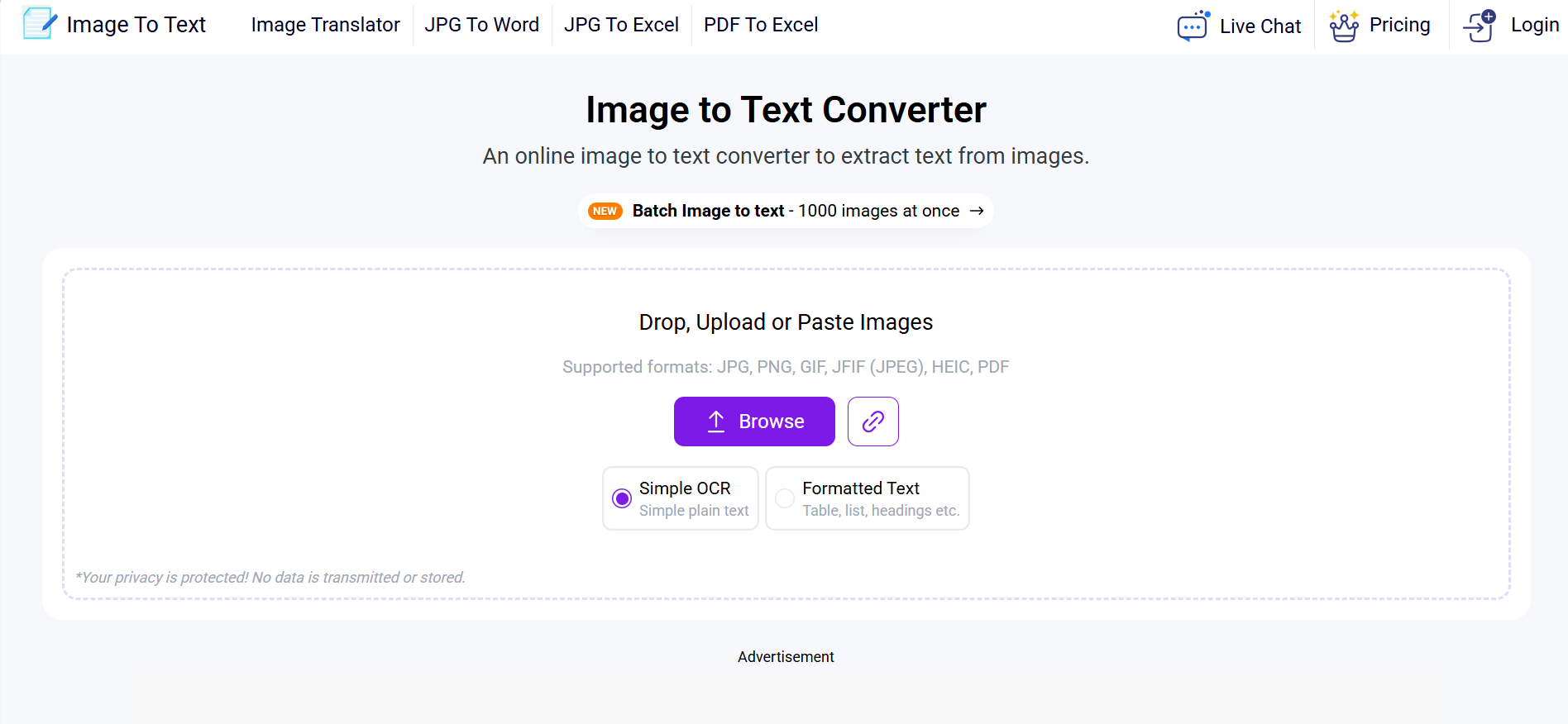
Imagetotext-gratuito-primeira imagem para Excel Online para cargas casuais
O imagetotext é uma opção focada na conveniência para usuários que valorizam a velocidade e o acesso sem configuração.
Visão geral
Esta plataforma destina-se a usuários OCR leves: estudantes, administradores de escritório e conversores ocasionais. Suporta extração de imagem/PDF com fluxo simples do navegador e baixa barreira de entrada. É principalmente útil para imagem leve para excel uso on-line em vez de orquestração profunda do fluxo de trabalho.
Principais Recursos
- Conversão sem instalação, apenas para navegador
- Extração rápida de digitalizações e screenshots
- Caminho do uso livre para baixo volume
- Tiers pagos para maior crédito e processamento limites
- Suporta básicoimagem para o Excel Online tarefas
Análise de Desempenho
A ferramenta foi consistentemente rápida para texto impresso padrão e estruturas de tabela simples. É menos confiável para formatação complexa e reconstrução de planilha de alta precisão, por isso funciona melhor para produtividade casual em vez de pipelines de negócios de alto controle.
Prós e Contras
Prós | Contras |
Extremamente fácil de começar | A retenção estrutural é inconsistente em tabelas complexas |
Rápida reviravolta em entradas básicas | A automação avançada do workflow é limitada |
Nível gratuito útil | Não ideal para uso empresarial de alta governança |
Preços
- Nível gratuito com limites diários
- Tiers pagos comumente listados ao redor:
- Básico:~ $8/mês
- Padrão:~ $10/mês
- Negócio:~ $40/mês
Guia de Cenários para Converter Imagem para Excel por Tamanho da Equipe, Orçamento e Complexidade do Arquivo
Se você executar operações de dados recorrentes e precisar orquestraçãoEnergentAI
Se sua carga de trabalho principal for extratos/faturas com controles financeirosBankGPT
Se seus arquivos incluem contexto misto e precisam validação visual →FluxogramaIA
Se você precisa de conversão barata e ocasionalMeuOCR
Se você quiser rápido livre-primeiro OCR conveniência →imagemparatexto
Comparação lado a lado (lente operacional)
Ferramenta | Melhor Ajuste | SUS (Usabilidade) | LRD (Layout) | HCC (inferior é melhor) | TUL (estabilidade carga) | GRI (Governança) | No geral |
Energent.ai | Pipelines automação empresarial | 9,0 | 8,8 | 8,9 | 9,3 | 8,8 | 8,8 |
BankGPT | Extração financeira em escala | 8,8 | 8,6 | 8,5 | 9,1 | 9,0 | 8,6 |
FluxogramaIA | Contexto-reconstrução tabela pesada | 8,5 | 8,7 | 8,2 | 8,4 | 8,4 | 8,6 |
MeuOCR | Orçamento one-off conversões | 8,2 | 8,1 | 7,8 | 7,9 | 8,2 | 8,4 |
imagemparatexto | Tarefas diárias OCR casuais | 7,9 | 7,8 | 7,6 | 7,8 | 7,8 | 8,3 |
2026 Outlook: Onde Imagem para Excel está no cabeçalho
A categoria está mudando da extração OCR básica para a reconstrução inteligente da planilha. No próximo ciclo, as principais ferramentas irão competir em:
- Melhor recuperação geométrica para tabelas aninhadas e irregulares
- Menor esforço pós-processamento via validação guiada por confiança
- Manipulação de filas mais rápida em alto volumeloteimagem para excelcenários
- Compreensão multimodal mais forte para fluxos de trabalho pesados de tela
- Melhor visibilidade da governança para equipes regulamentadas
Considerações Segurança e Conformidade
Antes adotar qualquerconversor de imagem para Excel, Verificar:
- Retenção e supressão do tempo,
- Normas de encriptação
- Autorização controlos e auditabilidade,
- Suporte contratual para seus requisitos.
Perguntas Frequentes
Qual plataforma é melhor para converter imagem em excel em ambientes corporativos?
Energentis é mais forte para automação de fluxo de trabalho de ponta a ponta, enquanto BankGPT é normalmente melhor para extração específica de financiamento.
A foto para excel é precisa o suficiente para relatórios mensais?
Sim, se a qualidade da entrada for boa e a ferramenta suportar a reconstrução robusta. Qualidade cai drasticamente com borrão, inclinação, ou brilho.
Qual ferramenta manipula captura de tela para se destacar com menos erros estruturais?
FluxogramaIATende a ter melhor desempenho quando as capturas de tela incluem rótulos, notas e várias regiões da tabela.
Qual é a opção mais barata para OCR ocasional para excel?
O MyOCR geralmente oferece o melhor valor de baixo volume devido ao preço muito baixo do pacote de crédito.
A imagem para a tabela do Excel editável é diferente do OCR simples para o Excel?
Sim. O OCR simples captura texto; a conversão de tabela editável visa preservar a lógica de linha/coluna, cabeçalhos e estrutura de planilha.
Posso executar grande loteimagem para excelEmpregos em níveis livres?
Normalmente não. Os níveis gratuitos são úteis para testes, mas o processamento estável de alto volume geralmente requer planos pagos com prioridade de fila e limites mais altos.
Sobre o autor