FlowChartAI vs. HitPaw: AI Video Watermark Remover Comparison (2026)
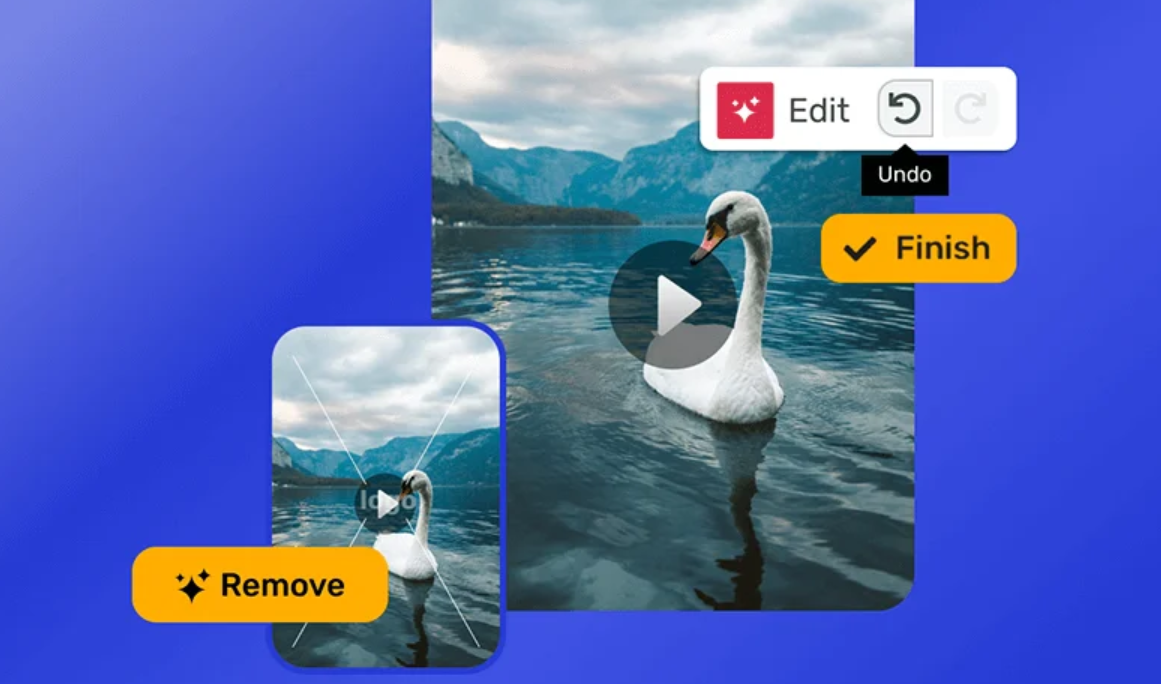
Choosing the right video watermark remover can be challenging, as different tools focus on different needs, such as output quality, processing speed, pricing models, and workflow flexibility. We selected HitPaw Watermark Remover and FlowChartAI for this comparison because both offer online video watermark remover solutions while taking different approaches. HitPaw provides more flexible removal options, larger upload limits, and broader format support, while FlowChartAI focuses on a simple workflow designed for short-form video creators.
HitPaw offers both online and desktop versions, but this comparison focuses specifically on HitPaw Online Watermark Remover because it provides a browser-based experience that can be compared directly with FlowChartAI. The desktop version was not included in our testing. We tested both online tools using the same video samples to compare output quality, processing speed, pricing, removal method and supported formats, helping users understand which tool better fits their workflow.
Evaluation Criteria
- Output Quality
- Pricing
- Removal Method
- Processing Speed
- Supported Formats
Dimension | FlowChartAI | Hitpaw |
Output quality | ⭐⭐⭐⭐☆ (4.5/5) | ⭐⭐⭐⭐☆ (4.5/5) |
Pricing | ✅ 100% Free Trial for 3 Months | ⚠️Credit-based system check-in credits (2–5 credits/day) |
Removal method | Manual selection, no frame-by-frame editing | Auto + Manual removal modes |
Processing speed | 12s /1min | 12s /1min |
Supported formats | mp4, MOV(≤ 20MB) | MP4, MOV, MKV, AVI ( ≤ 500MB) |
Best for | ✅ TikTok, CapCut, Instagram Reels, Shorts | ✅ Larger files and complex watermark removal |
As video watermark removers, FlowChartAI and HitPaw Online serve different types of users. FlowChartAI is a better fit for creators who mainly process short-form videos under 20MB and want a simple workflow with a three-month free trial. HitPaw Online is more suitable for users who need larger uploads, broader format support, and the choice between automatic removal for a simpler experience or manual removal for more control, with a credit-based system.
To better understand these differences, we tested both tools across a range of real-world watermark removal scenarios.
Our Testing Process: HitPaw Watermark Remover vs. FlowChartAI Performance
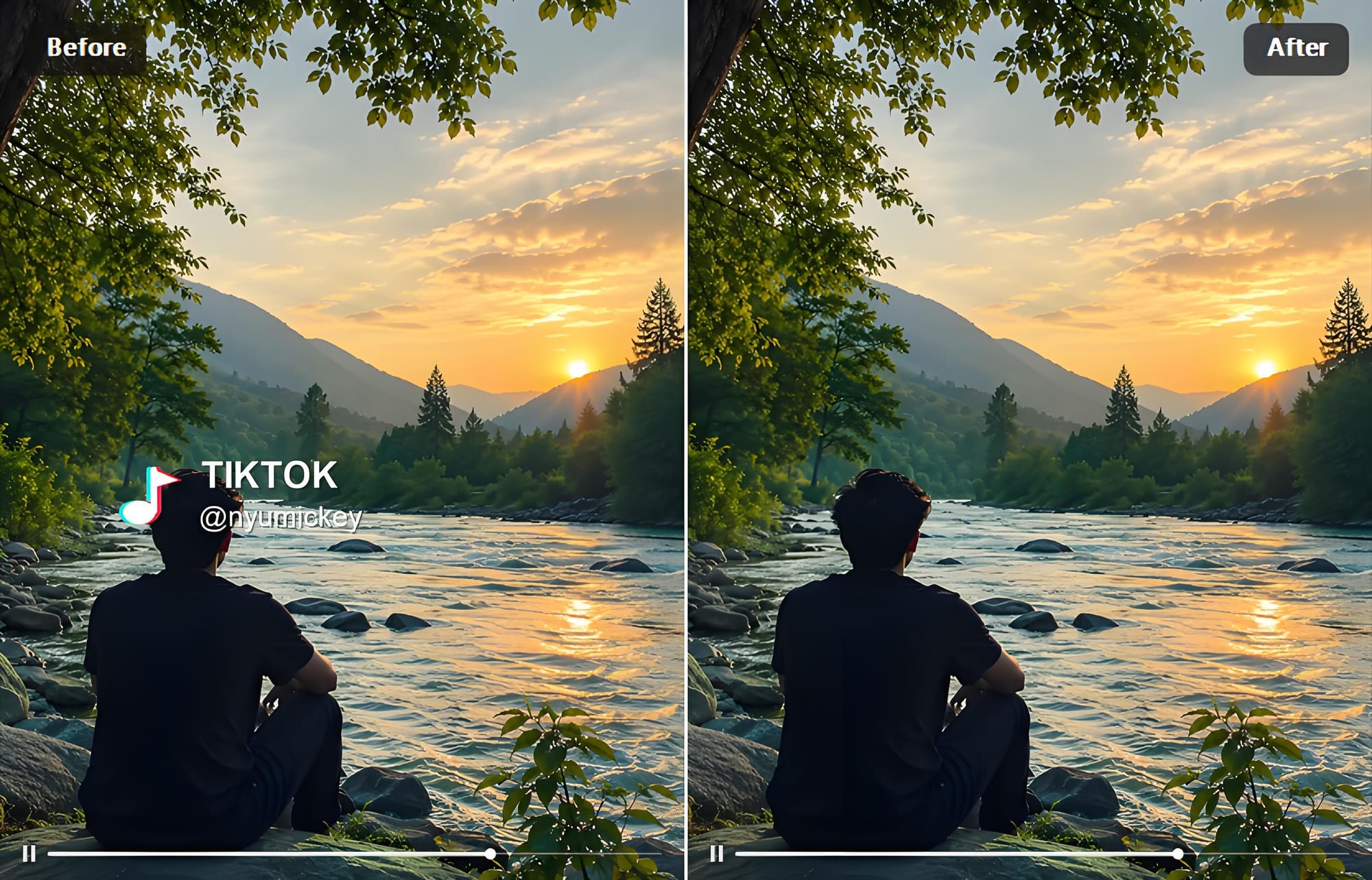
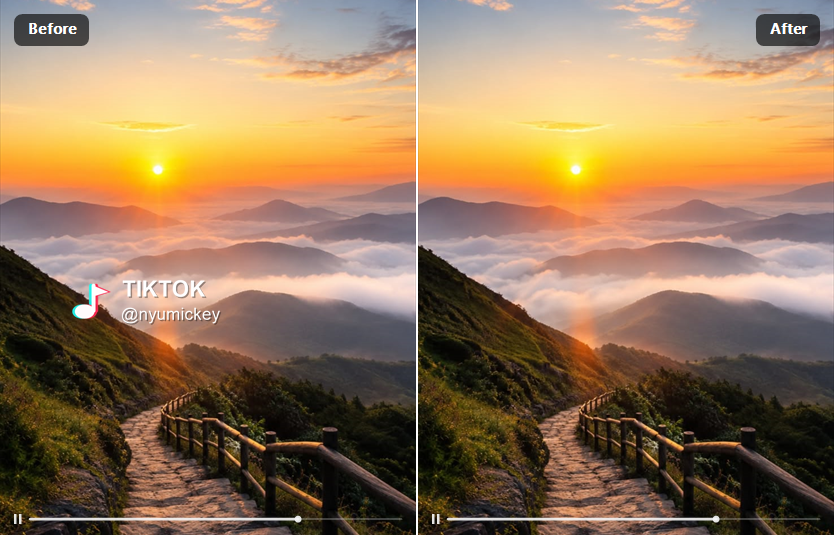
We evaluated HitPaw Watermark Remover and FlowChartAI using a real-world short-form video scenario. For our direct comparison, we selected a 12-second MP4 video with a TikTok-style static logo and text watermark placed over a detailed moving background. This setup was chosen because it represents a common challenge for AI watermark removal tools, combining a fixed watermark position with changing visual details behind the watermark.
We uploaded the same video to both tools and selected the identical watermark area during the removal process. By keeping the video length, resolution, format, and watermark position consistent, we minimized external variables and created a fair comparison of output quality and processing speed.
During testing, we evaluated key factors including watermark removal accuracy, preservation of surrounding details, processing time, and overall workflow experience.
HitPaw Online Review: Larger Upload Limits and Flexible AI Removal Modes
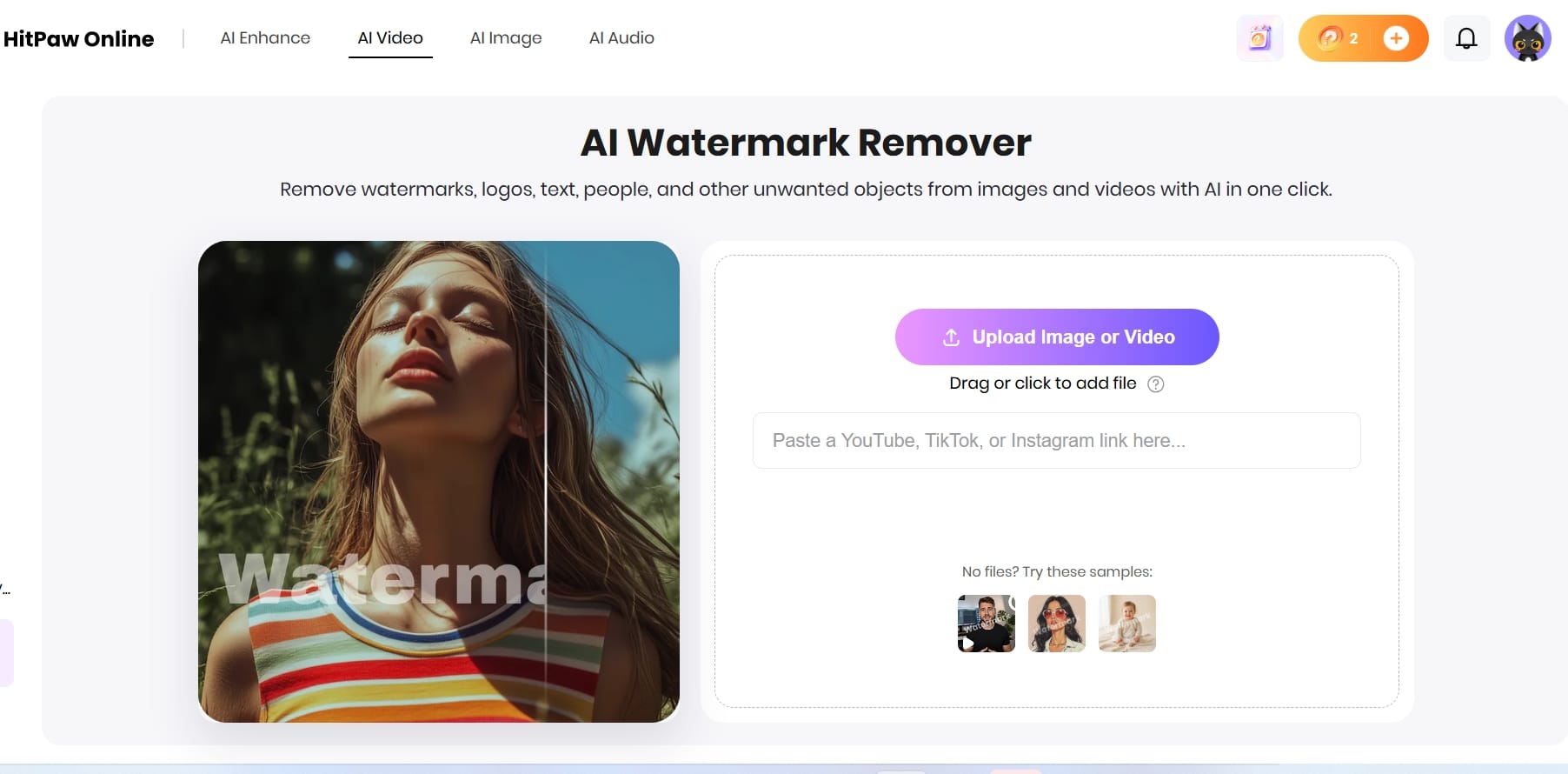
HitPaw Watermark Remover is a video watermark remover that provides different workflows through its website versions. During our test, we evaluated the online watermark removal experience rather than the desktop application. HitPaw’s website currently includes two versions: Remover 1.0 and Remover 2.0. Both versions require credits to process removal tasks, but they use different credit access methods.
In our testing, HitPaw achieved an output quality score of 4.5/5 and removed the watermark without adding extra branding. It processed our 12-second test clip in under one minute, finishing slightly faster than FlowChartAI. Its main advantages are flexible removal options and larger file support. HitPaw provides both AI automatic removal and manual removal modes, and supports MP4, MOV, MKV, and AVI files up to 500MB, making it better suited for users who need more control or work with larger videos.
For pricing, HitPaw Watermark Remover uses a credit-based system. Remover 1.0 requires users to purchase credits directly, while Remover 2.0 allows users to earn credits through daily check-ins. During our test, removing a 12-second video required 5 credits. Users relying on free check-in credits may need to collect credits over several days before processing multiple videos, as the first-day reward of 2 credits is not enough for one removal task.
FlowChartAI Review: A Three-Month Free Trial for Short-Form Content
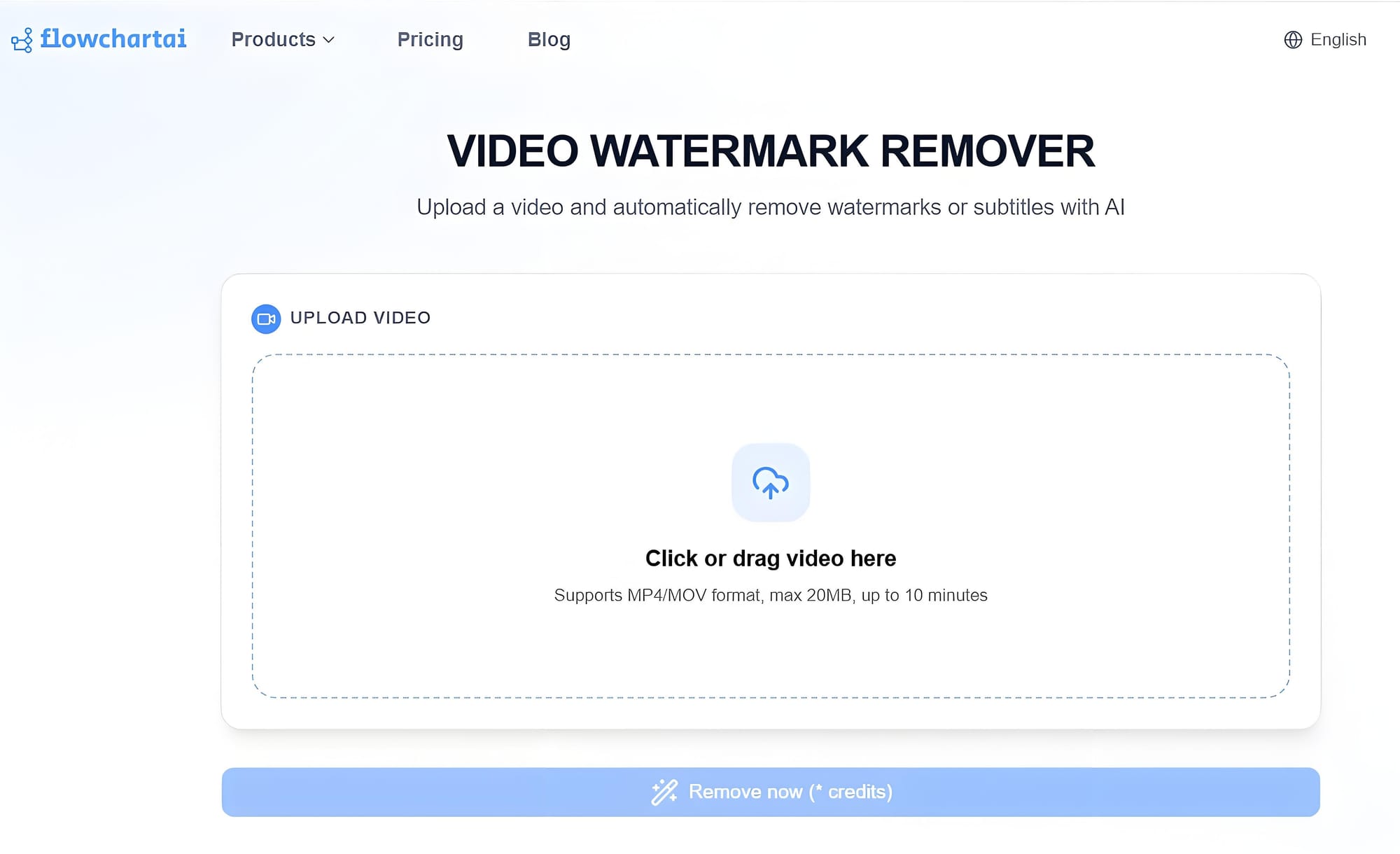
FlowChartAI is an all-in-one AI productivity hub that combines AI diagramming, file conversion, video ad image editing, social video downloading, and transcription in a single browser-based workspace. Among its creative tools, the Video Watermark Remover provides a simple browser-based workflow for removing watermarks from videos. In our testing, it was particularly effective for short-form social media content, including TikTok videos, CapCut exports, Instagram Reels, and YouTube Shorts.
In our testing, FlowChartAI also achieved an output quality score of 4.5/5 and exported the processed video without adding additional branding. It completed the same 12-second test clip in under one minute, although it was several seconds slower than HitPaw Watermark Remover. The difference was small and unlikely to significantly affect everyday usage.
FlowChartAI’s main advantage is its simple and predictable access model, making it a practical option for users looking for a free video watermark remover solution. New users can access the tool through a three-month free trial. Its workflow is straightforward: upload the video, place a selection box over the watermark, start processing, and download the result. Once selected, the marked region remains active throughout the clip, eliminating the need for frame-by-frame adjustments.The main limitation is file support. FlowChartAI currently supports MP4 and MOV videos up to 20MB, making it better suited to lightweight social media clips rather than large video projects or high-resolution files.
Final Verdict
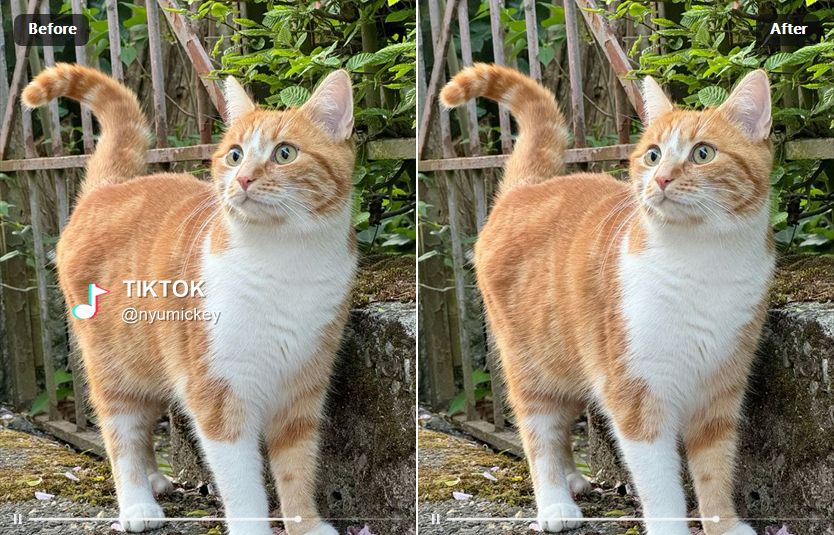
Choose FlowChartAI when you are comfortable with a manual selection workflow, mainly work with short-form MP4 or MOV videos under 20MB, and want predictable access through a three-month free trial. Choose the online edition of HitPaw Watermark Remover when you need uploads up to 500MB, broader format support, or a more flexible AI-assisted workflow with automatic and manual removal options, and are comfortable with a credit-based system.If local processing, batch work, or more advanced moving-logo features matter more than browser convenience, consider HitPaw Watermark Remover for desktop instead. It is a separate product and is not included in the online speed ranking below.
FAQ
- Can AI remove TikTok, CapCut, or Instagram logos from videos?
Yes. Most AI video cleanup tools can remove platform logos, usernames, and text overlays from TikTok, CapCut, Instagram Reels, and similar short-form videos. Results are generally better when the mark remains in a consistent position.
- Is there a free video watermark remover?
A free online removal tool usually relies on trial or limited credits. FlowChartAI provides a 3-month free trial, while HitPaw Watermark Remover uses a credit-based system with credits available through purchase or daily check-ins in version 2.0. Free options may include limits such as upload size, credits, or processing quotas.
- Is Pixelbin Watermark Remover good?
Pixelbin offers AI-powered removal as part of its broader image and video processing platform. It provides an easy online workflow and integrates with other editing features. Whether it is the right choice depends on output quality, speed, pricing, and file-size support.
- Will removing a watermark reduce video quality?
Not necessarily. Traditional methods like cropping or blurring often affect image quality, while AI-powered restoration tools attempt to reconstruct the background and preserve more detail. The final result depends on scene complexity, the size of the overlay, and the AI model used.
- Are there open source AI watermark remover video tools?
Some users search for watermark remover AI open source video solutions because they want offline processing or more customization options.Open-source tools can provide greater flexibility, but they usually require technical knowledge and local installation. For most creators who need a faster editing workflow, browser-based AI tools are generally easier to use and require no setup.
- How to remove the CapCut watermark from a video?
To use a CapCut watermark remover, upload the exported video, select the target area, and process the clip. Tools like FlowChartAI and HitPaw can remove visible logos or text overlays without manually editing each frame.
Yazar hakkında