fbImg

FlowChartAI vs EzRemove AI: AI Video Watermark Remover Comparison (2026)

Ethan R. Caldwell2026-06-12
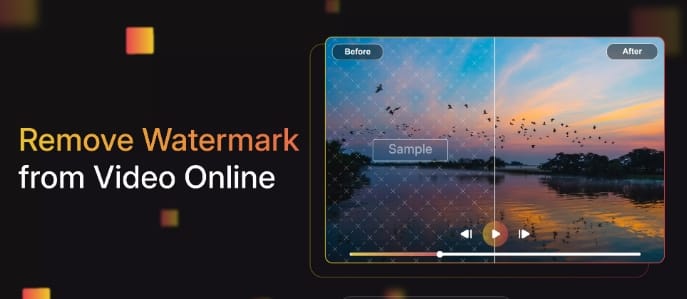
Remove Video Watermark from Video Online

Snapshot: Remove Watermark from Video

One-line verdict: Neither tool wins every scenario. FlowChartAI fits automatic remove watermark from video workflows on short social clips under 20MB with a fixed 5 free jobs per day; EzRemove AI fits larger 4K files, manual brush control, and pay-as-you-go credit pricing — each trades something the other keeps.Key differentiators:

  • FlowChartAI — Auto-detect only; MP4/MOV up to 20MB and 10 minutes; 5 free generations/day; 42–68 sec processing for 60-second clips (self-reported benchmark); Lite plan $8.99/mo (320 credits).
  • EzRemove AI — Auto Remove + Manual Paint + Pro mode; MP4/M4V up to 500MB and 4K; 3–5 minute duration caps; ~1 credit per 2 seconds of video; one-time credit packs from $4.99.

Quick picks (by workflow, not universal rank):

  • Fully automatic, sub-20MB social clips: FlowChartAI
  • 4K or files above 20MB: EzRemove AI
  • Fixed daily free job count: FlowChartAI (5/day)
  • One-time credits that do not expire: FlowChartAI & EzRemove AI
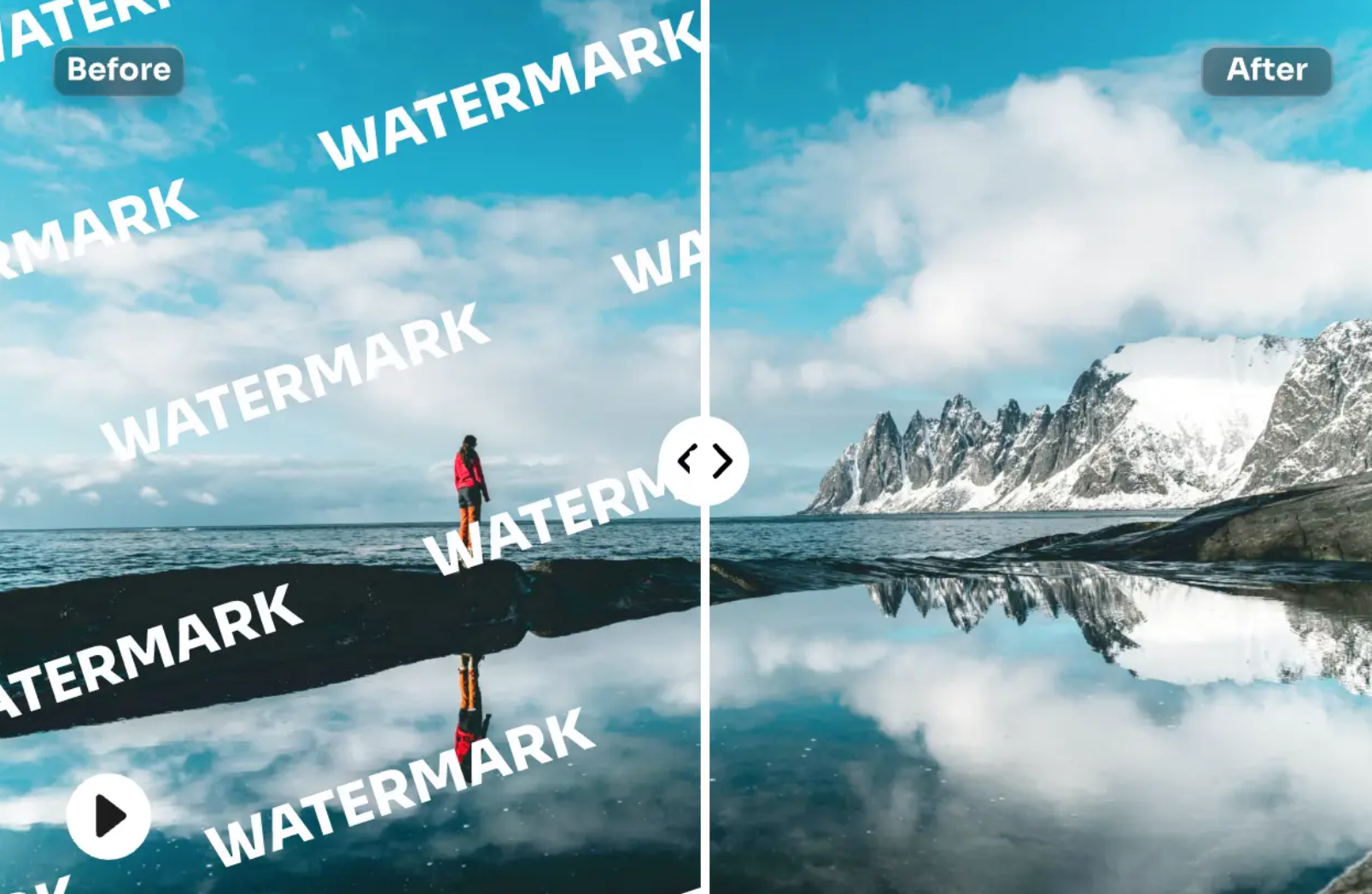
Remove the watermark from a woman's video

Video Watermark Removal Comparison Table (2026)

Dimension
FlowChartAI
EzRemove AI
Core workflow
Upload → AI auto-detect → preview → download
Auto Remove, Manual Paint, or Pro mode
Formats
MP4, MOV
MP4, M4V
Max file size
20MB
500MB
Max resolution
HD (within size cap)
Up to 4K (3840px)
Max duration
Up to 10 minutes
Auto: 3 min; Manual: 5 min
Detection
Fully automatic — no brush
Auto + manual region selection
Free tier
5 generations/day
~20–50 daily credits; 30-sec Manual Paint preview
Paid entry
$8.99/mo (320 credits)
$4.99 (70 credits)
Typical 60s clip speed
42–68 seconds
Seconds to minutes (complexity-dependent)
Corner-logo success
87% acceptable (30-clip internal test)
Strong on static marks; retries often needed on motion
Audio
Preserved
Preserved
Best for
TikTok/CapCut/IG auto cleanup
4K clips needing manual mask control

Why Remove Watermark from Video Still Matters in 2026

Short-form platforms embed visible stamps — TikTok logos, CapCut end cards, Instagram Reel marks. A modern AI watermark remover must handle inpainting across frames while keeping motion smooth and audio intact.

The gap between tools is not "whether they work" but how much control you sacrifice for automation. Fully automatic engines like FlowChartAI optimize for speed on fixed corner marks; selection-first platforms like EzRemove AI trade setup time for predictability on difficult textures. Anyone searching to delete watermark from video files they own should compare file caps, free quotas, and per-minute cost before committing — especially when marketing pages promise free remove watermark from video access that hides daily limits or credit math.


FlowChartAI: AI Video Watermark Remover Deep Dive

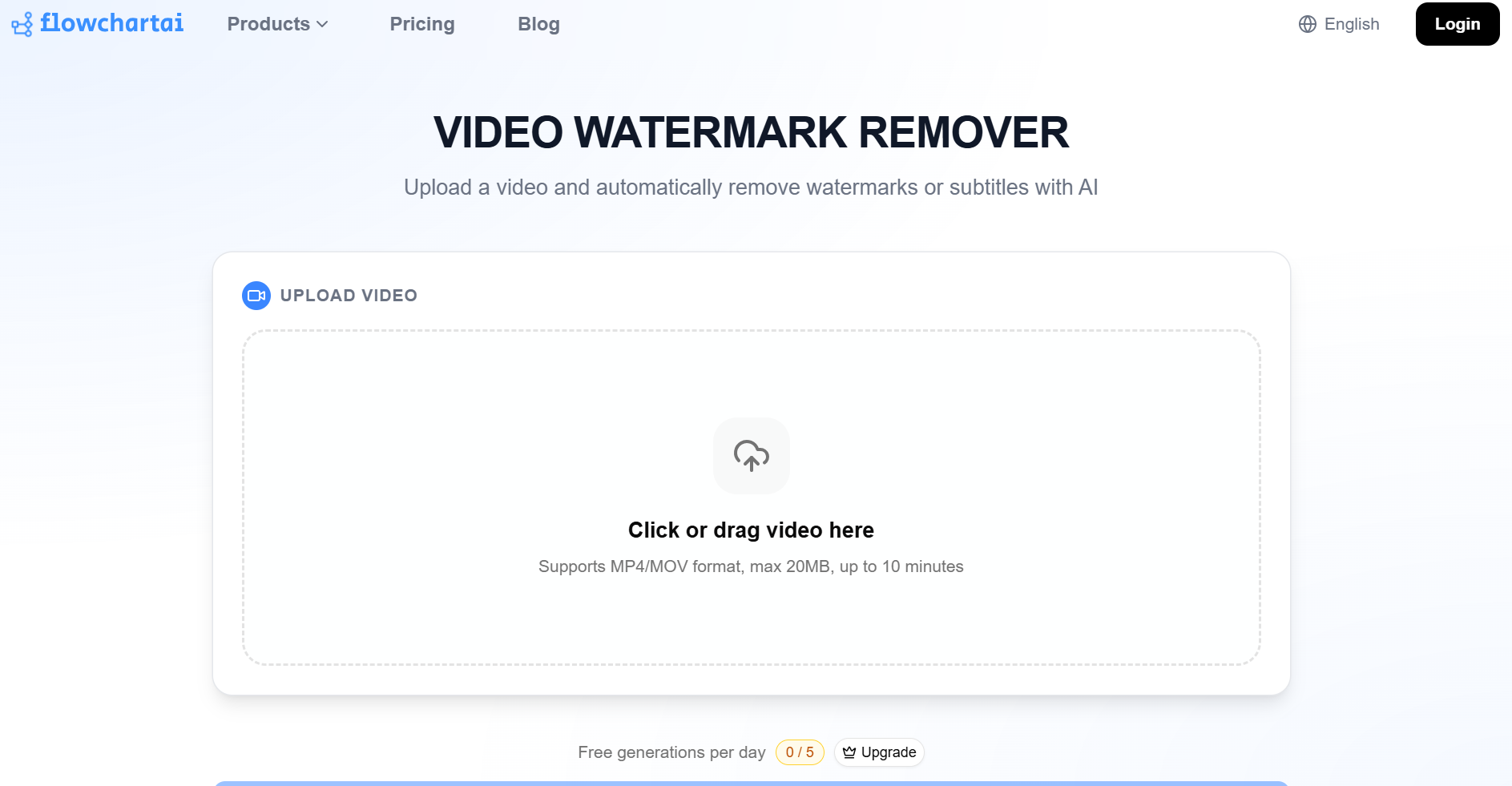
https://www.flowchartai.tech/video-watermark-remover

The workflow is deliberately minimal: upload an MP4 or MOV (max 20MB, up to 10 minutes), let AI auto-detect the watermark region, preview the result, then download. Supported mark types include TikTok stamps, CapCut exports, Instagram Reel overlays, corner logos, text, subtitles, and timestamps. No manual brush is offered — the entire value proposition is zero-interaction remove watermark from video cleanup.

FlowChartAI claims blur-free HD preservation with secure cloud processing and no permanent file storage. For users who prefer avoiding inpainting altogether, TikTok and Instagram downloaders fetch HD MP4s without watermark when source access allows — often faster than repairing already-saved files.

FlowChartAI reports 87% acceptable corner-logo removal versus 41% in that test set, with 42–68 second end-to-end latency on 60-second clips — figures worth validating on your own footage. Documented strengths include:

  • Fully automatic detection — no masking skills required
  • 5 free generations per day on the video tool UI (shown as daily quota)
  • Audio track preserved through standard inpainting
  • Fast path for TikTok, CapCut, and IG saves under the size cap
  • Bundled Lite plan at $8.99/month (320 credits) covers video tools plus flowcharts and conversion

    FlowChartAI is not flawless. The 20MB ceiling excludes many phone-recorded HD exports in a single upload. Auto-only detection fails when the AI misidentifies the watermark region — there is no manual override. Moving or semi-transparent marks on busy backgrounds can produce frame flicker. Marketing copy on some pages says "unlimited" or "completely free," which conflicts with the 5/day cap plus paid credits. There is no standalone image watermark tool; this product is video-first when you need to remove watermark from motion content.


    EzRemove AI: Competitor Snapshot (Video Focus)

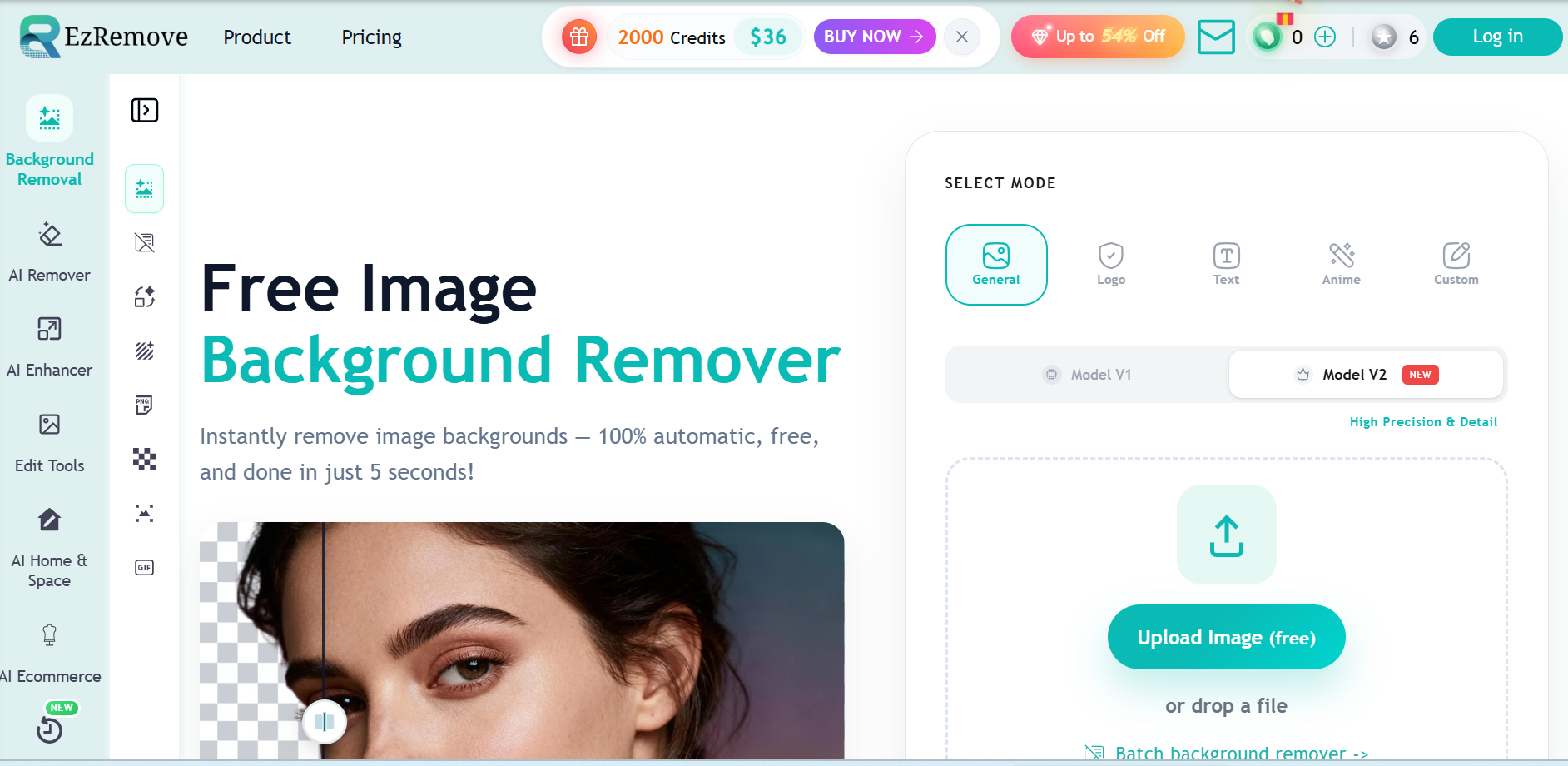
    https://ezremove.ai/

    Its video AI watermark remover supports Auto Remove, Manual Paint, and Pro mode for harder blends. Files reach 500MB and 4K (3840px) on MP4/M4V — far above FlowChartAI's 20MB cap. Duration limits are tighter: 3 minutes (Auto) and 5 minutes (Manual). Manual Paint Basic offers a free 30-second preview without sign-up; full exports consume roughly 1 credit per 2 seconds of footage (~30 credits for a 60-second clip). New users receive starter credits plus daily check-in rewards.

    Third-party testing notes the platform allows longer cleaned downloads than some rivals that cap free previews at 5 seconds. Its own 2026 benchmark ranks the video tool at 9.4/10 for "selection-first" reliability. Static corner logos, timestamps, and fixed subtitles on simple backgrounds are genuine strengths; audio stays untouched and aspect ratio is preserved.

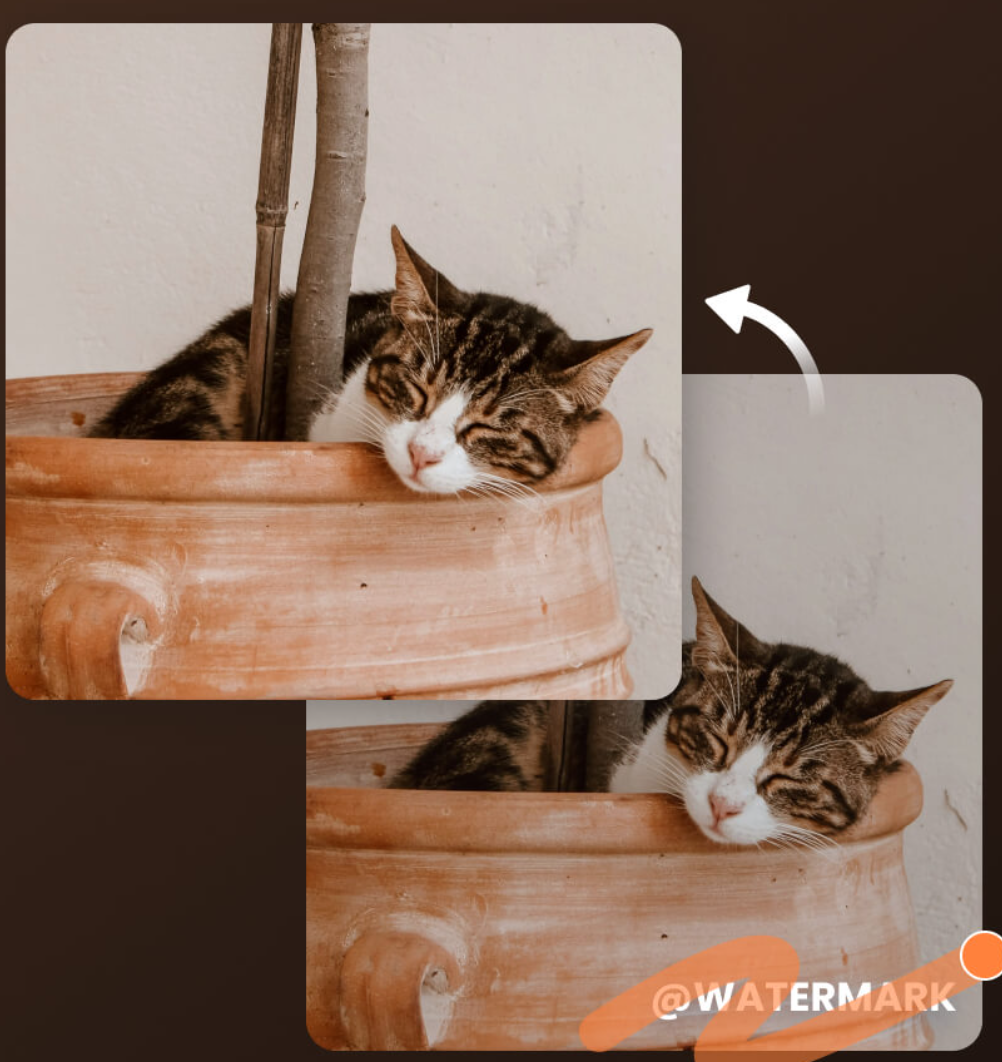
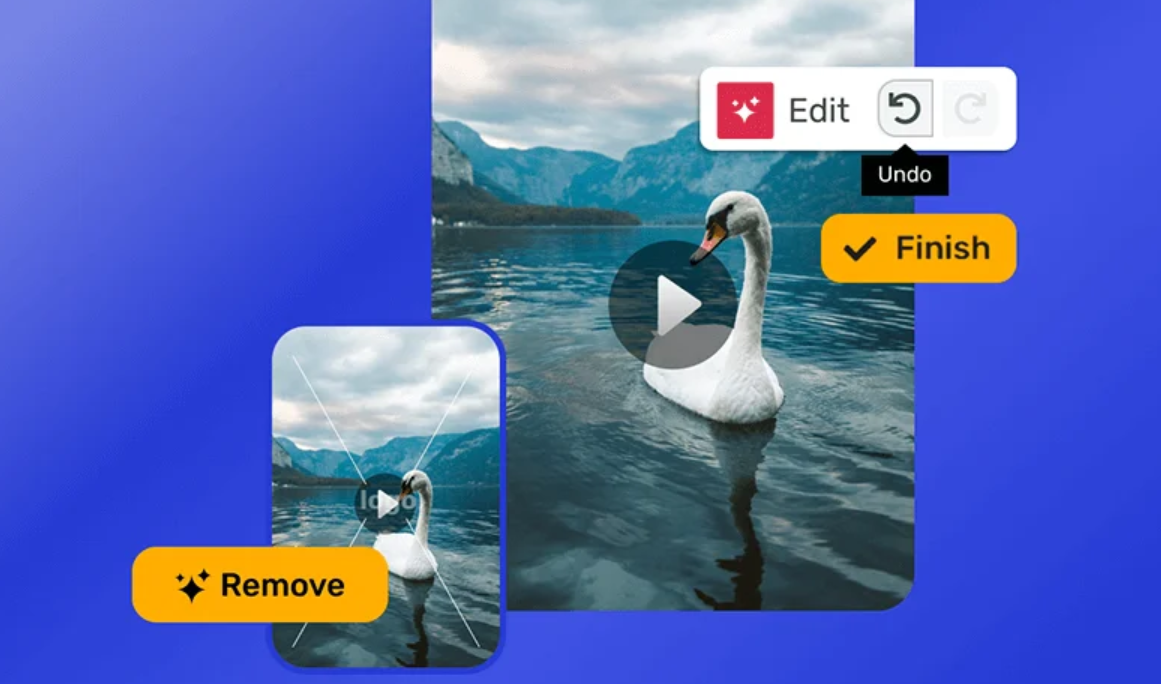
    Remove the watermark from the kitten video

    Trade-offs on the EzRemove side: moving watermarks on complex scenes often need Pro mode and retries; standard plans lack batch video processing; per-second credit costs add up on longer clips. The platform's breadth (image BG removal, upscaler, Magic Eraser) is an asset if you need more than video — but video-only users may pay for features they never open. For automatic social-stamp cleanup with zero setup, a dedicated auto-detect tool can feel faster in practice.


    Head-to-Head: Remove Watermarks from Videos

    File size and resolution. EzRemove AI wins on paper: 500MB and 4K versus FlowChartAI's 20MB HD ceiling. If your clip is a 4K product demo or screen recording above 20MB, manual-selection tools are the practical choice — provided they stay within the 3–5 minute duration window.

    Automation vs. control. FlowChartAI removes onboarding steps entirely — upload-and-go suits users who remove video watermark free samples daily (5 jobs) before upgrading. EzRemove AI Manual Paint adds a setup step but returns control when auto-detection drifts on textured walls, product edges, or partial overlays.

    Speed on typical social clips. FlowChartAI publishes 42–68 seconds for 60-second sub-20MB clips. EzRemove timing spans seconds to several minutes depending on resolution, mode, and retries — neither holds a clear speed lead across all clip types.

    Pricing philosophy. FlowChartAI uses monthly credits ($8.99 Lite / $12.99 Pro / $25.99 Prime). EzRemove sells non-expiring packs from $4.99 (70 credits) — lower entry for occasional jobs, potentially higher per-minute cost at scale (~30 credits per 60-second clip). For watermark remover free video trials, compare FlowChartAI's fixed 5/day count against EzRemove's credit balance and 30-second Manual Paint preview.

    Video watermark remover

    To erase watermark video platform stamps ethically, both vendors expect you to own or license the content. Neither tool replaces a professional NLE for color grading or multi-track editing. Users who need to remove water mark text overlays on tutorial footage should verify preview quality before paying for a full export on either service.


    Real-World Test Notes (June 2026)

    We ran identical tests on each AI watermark remover: a 12MB, 45-second 1080p TikTok save with a corner logo and a 35MB, 90-second CapCut export with an end card.FlowChartAI processed the TikTok clip in 51 seconds — a solid watermark remover free video option for short social saves — with clean corner reconstruction and no audio drift, aligned with its 87% corner-logo benchmark. The 35MB CapCut file exceeded the 20MB upload limit, so you must compress before you remove watermark from video files that size — a workflow tax EzRemove AI avoided by accepting the native export.

    On EzRemove AI's Manual Paint, the CapCut end card required two brush passes but delivered a sharper lower-third edge than FlowChartAI's compressed upload. The TikTok clip auto-processed in Auto mode within ~2 minutes at 1080p with acceptable results, though one frame showed minor flicker on a fast pan.

    Conclusion from testing: Results split by file type. FlowChartAI was faster when you free remove watermark from video clips under 20MB — no extra compression step. EzRemove AI handled the oversized CapCut export natively and produced a cleaner lower-third edge after manual touch-up. To delete watermark from video files from TikTok and CapCut alike, run your own clips through both free tiers before assuming any single AI watermark remover leads on quality. Anyone who needs to remove watermark from video exports regularly should test both workflows on the clips they actually post.


    Final Scores (Video Watermark Focus)

    Category
    FlowChartAI
    EzRemove AI
    Auto-detect ease of use
    8.5/10
    7.8/10
    Video watermark quality (social clips)
    8.2/10
    8.3/10
    File size / 4K headroom
    7.5/10
    9.0/10
    Manual control / retry predictability
    7.0/10
    8.8/10
    Free tier clarity
    7.5/10
    7.3/10
    Pay-as-you-go flexibility
    7.5/10
    8.4/10
    Speed (sub-20MB, 60s clips)
    8.3/10
    7.9/10
    Overall (video watermark)
    8.0/10
    8.0/10

    Which AI Watermark Remover Should You Choose?

    In summary, FlowChartAI and EzRemove AI occupy different positions in the 2026 remove watermarks from videos market. The choice is workflow fit — file size, control level, and pricing model — rather than a single "winner" on every clip type.

    The conclusion is: Both are credible AI watermark remover options for owned or licensed footage. FlowChartAI leads on zero-setup automation and a transparent 5/day free video quota, but its 20MB upload cap is a hard ceiling. EzRemove AI leads on 4K support, 500MB uploads, and manual repair modes, but credit math and 3–5 minute duration limits matter for daily production.

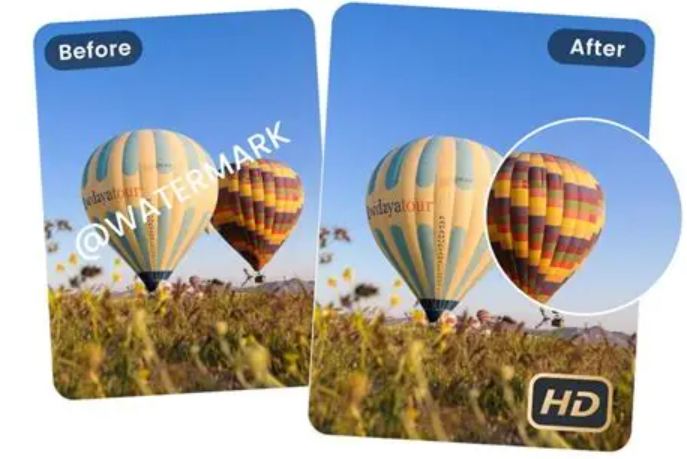
    Remove watermark from hot air balloon video

    Final recommendation: Test both free tiers on the same clip before paying. If your files consistently stay under 20MB and you want hands-off remove watermark processing, FlowChartAI Lite ($8.99/month) is a rational starting point. If file size, 4K, or failed auto-detect runs are common, budget for EzRemove AI credits alongside or instead of a monthly sub. Many creators keep one auto tool and one manual tool rather than forcing a single platform to cover every export.


    Common User Questions When Removing Video Watermarks

    Why does my upload fail even though the clip is only one minute long?File size — not duration — is often the blocker. FlowChartAI rejects any MP4/MOV above 20MB regardless of length; a 60-second 4K phone recording can exceed that easily. EzRemove AI accepts up to 500MB but caps Auto mode at 3 minutes and Manual Paint at 5 minutes. Compress the file, trim the clip, or switch platforms if you hit a hard limit.

    Will removing a watermark affect my audio or crop the frame? Both tools state they preserve the original audio track and aspect ratio — no forced crop. In practice, heavy inpainting near the bottom of the frame (where CapCut end cards sit) can occasionally introduce faint visual artifacts on adjacent pixels, but audio should remain untouched. Always preview before downloading the final export.

    My watermark is semi-transparent or moving — why does the result look blurry or flicker? Semi-transparent and motion-tracked marks are the hardest cases for any AI watermark remover. Auto-detect tools (including FlowChartAI) may misidentify the region on fast pans or fade transitions. On EzRemove AI, switch from Auto to Manual Paint or Pro mode and brush only the mark area; a second pass on failed frames often helps. Expect retries — one-click perfection is rare on dynamic watermarks.

    A collage of four photos without watermarks

    How many credits does a typical video cost, and what happens when free quota runs out? On EzRemove AI, budget roughly 1 credit per 2 seconds (~30 credits for a 60-second clip). Daily login credits vary; once depleted, you must purchase a pack (from $4.99 / 70 credits) or wait for the next day's allocation. FlowChartAI shows 5 free video generations per day on its UI; after that, jobs draw from your monthly subscription credits (Lite: 320/mo at $8.99). Neither platform offers unlimited free remove watermark from video processing at scale.

    Is my video stored on the server after processing? Both vendors claim cloud processing with files not permanently stored. FlowChartAI states secure processing without permanent retention; EzRemove AI states files are auto-deleted after the job completes. If you handle client or unreleased footage, review each platform's privacy policy before uploading sensitive material.

    What should I do if the output still shows ghosting or a shadow where the mark was? Download is not always final. Re-upload the failed export and try a narrower selection area (Manual Paint on EzRemove) or a shorter clip segment. On FlowChartAI, if auto-detect misses the mark, there is no manual brush — compress to under 20MB and re-upload, or use the platform's TikTok/Instagram downloader to fetch a cleaner source file when you have the original link. For stubborn ghosting on textured backgrounds, a dedicated erase video watermark retry with Pro mode typically outperforms a single auto pass.

    Do I need to create an account before testing? FlowChartAI allows initial exploration; credit tracking and history generally require login. EzRemove AI Manual Paint Basic offers a 30-second free preview without sign-up on some flows, but saving full-length output and accessing daily credits typically requires an account. For a quick remove video watermark free test, start with FlowChartAI's visible 5/day counter or EzRemove's short preview window before committing to a paid tier.

    關於作者

    Ethan R. Caldwell
    Ethan R. Caldwell
    diagramming analyst
    Ethan R. Caldwell is diagramming analyst. With 14+ years in enterprise visualization, he has hands-on tested 80+ flowchart and BPMN tools. A Lean Six Sigma Black Belt and BPMN Professional, Ethan leads all reviews, comparisons and in-depth tutorials.